How to Build a Job Portfolio: 5 AI Tools for a Shareable Portfolio
Set the structure first: the portfolio should explain who you are and what you can do
The opening page of a portfolio should answer three questions: who you are, what you have done, and why you fit the role. A workable layout is one line of self-introduction, three or four featured projects, and contact details; each project keeps one main visual, one line of explanation, and a link or file to open. Keep only the projects that speak directly to the target role up front, and move the rest to an appendix page.
The five tools split the work along this structure: Notion holds all the content as the online home page; Canva and Figma handle layout and visuals; Gamma turns projects into a talk track; Jimeng adds project artwork and covers. As of November 26, 2026, the Lumo library holds 2,394 tools — 156 in design, 105 in writing, and 53 in image — and the five below are picked from those three categories for the portfolio scenario.
Layout and visuals: Canva for the full visual system, Figma for interface work
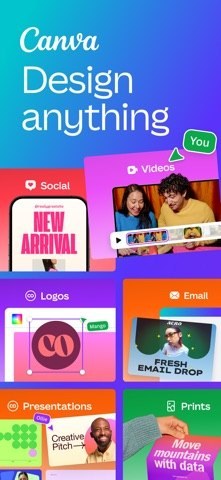
Canva is an online design platform with built-in AI image and copy features, tagged in the library as design, templates, and AI. Covers, project divider pages, and social-size collages of work can all start from its templates: pick a layout, swap in your own project images and text, and carry the same colors and type across every page so the whole portfolio reads as one visual system.
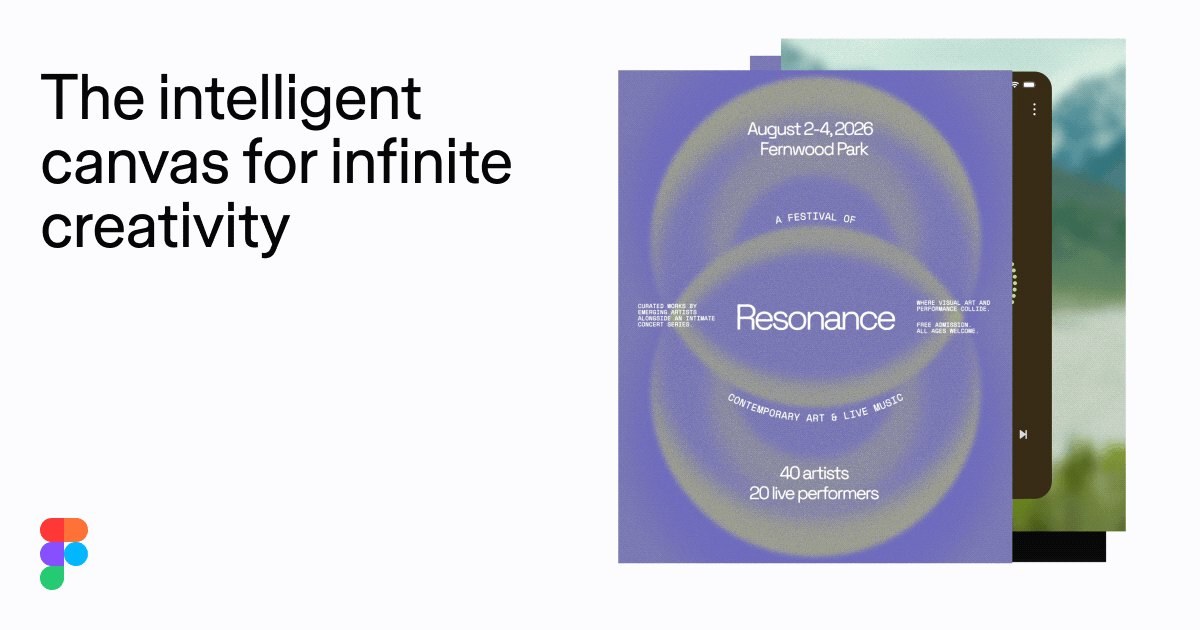
Figma is a collaborative interface design tool with AI features, also in the library's design category. Design and product applicants can lay out interface work directly on a Figma canvas: one board per project, notes on key screens explaining the thinking, and the exported long image goes into the portfolio. When changes are needed, several people can edit the same file instead of passing files back and forth.

Content and links: Notion gathers everything into one page that works as an online home page
Notion combines notes, documents, and databases in one place with built-in AI features, listed in the library under writing and as directly accessible from China. The approach is to build one portfolio home page: a line of self-introduction at the top, then a database or sections per project, each with background, your role, outcome, and links; contact details go at the top or bottom so a recruiter can read the whole page from a single link.
For upkeep, project history, certificates, and work links all live in one place, so switching target roles means changing only the pinned projects and the self-introduction, not relaying the whole document. Notion AI can help shorten and smooth project descriptions, but every fact on the page should still be checked line by line by hand — figures and responsibilities should not be invented by AI.
Talk track and artwork: Gamma presents the projects, Jimeng fills in the visuals
Gamma generates slide decks and web pages quickly with AI, listed in the library under writing and as freemium. When an interview calls for walking through a project, the key points from Notion can become a Gamma deck: one idea per slide with a line of explanation, advancing slide by slide while talking; it can also generate a one-page web version of the portfolio as a second entry point beside the Notion page.
Jimeng is a one-stop AI image and video creation platform from the CapCut team, listed in the library under image and as directly accessible from China. When a project lacks a main visual, it can generate a cover image, concept artwork, or a short video self-introduction: covers in one consistent style give every page of the portfolio the same tone. Generated images work only as supporting visuals — the work itself should still be shown with real project screenshots.
Tools mentioned

Sources
This article is compiled from the public sources above and does not reproduce the originals in full; see the official sources for details.