Choosing AI Writing Tools by Budget: Notion, Gamma, WPS AI, DeepL, Grammarly and QuillBot Compared

1. Conclusions First
The short version: all six tools use a freemium model — the difference is whether the free tier is enough. For a single, focused need, the free tier is often sufficient: DeepL for translation, Grammarly for corrections, QuillBot for paraphrasing, Gamma for slides, Notion for notes and WPS AI for office documents — the free tier of each tool covers one focused need.
Upgrade only when the free tier runs out, and only upgrade the one tool you use most: if you write English every day, upgrade Grammarly or QuillBot; if you make slides often, upgrade Gamma; for heavy translation volume, upgrade DeepL; for team collaboration and a lasting knowledge base, look at Notion's paid tiers and WPS membership. Subscribing to all six is unnecessary — push the free tiers to their limits before deciding.
2. The Free Tier: What Each Tool Covers for Free
DeepL (DeepL SE, Germany): a machine translation service known for natural translations, available on the web, desktop, mobile and through a developer API. The free tier has per-request character limits, which suits occasional email translation. Catalog fields: global service, directly accessible in China, freemium.
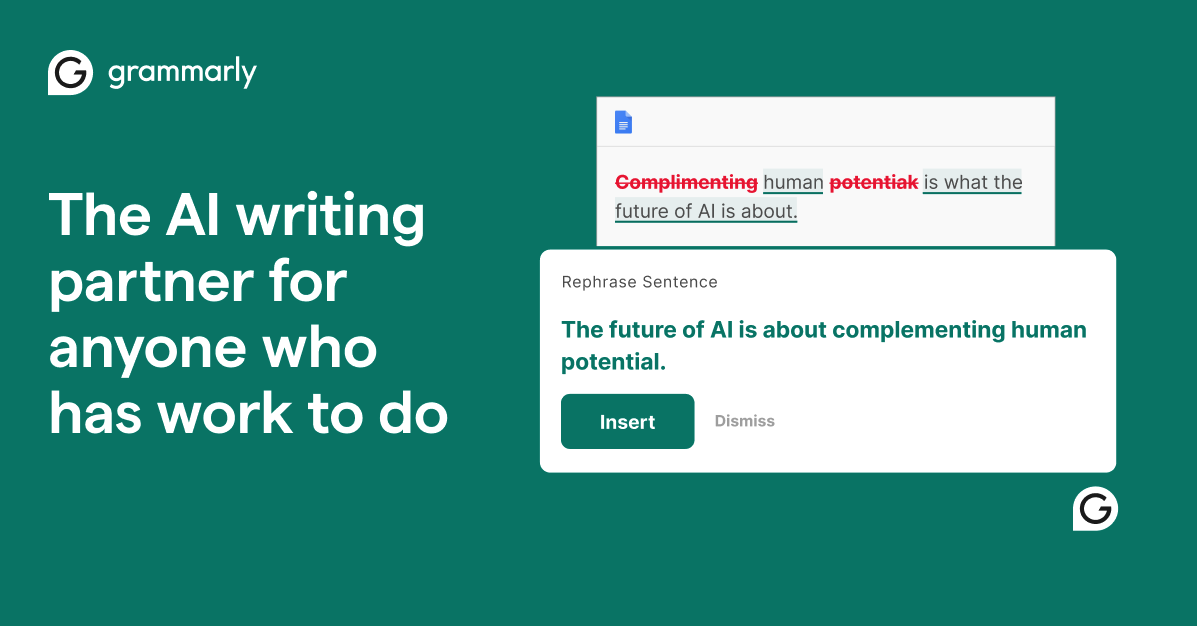
Grammarly: an English writing checker and polisher that works in real time through a browser extension, desktop app and online editor. It checks spelling, grammar and punctuation, and can also adjust sentence structure and tone; basic corrections are free, while advanced rewriting and plagiarism checks sit in the paid tier. Catalog fields: same as DeepL.
QuillBot: an online paraphrasing tool for English writing that restates sentences and paragraphs in different words, offering styles such as fluent, formal and concise, plus grammar checking, long-text summarization and citation generation. The free tier limits text length and paraphrasing modes. Catalog fields: same as DeepL.
Gamma: an online tool that generates slide decks and web pages with AI. Enter a topic or paste text and it produces an outline, layout and images automatically; results can be shared online or exported as PPT or PDF, and the free tier generates content by credits. Catalog fields: global service, freemium; access in China should be confirmed on the official website.
Notion: a collaborative workspace that combines notes, documents and databases, with pages, tables, boards and calendars that can be mixed freely. Built-in Notion AI offers writing polish, summaries and Q&A search across pages, and the free personal tier is available. Catalog fields: same as DeepL.
WPS AI (Kingsoft Office): an AI assistant built directly into WPS Writer, Spreadsheets, Presentations and PDF. Drafting, continuing, polishing and formatting happen inside the document you are editing, and it can also generate a full slide deck in one step, write formulas in plain language and summarize long documents; WPS includes some AI features for free. Catalog fields: China-first product, directly accessible in China, freemium.
3. The Paid Tiers: Which One to Upgrade First
Rank by how often you open each tool: upgrade the one you use every day first. If English writing is your daily work, choose either Grammarly's paid tier for advanced rewriting and plagiarism checks or QuillBot's paid tier for longer texts and more styles.
Upgrade translation and slides by volume: DeepL's paid tier unlocks full document translation and higher quotas, which fits foreign-trade, cross-border and translator workloads; Gamma's paid tier adds more credits and advanced features, which fits people who present often.
Upgrade collaboration and office work by team: Notion's team collaboration and AI features come with its paid tiers, which fits teams building a lasting document base; WPS AI opens more uses and advanced features with membership, which fits people who use WPS heavily every day.
4. A Combination That Saves Money
Suggested combination: individual users can start with a free-tier stack — Notion for notes, WPS AI for office documents, DeepL for translation, Grammarly for corrections, QuillBot for paraphrasing and Gamma for slides. The six free tiers do not conflict with each other; upgrade one tool only when a single step keeps hitting its limit every day. Students and job seekers should set their budget aside for English writing first, and keep the free tiers for slides and translation.
Data from this site: as of November 26, 2026, the Lumo hub catalogs 2,394 tools in total, including 105 in the writing category. The developer, category, access in China and pricing model of all six tools in this article were checked one by one against catalog fields; pricing is stated as a model only, with no specific figures.
Tools mentioned



Sources
This article is compiled from the public sources above and does not reproduce the originals in full; see the official sources for details.