OpenCode Deep Dive: An Open-Source Terminal Coding Agent That Hands Model Choice Back to Developers
1. Positioning and Maker
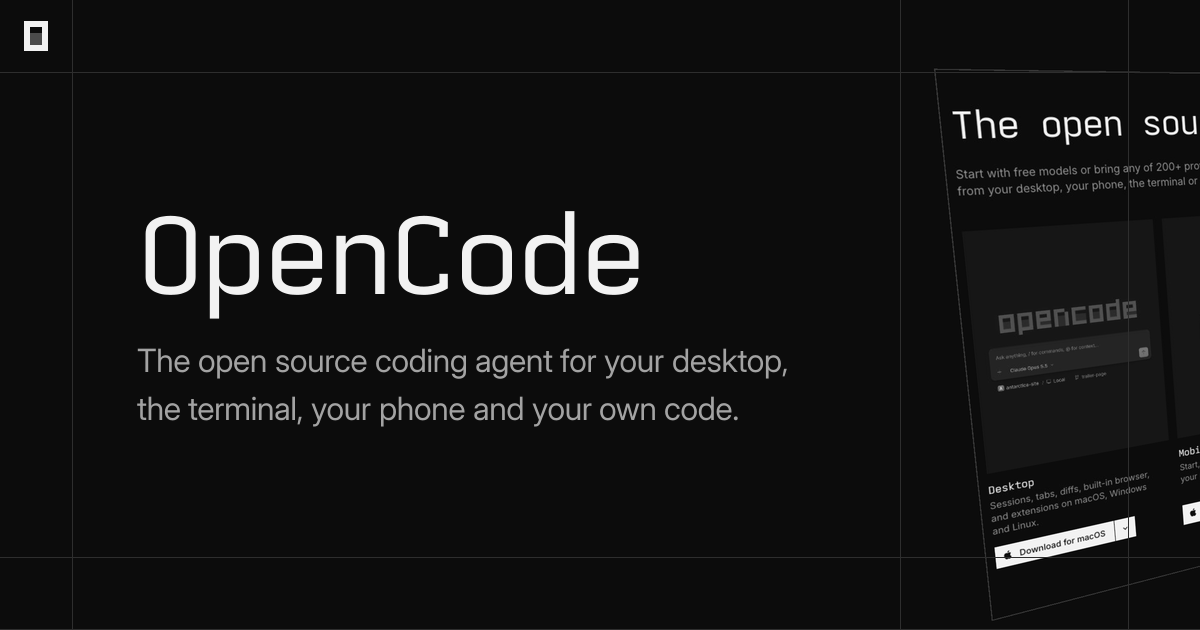
OpenCode is developed by the Anomaly team, which also maintains developer tools such as SST. The project is open source under the MIT license; its repository was originally hosted under the sst name and has since moved to the anomalyco organization. It is an open-source terminal AI coding agent: the entry point is the command line, with desktop and mobile coverage as well, and its job is to read and write files in real code repositories, run commands, and complete multi-step development work.
Lumo's hub currently lists 2,394 tools, with 321 in the coding category. OpenCode's place in that category is clear: it does not sell model credits. The core is free and open source, usable in full without an account, and the only cost comes from the models themselves. It is aimed at users who want an agent that follows their repository over time, lets them swap models, and accumulates rules.
2. Core Features
The agent structure has two tiers. Two built-in primary agents switch with the Tab key: Build is the default mode with full tool permissions to read and write files and run commands; Plan is a read-only analysis mode in which file edits and command execution ask for confirmation by default, suited to mapping a repository and discussing an approach before acting. Subagents are called by the primary agent or summoned manually, including General for multi-step tasks, Explore for navigating a codebase by file path or symbol, and Scout for retrieving external documentation and open-source code; users can also define custom agents.
Multi-model access is its core design. According to the official website, it connects to 200+ model providers, including Claude, GPT, and Gemini, and supports local runtimes, with models addressed uniformly as provider/model and switchable mid-session. Existing subscriptions can be used directly: the official docs support signing in with ChatGPT Plus and Pro subscriptions as well as GitHub Copilot and GitLab Duo subscriptions. The terminal UI supports describing tasks, reviewing diffs, undoing the previous step, and sharing sessions; project rules are captured in an AGENTS.md file.
There are three extension paths: the Model Context Protocol (MCP), plugins, and skills. MCP connects external tools such as GitHub, Linear, Figma, Notion, and Slack, bringing issues, designs, and docs into coding sessions; plugins hook into events around tool calls; skills load on demand from project or global skill directories, turning fixed review sequences and pre-release checklists into reusable instructions. The desktop app covers macOS, Windows, and Linux with multi-session support, tabs, and a built-in browser; editor extensions install into VS Code, Cursor, Windsurf, and VSCodium; GitHub integration is also supported.
3. How It Compares
Compared with official coding agents tied to a single vendor's models, OpenCode differs in choice and deployment: the same workflow can use Claude today and an open-weight or local model tomorrow without changing habits, while rule files, skills, and MCP configuration stay the same. Compared with assistants that live only in an editor sidebar, it is terminal-centered and extends to the desktop, editors, and CI environments, with a client-server architecture that makes remote execution routine. The trade-off is that model combinations must be assembled and validated by the user, with no vendor-provided default configuration.
4. Who It Suits and Typical Scenarios
Three scenarios play to its strengths. First, taking over an unfamiliar repository: use Plan mode and the Explore subagent to map modules and key entry points, then let Build fix bugs or add features based on those findings. Second, daily cross-file changes, adding tests, and code review assistance: every edit stays in diffs for item-by-item confirmation, and mistakes can be undone step by step. Third, running long tasks continuously on a remote server while monitoring progress from desktop or phone. It suits developers who live in the terminal and people maintaining several repositories; it is less suited to those who want a few clicks to finish a task or a vendor to choose the model for them.
5. Access and Pricing
For access, Lumo's library marks OpenCode as directly accessible from China, serving users worldwide. Installation options include the official install script, a global npm install, and Homebrew, Scoop, Chocolatey, and Docker. Pricing is freemium: the core is completely free and open source, usable in full without an account, and costs come only from models. Bring-your-own keys or existing subscriptions are billed at the provider's standard rates with no markup; the official site also offers subscription and pay-as-you-go options, with tiers subject to the official site. The official site also states that when using bring-your-own providers, it does not store user code or context data.
Tools mentioned

Sources
This article is compiled from the public sources above and does not reproduce the originals in full; see the official sources for details.