Windsurf Deep Dive: The AI-Native IDE — How the Cascade Agent Helps You Change Code
Positioning and Maker
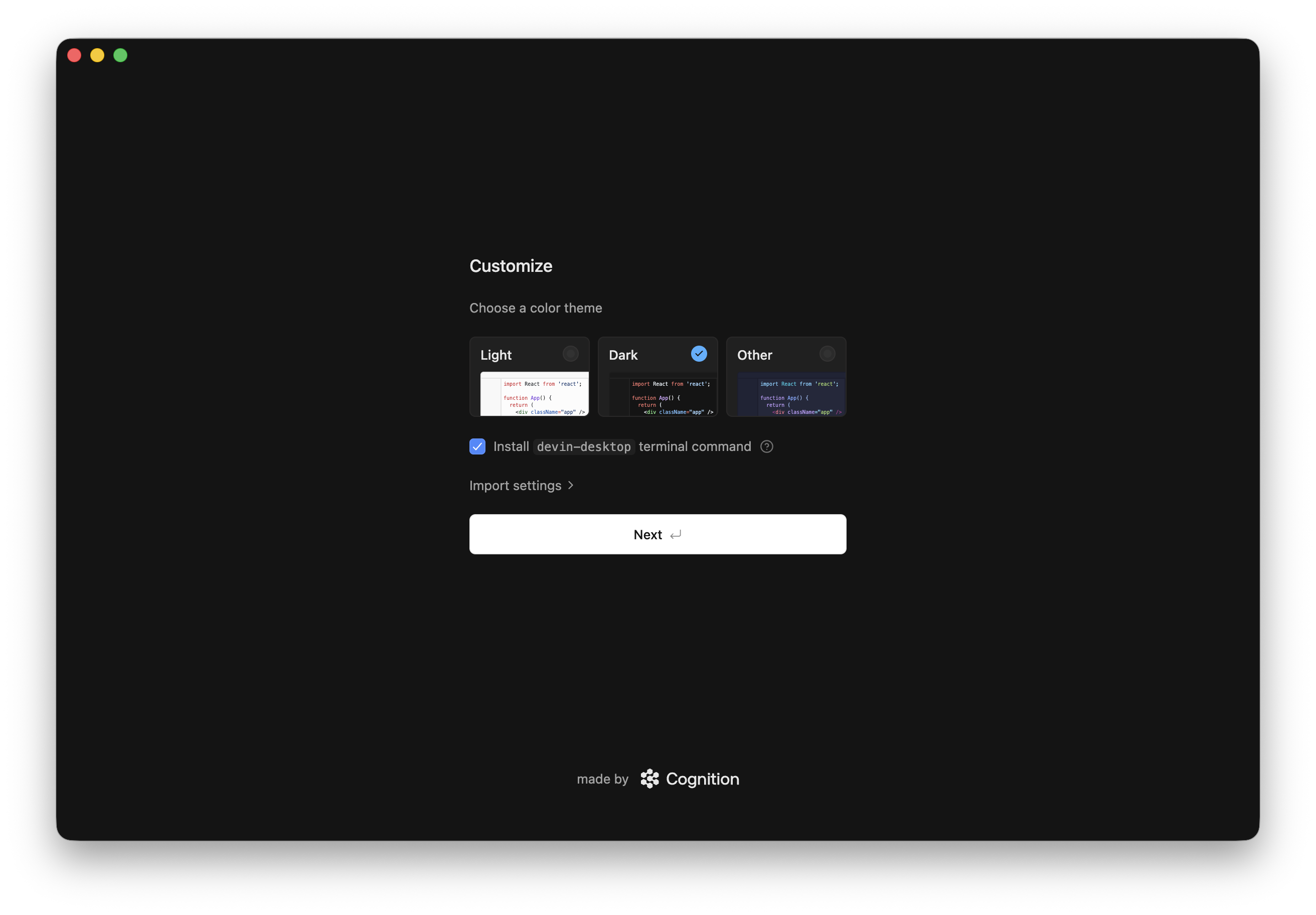
Windsurf is positioned as an AI-native code editor, from the team that previously built the Codeium code-completion tool. It is built on the VS Code ecosystem and supports importing VS Code settings and extensions, so moving from another editor costs little.
One current fact to note: checked on Nov 18, 2026, windsurf.com returns a 308 redirect to the Devin site (devin.ai/desktop), and its site and docs have been folded into the Devin system. The product itself is still available to download, but its home and entry point have changed — check the official pages as they stand now before using it.
Core Features
The core is an agent called Cascade: it can write and edit code across files, run terminal commands, and correct itself based on error messages. One instruction can be broken into several steps, with the agent fixing its own mistakes along the way instead of waiting for confirmation at every step.The changes land directly in the files, and can then be checked and run inside the editor.
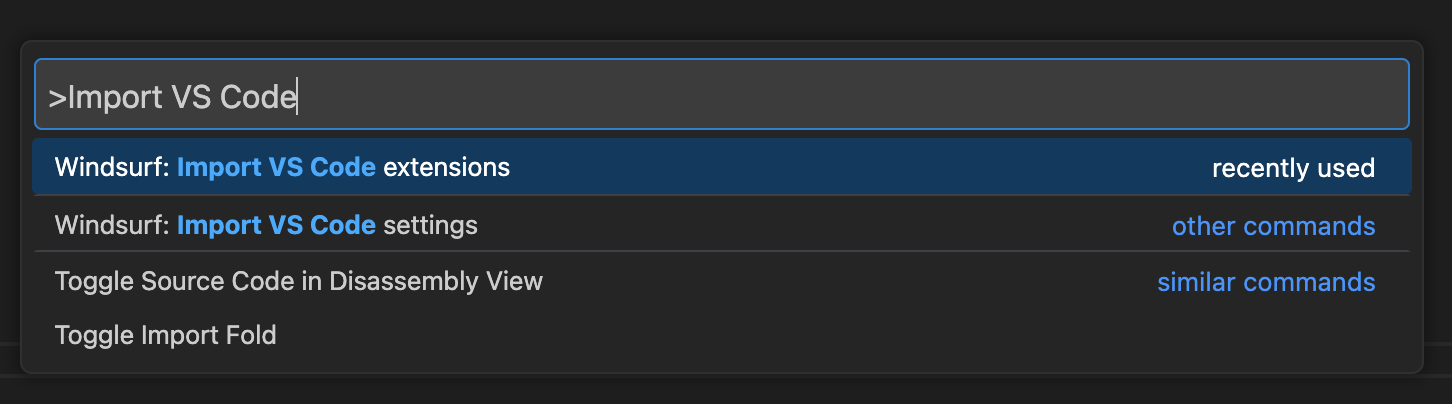
Beyond that, there is smart completion and Q&A across the whole codebase; the editor senses where you are editing and what you are doing, and prepares its next suggestion in advance. The official docs also include guides for importing from VS Code and Cursor, so users with existing setups can move over directly.
How It Differs from Similar Tools
Many similar AI coding tools center on Q&A or one-off completion; Windsurf puts the agent at the center, breaking one instruction into several steps and fixing its own errors in between. For changes spanning several files, that saves effort compared with asking file by file.
Lumo's library currently lists 188 coding tools, and only a small number of editors sell themselves on multi-step agent execution. Another difference is how it understands workflow: it senses the editing position and the work in progress, rather than looking only at the current file.That is also where it pulls away from pure completion tools.
Who It Suits and Typical Scenarios
It suits developers who want to try agent-style programming: changes across several files, bulk refactoring, and adding features to older projects. In team work it can quickly produce boilerplate code and tests; for individual developers it can turn an idea straight into a working project — both are typical uses.For such tasks, an agent handling several steps at once saves more time than editing file by file by hand.
It also suits developers already on the VS Code ecosystem: settings and extensions can be imported, so migration costs little. If you only need the odd line completed now and then, a lighter completion tool may fit better; Windsurf shows its value in multi-step, multi-file tasks.
Access and Pricing
Windsurf is freemium: the free tier has quota limits, and paid tiers raise agent usage and model capability; see the official site for details. In the library its pricing field is freemium, and access from China is unlisted (cnAccess is unknown), so go by the official site.
Since the official site now redirects into the Devin system, use the download and subscription entry points on the redirected official pages, and confirm availability on your own network.
Tools mentioned

Sources
This article is compiled from the public sources above and does not reproduce the originals in full; see the official sources for details.