Suno Deep Dive: Generate Complete Songs from Text Prompts

1. Positioning and Creator
Suno is a representative product in AI music generation and the name many people think of when they first hear that AI can write songs. Its positioning can be summed up in one sentence: lowering the barrier of songwriting to a single prompt—no music theory or instrument skills are required; describe the song you want, and you get a complete, listenable track.
It is delivered as a web-based service with no software installation needed—just open a browser and start using it. This lightweight form also defines its user profile: not professional music producers, but everyday creators who want a song quickly—short-video creators, independent media authors, and enthusiasts who want to turn their written lyrics into music.

2. Core Features
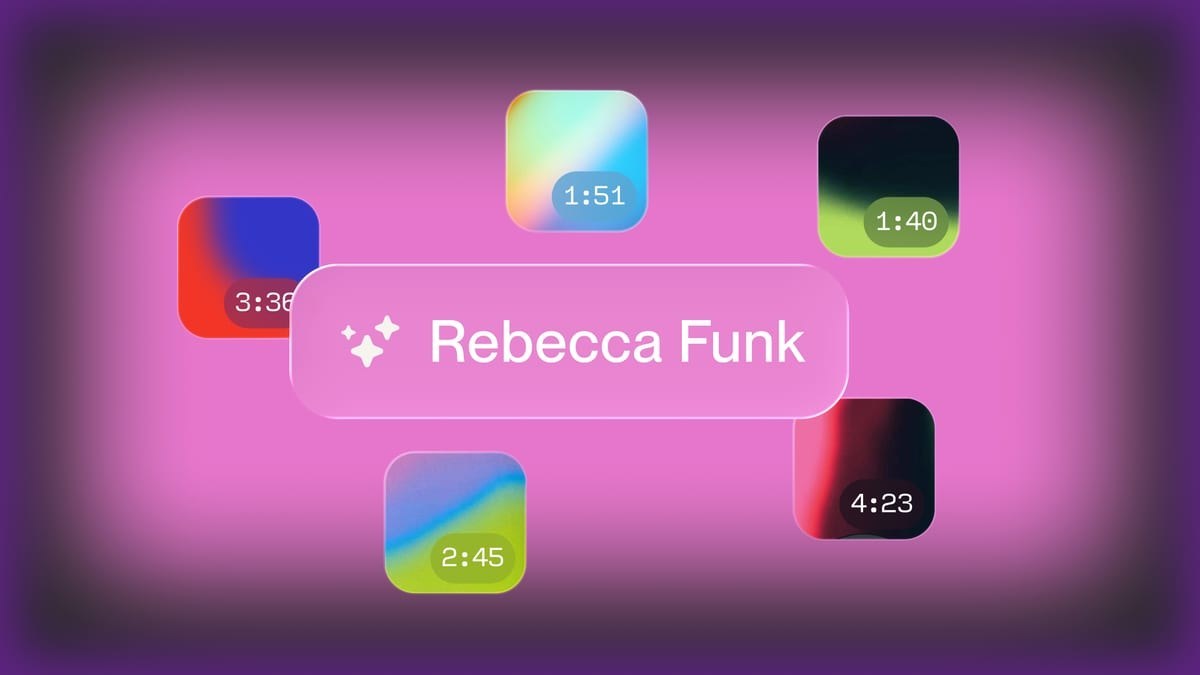
Prompt-based generation is the core workflow: write down the style, mood, and theme to generate a song, with options to specify genre, instruments, and vocal style. Generating several versions of the same prompt across different styles and picking the one you like is its smoothest workflow.
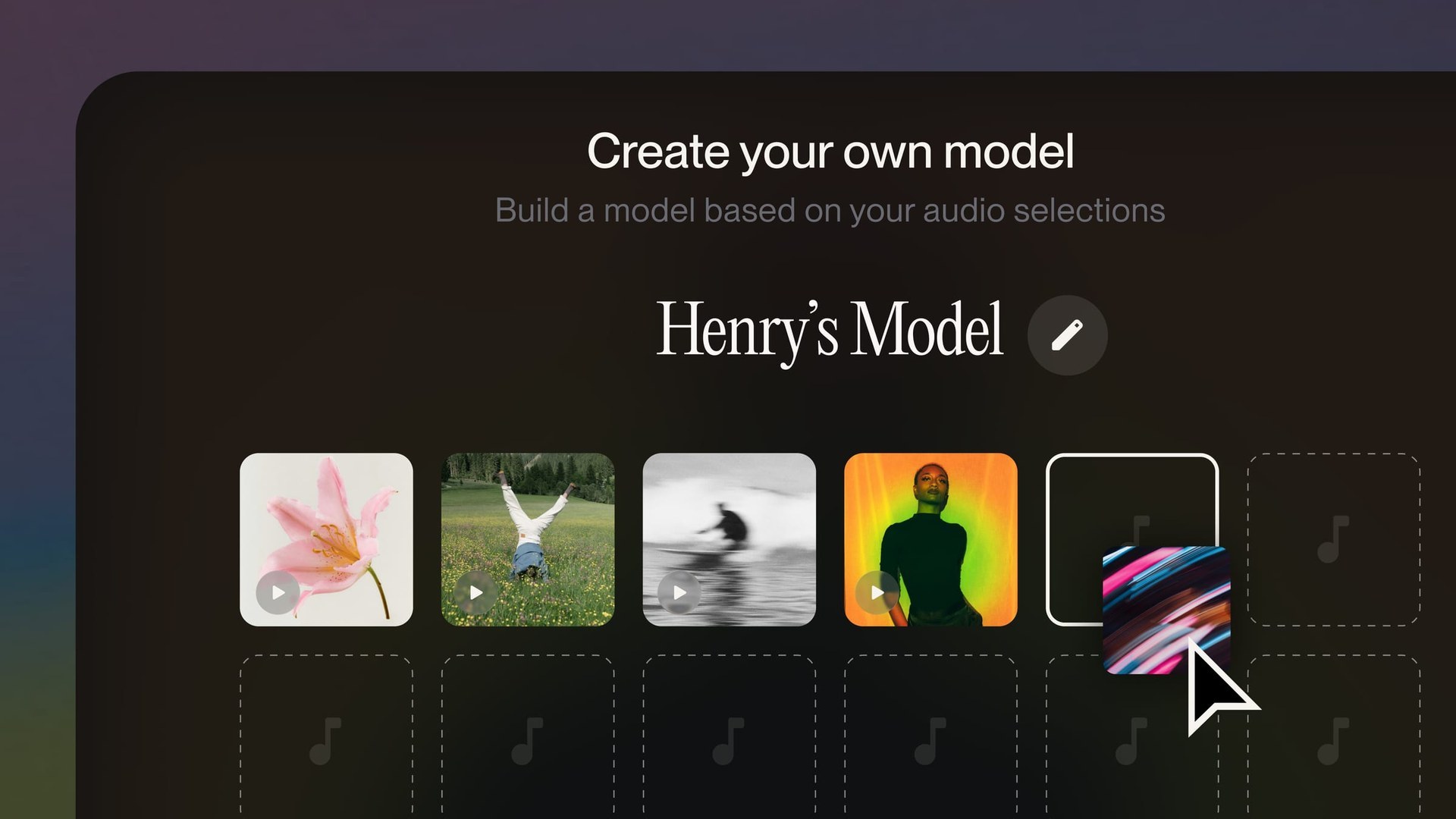
Custom lyrics mode lets you input lyrics you have written so the AI composes the melody and sings them, making it suitable for people who already have lyrics and only need the music. After generation, you can extend the track or cover and remix existing songs; you can also generate instrumental-only tracks without vocals to use as background music.
Generated songs come with a complete structure of intro, verse, and chorus rather than simple loops. Tracks can be shared via link or downloaded as audio files to drop straight into video editing software—forming a complete pipeline from generation to final cut.
3. Key Differences from Similar Tools
Compared with similar AI songwriting tools like Udio, Suno's strength lies in fast generation and quick onboarding: a single sentence yields a finished song, and generating several drafts to pick from works well when you just need a usable track quickly. Udio leans more toward detailed refinement, offering extensions, mixing, and inpainting as a toolkit for iterating on a single track.
Compared with music generation platforms directly accessible in mainland China such as Mureka, Suno's limitation is access: using it from mainland China requires a special network connection, whereas Mureka is better suited for Chinese-language songs and can be accessed directly in mainland China. Creators making Chinese songs can try both before deciding.
Suno's real differentiator is not a single feature, but how smoothly the entire song-creation flow works: from prompt to finished track, and from previewing to downloading, there is almost no learning curve. For non-musicians, this zero-barrier experience matters more than minor differences in audio quality.
4. Target Users and Typical Scenarios
It suits three groups of users: short-video creators looking for original soundtracks to avoid copyrighted music libraries; independent media creators making show intros and ambient music; and music enthusiasts who simply want to hear the lyrics they wrote sung aloud.
Typical scenarios are concrete: scoring a short video with original background music tailored to the footage, creating an intro theme for a podcast, composing a custom theme song for a wedding or annual company party, or hearing long-written lyrics sung for the first time. Generating multiple versions to pick a direction and then extending or remixing the chosen one is its most natural workflow.
5. Access and Pricing
For access, using Suno in mainland China requires a special network connection. It runs on the web with no software installation needed, and finished tracks can be shared via link or downloaded as audio.
Pricing follows a freemium model: free users receive daily generation credits, while paid subscriptions provide additional credits and commercial music rights, subject to the official website's terms. Note that before using generated audio for commercial distribution, be sure to check the official website's current licensing terms, and use the free quota first to evaluate whether the output quality fits your needs before subscribing.
Tools mentioned

Sources
This article is compiled from the public sources above and does not reproduce the originals in full; see the official sources for details.