SeaArt Deep Dive: How an Online Painting Community Turns Shared Models, Prompts, and One-Click Remakes into a Workflow
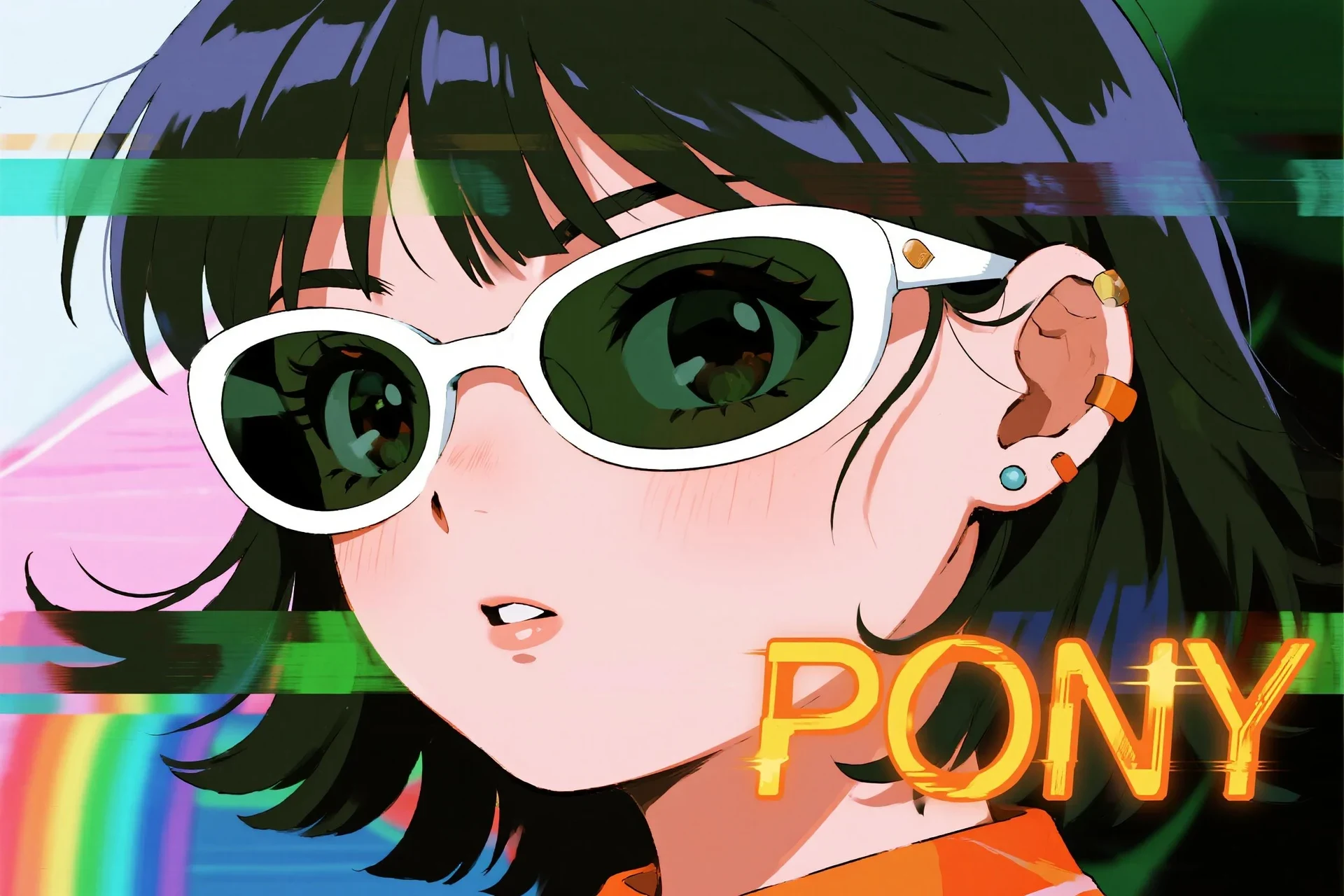
Positioning and Origin
SeaArt is an online AI painting platform and also a community of models and works, listed in Lumo's library under the image category with the tags painting and community. As of 2026-11-12, Lumo's hub lists 1,720 published tools, including 50 in the image category, and SeaArt is one of the more complete community-style entries among them.
Its positioning puts image generation and learning parameters from the community in the same place: newcomers can start from the settings of popular works and learn how prompts are written along the way, while experienced creators can call community models directly or train their own LoRA. Sharing one entry for generation and learning is what sets it apart from tools that only generate images.

Core Features
Its main features cover text-to-image and image-to-image generation, with styles spanning anime, realistic portraits, and many kinds of illustration. The community model library is sizable, and models and LoRA trained by others can be applied directly; a work you like can be remade in one click, reusing its parameters before you edit them. The platform supports training your own LoRA online, and after generation it offers upscaling and inpainting, with images downloadable for further design work.
It is friendly to newcomers: even without knowing parameters, you can start from the settings of a popular work, edit the prompt, and swap models until you reach the result you want. The works and parameters in the community are themselves a ready-made learning resource.
How It Compares with Similar Tools
Compared with LiblibAI, which sits in the same image category, the two share the same core structure: online generation, a community model library, LoRA, and online training. The differences are mainly in three areas: SeaArt is a platform for users worldwide, marked unknown for cnAccess in the library, so access depends on the official site; its community content covers creators in many languages, with a wider spread of styles; LiblibAI is a China-based platform that can be opened directly in China, with more Chinese models and Chinese creators.
Compared with lightweight tools that only generate images online, SeaArt likewise puts its weight on the community: models can be reused and trained, and a work's parameters can be applied in one click. People who only want an occasional image can manage with the free allowance; people who want to build up models and styles over time are the ones who get the full value of the community.
Who It Suits and Typical Scenarios
It suits AI painting enthusiasts and visual content producers. Typical scenarios include: fan artists looking for a style or character model to start from; game artists exploring concept directions with community models; e-commerce and self-media operators producing illustrations, main images, and novel-promotion artwork quickly; and small studios using it as a low-cost image channel.
Newcomers can start with the one-click remake of a popular work, reusing its parameters before editing the prompt; experienced creators can train their own LoRA directly, turning a frequently used style into a reusable model.
Access and Pricing
Access depends on the official site: cnAccess is marked unknown in the library, so open the official site directly to confirm before using it. Pricing follows a freemium model: a daily free generation allowance is included, and higher-compute models, a faster queue, and more generations are unlocked by paying; specific tiers follow the official site.
Before using it, check two things: whether the daily free allowance covers how often you generate images, and the license of any community model you use — licenses for community-uploaded models vary, so read the note on the model page before commercial use.
Tools mentioned

Sources
This article is compiled from the public sources above and does not reproduce the originals in full; see the official sources for details.