Replit Deep Dive: The Online Dev Environment That Turns One Sentence Into an App
What It Is and Who Makes It
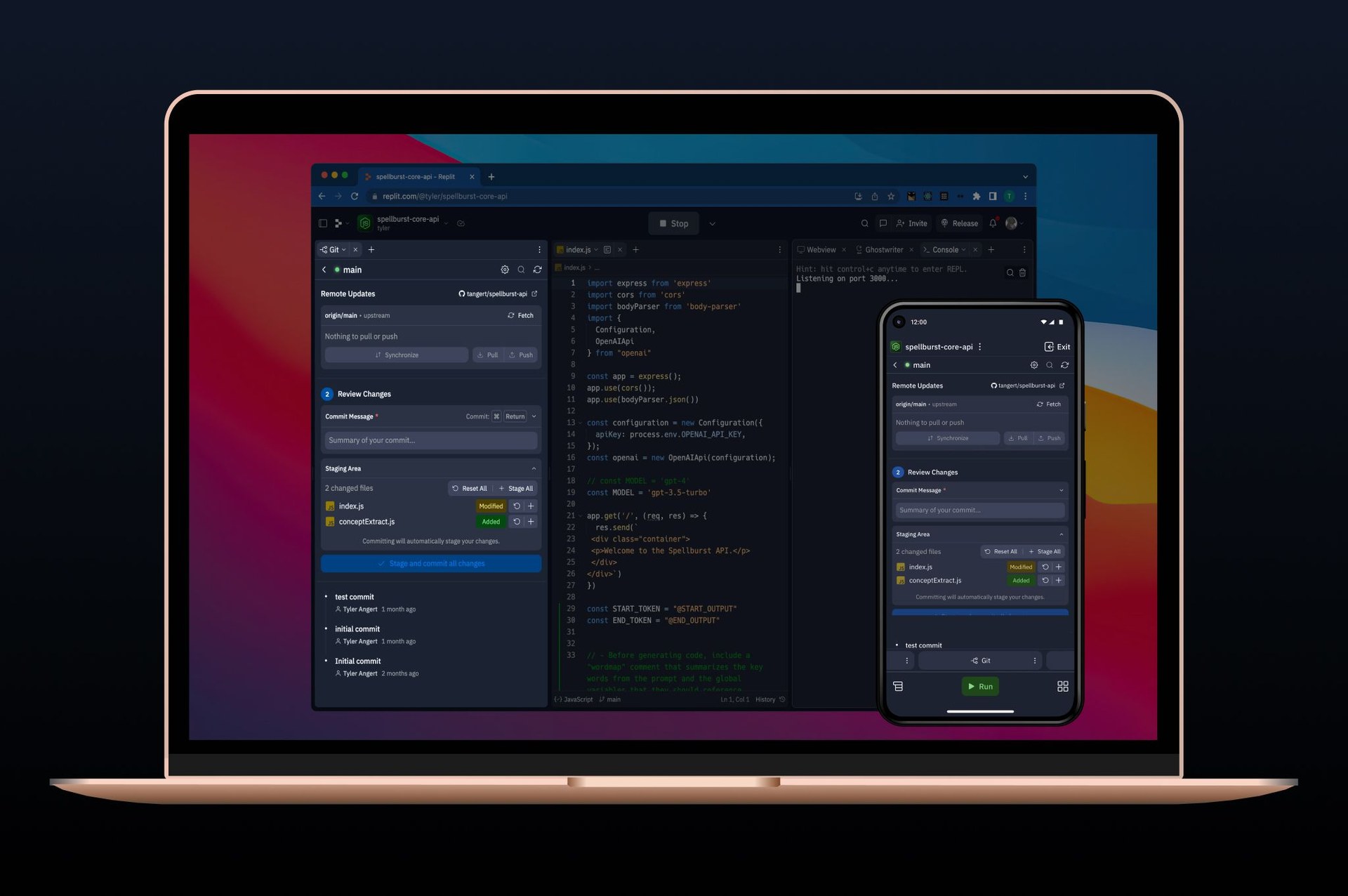
Replit is an online programming platform where the editor, runtime, and deployment all live in the browser. Open a web page to write code, run programs, and publish apps, without installing a development environment locally or configuring a language runtime. For people with modest computers or who switch devices often, the development environment follows the account — open the browser on another computer and continue.
In recent years Replit has focused on generating apps directly with AI: describe a requirement in natural language and Replit Agent generates a working app, which can then be refined through further conversation. That turns it from an online editor into a tool that goes from idea to prototype: an idea first becomes a page that can be opened, then is gradually shaped into a proper product.
Core Features
Core features include online editing and execution in dozens of languages, with code saved to the cloud in real time; Replit Agent, which generates a working app from a natural-language description and keeps iterating on it through conversation; real-time collaboration by multiple people, editing the same code together like an online document; and one-click deployment, producing a public link as soon as the work is done.
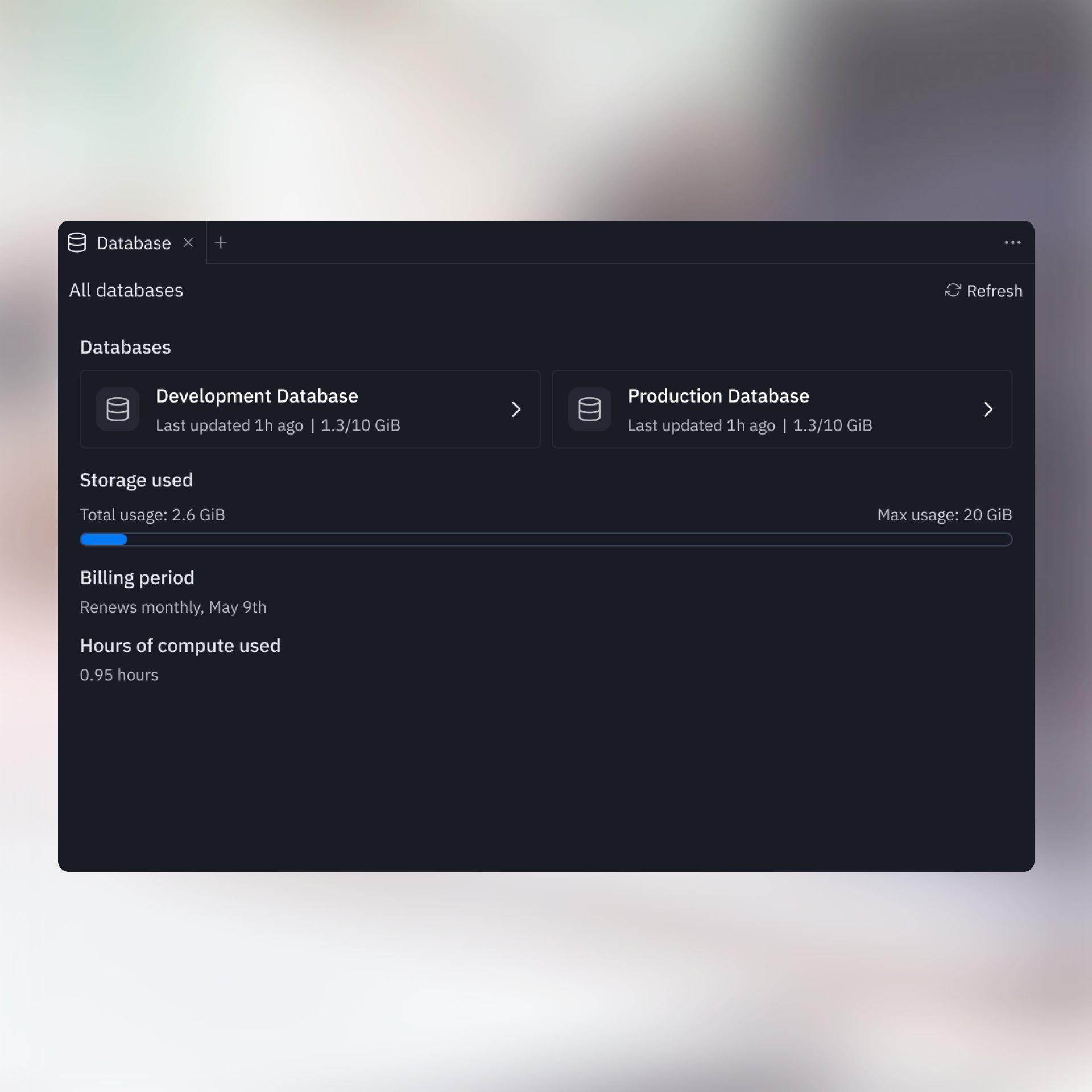
Supporting services include databases and secrets management: when an app needs to store data, it can use a database provided by the platform, and keys for external services can be kept in the platform's secrets manager instead of being written into the code. The point of these extras is that the generated app is more than a demo page — it is a complete app that connects to data and actually runs.

What Makes It Different
Compared with a local IDE plus an AI plugin, Replit's distinctive point is zero environment setup: no installing languages, no configuring dependencies, no managing deployment — open the browser and start. That difference is especially visible in teaching and collaboration: teachers do not spend a lesson helping students install environments, and hackathon teams do not burn time on whose computer can run the code.
Compared with AI tools that only generate code, Replit's distinctive point is that the work continues after generation: generating the app is only the starting point, and code can be edited, run, deployed, and connected to a database in the same place. It is positioned closer to a complete workbench than to a one-shot generator. Note that access from China follows what the official site actually provides — please confirm it opens normally before using it.
Who It Is For and Typical Scenarios
It suits programming beginners, independent developers, and anyone who needs to validate an idea quickly. Beginners do not have to clear the environment-setup hurdle first and can start writing code as soon as they open it; independent developers can turn a product idea into a prototype that opens in the browser with one sentence, show it to clients or users, and decide whether to invest further based on the feedback.
Teachers guiding students through code in class and hackathon teams racing to produce something are also common uses. Real-time collaboration lets several people edit the same code at once, dividing the work like editing an online document together. For teams with a mature local development workflow, Replit fits better as a tool for prototyping and teaching than as a replacement for the main development environment.
Access and Pricing
On access, Lumo's library records Replit's availability in China as unknown — access from China follows what the official site actually provides, so please confirm it opens normally before using it. On pricing, Replit uses a freemium model: the free tier can create and run projects, while paid tiers provide stronger compute, more Agent usage, and more deployment capacity. Specific tiers and prices follow the official site. The information in this article was checked against the official pages on November 16, 2026.
A good way to start is with a small idea: describe the app in one sentence, let Replit Agent generate the initial version, open the link to see how it looks, and then refine it step by step through conversation. First confirm whether the free tier's allowance is enough for one complete validation, then decide whether a paid tier is needed; and check the access permissions of any deployed link so a half-finished product is not published openly.
Tools mentioned

Sources
This article is compiled from the public sources above and does not reproduce the originals in full; see the official sources for details.