Quark Deep Dive: Search, Cloud Drive and a Toolbox in One App — Alibaba's AI Search Play

Positioning and Maker
Quark is an app from Alibaba. It became known for its browser and cloud drive, and now puts AI search at the centre, combining search, cloud storage and a toolbox in one app. It is one of Alibaba's main entry points for AI search and personal cloud services, aimed at people who search and store files heavily on their phones.
In Lumo's library, Quark sits in the search category. As of 2026-11-24, Lumo's hub library holds 2,337 tools, including 48 search tools, 60 chat assistants and 853 platform tools; Quark stands out in the search category for combining search with a cloud drive. The facts in this article were checked on the same date, and the images are screenshots from the official site.
Core Features
Its core feature is AI search: ask a question and get a synthesized answer with sources cited, instead of a list of links to open one by one. What you find can be saved straight into the cloud drive, so searching, storing files and handling documents — three frequent jobs — live in one app. Files saved to the drive can be previewed online, so you can check the contents without downloading them first.
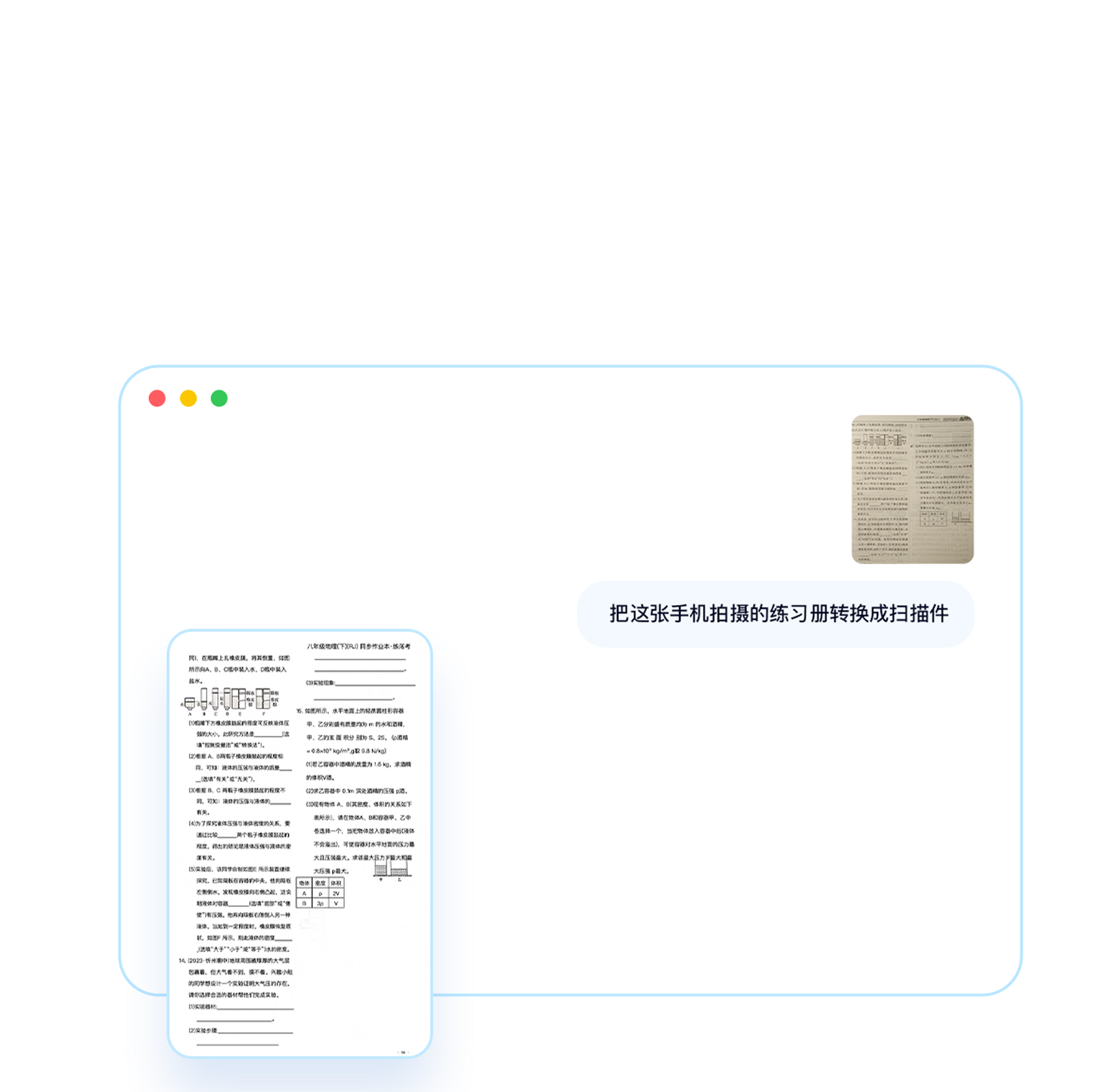
Beyond search and storage, it offers document scanning and format conversion, online file previews, and the browser's own web browsing and reading features. It also builds in everyday study and office helpers such as photo-based homework search and document translation, aiming to close each task inside one app.
How It Compares
Compared with a traditional search engine, Quark differs in the shape of its answers: the former hands you links, while Quark leads with a synthesized answer plus sources. For users who only want the conclusion, that saves opening and comparing pages one by one — though the answer should still be checked against its sources rather than taken on its own.
Compared with a single-purpose chat assistant, Quark adds a cloud drive: lecture notes, contracts and documents you find can be saved on the spot and opened later in the same app. The trade-off is that it is a phone app built around search and files; for long-form writing or complex reasoning, a dedicated chat assistant is the smoother choice.
Who It Suits and Typical Scenarios
It suits people who search and store files heavily on their phones. Students preparing for exams can save lecture notes and look up homework answers; office workers can store contracts, scan paper documents, and save what they find as they go, without moving files between apps.
People who prefer handling search and file management in one app will find it saves switching back and forth. Its most typical users are those who frequently look up information, save documents and convert formats for study or office work. For people who handle files on their phones all day, one fewer app and one fewer switch saves the minutes spent on repeated chores.
Access and Pricing
Quark is directly accessible in China: download it from a phone app store and register following the in-app pages. Search and everyday tools are free to use.
Storage-related features such as cloud-drive space follow the in-app tiers, with free and paid levels differing as shown in the app. Exact capacity and benefits follow the official site and the in-app pages; this article lists no specific prices.
Tools mentioned

Sources
This article is compiled from the public sources above and does not reproduce the originals in full; see the official sources for details.