Notion Deep Dive: Notes, Docs, and Databases in One, the Foundation for Team Knowledge Bases

1. Positioning and Creator
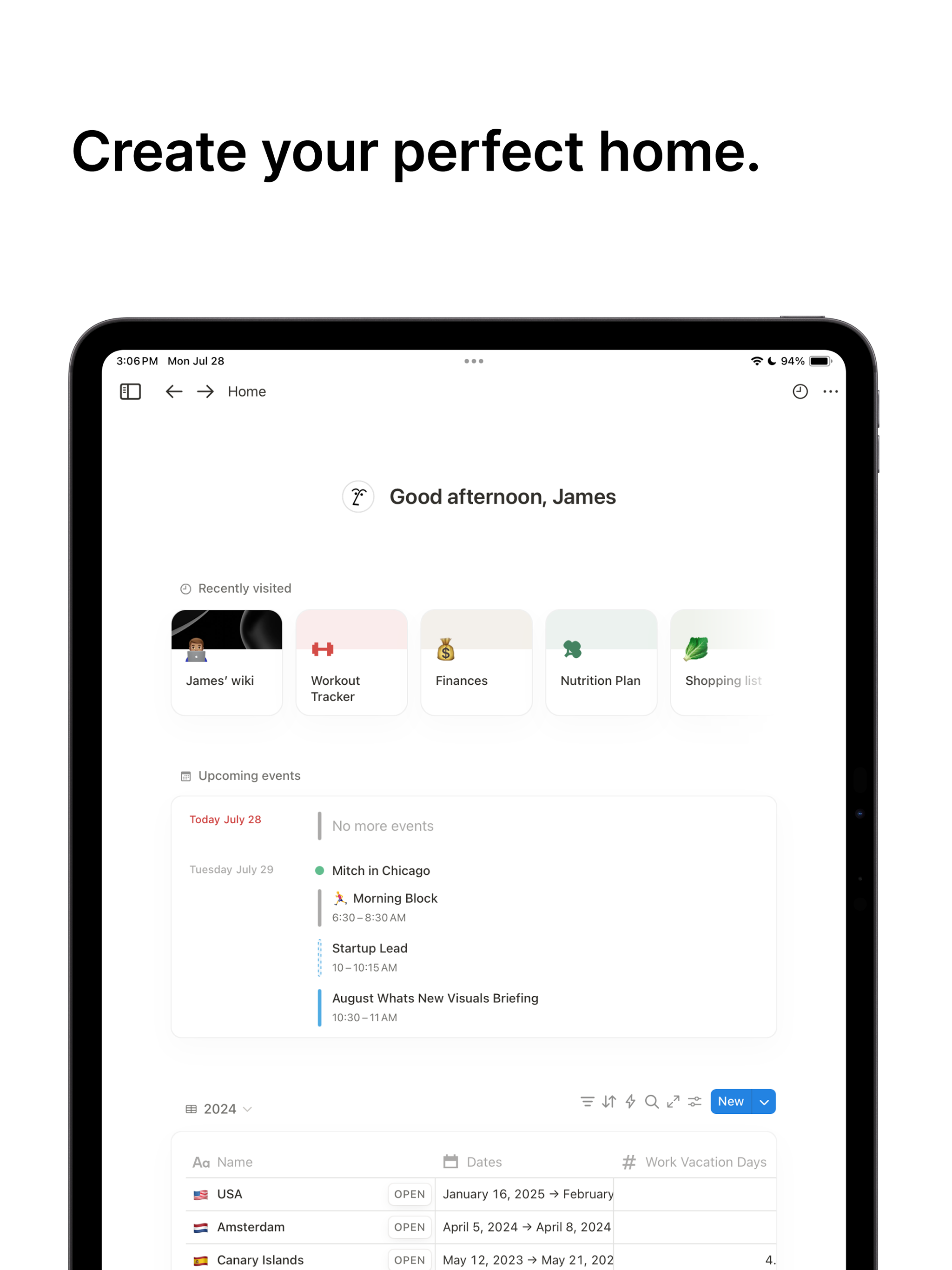
Notion is positioned around “putting notes, documents, and databases in the same place.” It is not just a note-taking app, but a collaborative workspace foundation that can be assembled on demand: views such as pages, tables, boards, and calendars can be freely combined, allowing the same piece of content to be organized in different ways.
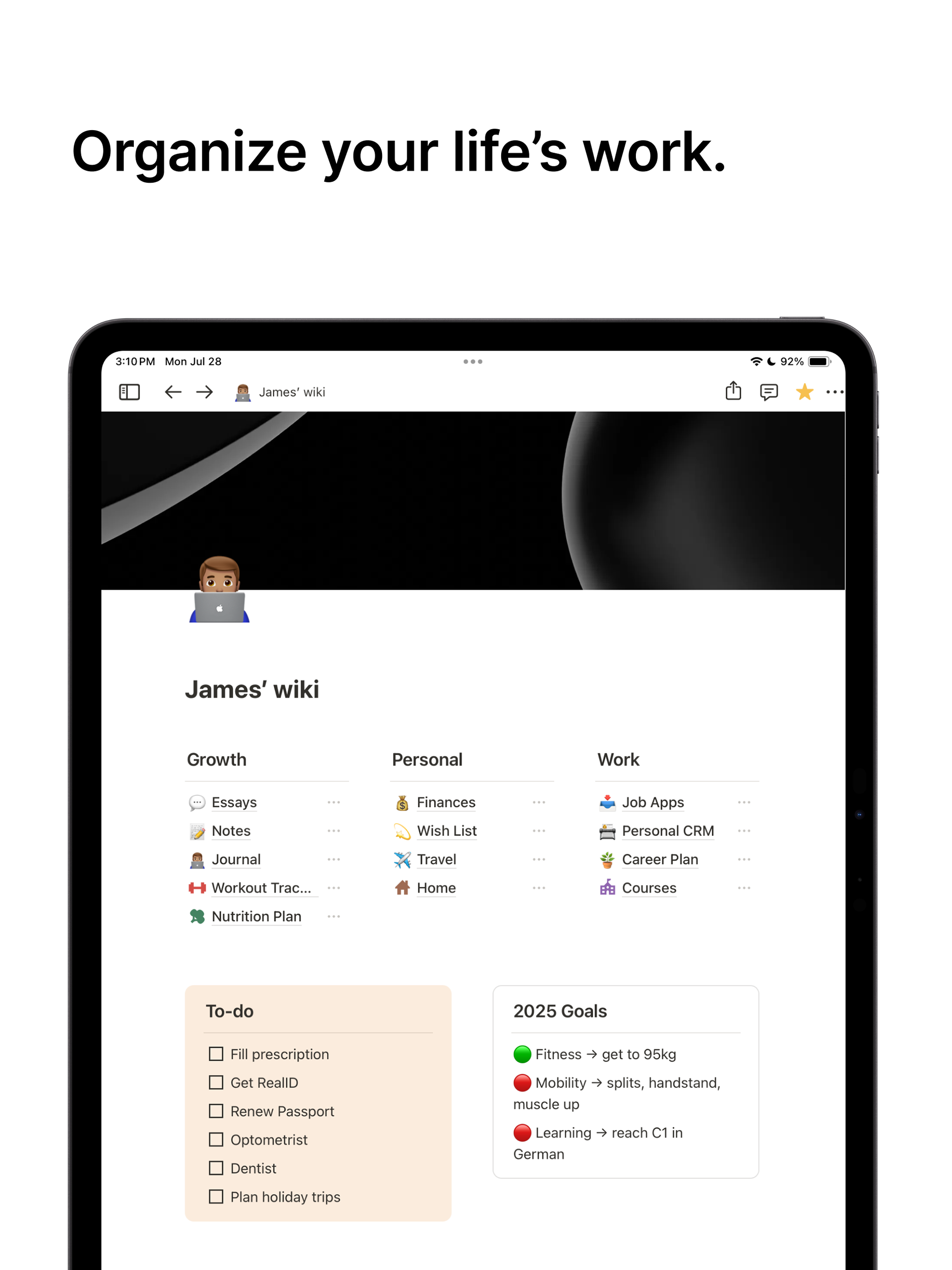
Its basic editing unit is the “block”: a paragraph of text, a table, or a Kanban board is each a block that can be dragged, nested, and reused. This building-block structure is the reason it can serve as both a personal notebook and a team knowledge base.
2. Core Features
Core features include document and note editing, multi-user real-time collaboration, database-style table and board management, and task and project tracking. Product managers maintaining requirement documents, startup teams building internal knowledge bases, and students organizing course notes are all typical use cases. Database-style management is its other side: the same batch of tasks can be viewed by progress on a board, by assignee in a table, or by due date on a calendar, switching views without moving data.
Built-in Notion AI provides writing polish, content summarization, property autofill, and cross-page Q&A search: have it distill meeting minutes into key takeaways, or ask a question directly across dozens of pages of documents, saving the time of flipping through page by page.
It has an extensive template ecosystem, with ready-made templates available for everything from meeting minutes and product requirement documents to personal reading notes, so new users do not have to start from a blank page. Applying a template first and then modifying it according to your own habits is the quickest way to get started.
3. Distinctive Traits Compared to Similar Tools
Compared with pure writing tools, Notion's defining trait is structure: the same piece of content here can be read as a document, queried as a database, and managed as a board. Materials that need long-term accumulation and repeated retrieval are easier to find here than in pure document tools.
The trade-off is that getting started comes with a bit of a learning curve: the higher the degree of freedom, the more you need to set your own rules. People who just want to jot down a couple of lines casually will find lightweight notes sufficient; however, once materials grow numerous enough to require systematic management, its compositional capabilities show their value.
4. Target Audience and Typical Scenarios
It is suitable for individuals and teams who need long-term document accumulation, such as product managers maintaining requirement documents, startup teams building internal knowledge bases, and students organizing course notes. People who are accustomed to structured record-keeping and hope to manage notes and tasks in one place will adapt well to its organizational style.
A typical scenario is “managing all materials through one entry point”: requirement documents, meeting minutes, project boards, and reading notes are all placed in the same workspace, paired with AI cross-page Q&A so that when you need a certain conclusion, you can ask directly without having to remember which page it is stored on. It is especially handy for product managers: requirement documents, review minutes, and project boards are all in the same workspace, so when looking for the context behind a certain decision, you can just ask directly.
5. Access and Pricing
In terms of access, Notion can be accessed directly in mainland China.
Pricing follows a freemium model: the basic personal plan is free, while team collaboration and AI features are provided in paid tiers; see the official website for specific pricing.
Tools mentioned

Sources
This article is compiled from the public sources above and does not reproduce the originals in full; see the official sources for details.