New Arrivals on November 17: 30 Tools Added, Including 9 Remote Control Tools
Overview: 30 Tools in Four Groups
The remote control group is the highlight of today's 30 tools: RustDesk, TeamViewer, UU Remote, Sunlogin, ToDesk, Tomaco, AnyDesk, Moonlight, and Parsec — nine tools in one day, matching the remote control collection the site split out the same day.
The other 21 tools: 5 coding and 5 agent tools, 7 more platform tools, and 4 video, design, and writing tools combined. Shot.video, RoboDust, and ZAOMENG SHOWCASE also joined the site's AI-built collection.

Remote Control and Streaming: 9 Tools
RustDesk: open-source remote desktop, self-hostable. TeamViewer: a long-established remote desktop, commonly used in enterprise IT operations. UU Remote: NetEase's free remote control tool, 4K at 144 fps. Sunlogin: Oray's remote control tool, with remote desktop and phone control. ToDesk: Chinese remote control, cross-platform.
Tomaco: control a Mac from an iPhone or iPad over a peer-to-peer connection. AnyDesk: lightweight remote desktop, fast to connect, good for ad-hoc remote help. Moonlight: open-source streaming client, streaming paired with Sunshine. Parsec: low-latency remote desktop with high frame rates, suited to remote editing.
Coding: 5 Tools; Agents: 5 Tools
0.security: open-source AI security testing. Command L: one line of script makes a website editable like Figma. Modern Web Guidance: a development skill set from the Chrome, Edge, Firefox, and MDN teams. OpenChamber: open-source AI coding workbench. OpenHarness: open-source terminal coding agent.
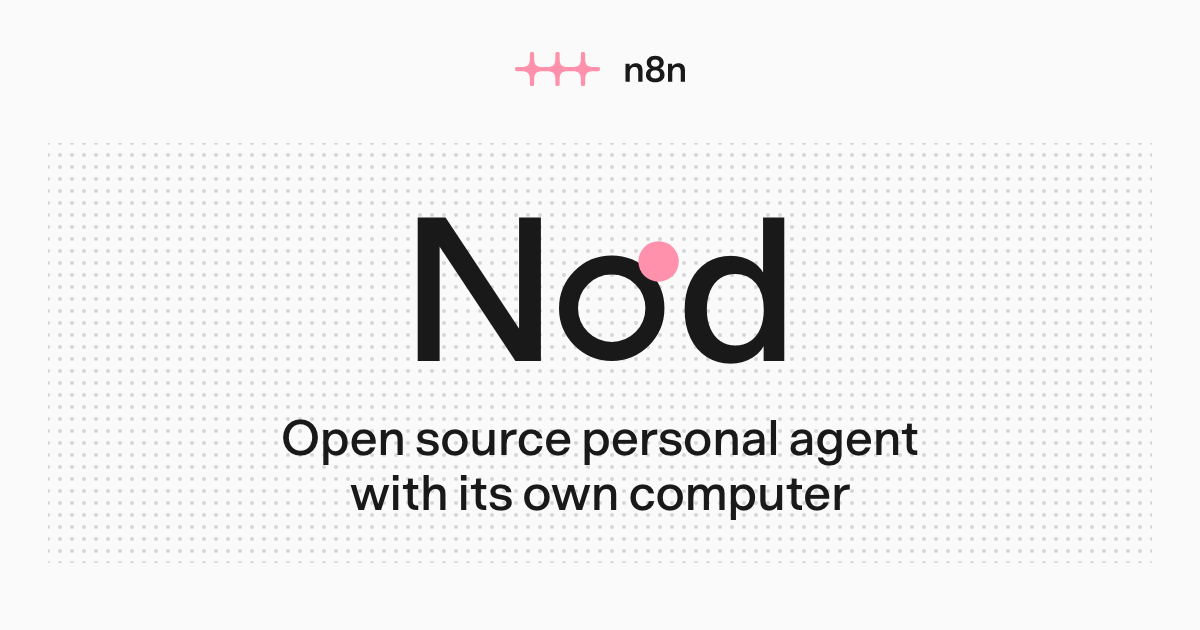
AgentRun: open-source agent management platform. Codex Pacer: a progress bar for AI, shown in the Dynamic Island. Nod by n8n: n8n Labs' personal agent, with its own virtual machine. Ode: a body for Muse, turning a spare iPad into an embodied agent. poki: local MCP that lets AI operate a real iPhone, no jailbreak needed.
7 More Platform Tools, 4 Creative Tools
CanyonOS: open-source platform for agent apps. OpenSandbox: open-source AI agent sandbox runtime. QuotedPart: AI quoting tool for CNC and sheet-metal factories. ZAOMENG SHOWCASE: a showcase and directory of independent creators' work. Snug: a Mac mobile workspace built for UU Remote. RoboDust: a virtual robot vacuum widget for the Mac desktop. BilldDesk: open-source remote desktop and game streaming tool.
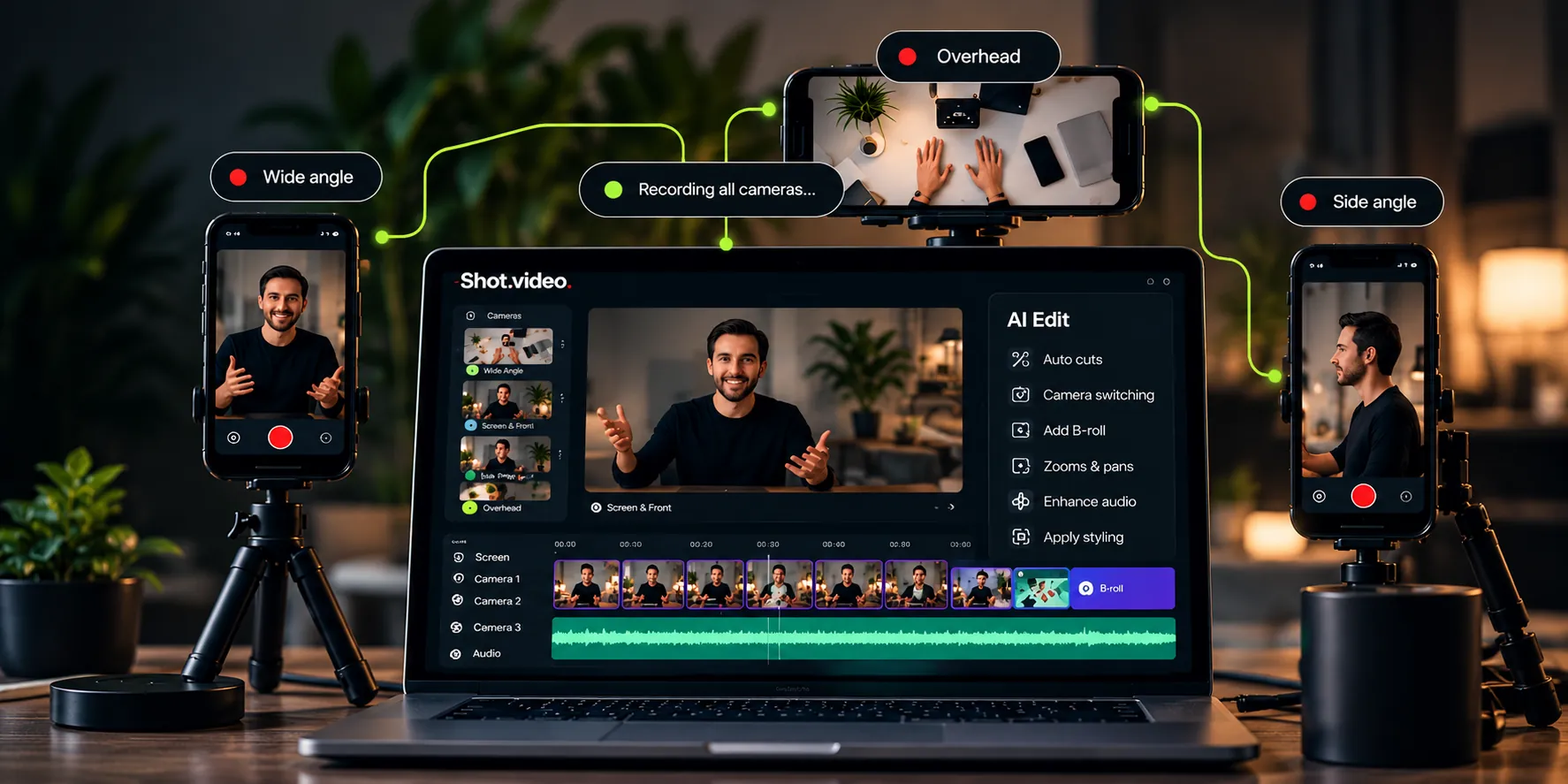
onetake: a one-take motion film Skill, with no cuts. Shot.video: shoot multi-camera video with phones you already own, with AI cutting the first edit. PixelFX: a pixel-art effects code library, usable in browser games. Relay: send a document with its background and reasoning attached, in one link.
Tools mentioned








Sources
- 0.security
- AgentRun
- CanyonOS
- Codex Pacer GitHub — Codex Pacer
- Command L
- Modern Web Guidance GitHub — Modern Web Guidance
- Nod by n8n
- Ode GitHub — Ode
- onetake
- OpenSandbox
- OpenChamber
- OpenHarness GitHub — OpenHarness
- PixelFX GitHub — PixelFX
- poki
- QuotedPart
- Relay
- Shot.video
- idea.v5pc.com
- Snug GitHub — Snug
- RoboDust GitHub — RoboDust
- RustDesk
- BilldDesk
- TeamViewer
- uuyc.163.com
- sunlogin.oray.com
- ToDesk
- Tomaco
- AnyDesk
- Moonlight
- Parsec
- lumofyi.com
- lumofyi.com
- lumofyi.com
- lumofyi.com
- lumofyi.com
- lumofyi.com
- lumofyi.com
- lumofyi.com
- lumofyi.com
- lumofyi.com
- lumofyi.com
- lumofyi.com
- lumofyi.com
- lumofyi.com
- lumofyi.com
- lumofyi.com
- lumofyi.com
- lumofyi.com
- lumofyi.com
- lumofyi.com
- lumofyi.com
- lumofyi.com
- lumofyi.com
- lumofyi.com
- lumofyi.com
- lumofyi.com
- lumofyi.com
- lumofyi.com
- lumofyi.com
- lumofyi.com
- lumofyi.com
This article is compiled from the public sources above and does not reproduce the originals in full; see the official sources for details.