Meitu Deep Dive: Shoot and Retouch on the Spot — What Happens When AI Joins Everyday Photo Editing
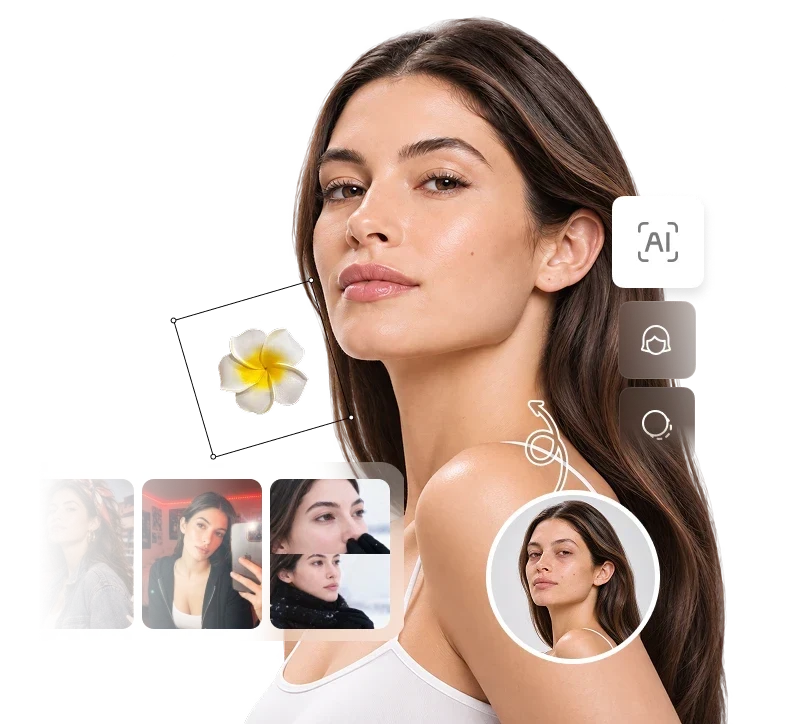
1. Positioning and Maker: A Household Photo Editor, Plus AI
Meitu comes from Meitu and is one of China's most widely used photo retouching and beautification apps. Its positioning has always been clear: not a replacement for professional editing software, but a way for anyone to make a photo look good on the spot — shoot, retouch, share, in one line.
The recent change is that a large amount of AI capability has been folded into the familiar editing flow: erasing, outpainting, and background replacement, once manual selection work, now take a single tap. Lumo's design category currently holds 156 entries, and Meitu is the one aimed at everyday users.
2. Core Features: Beautification, Templates, and AI Editing
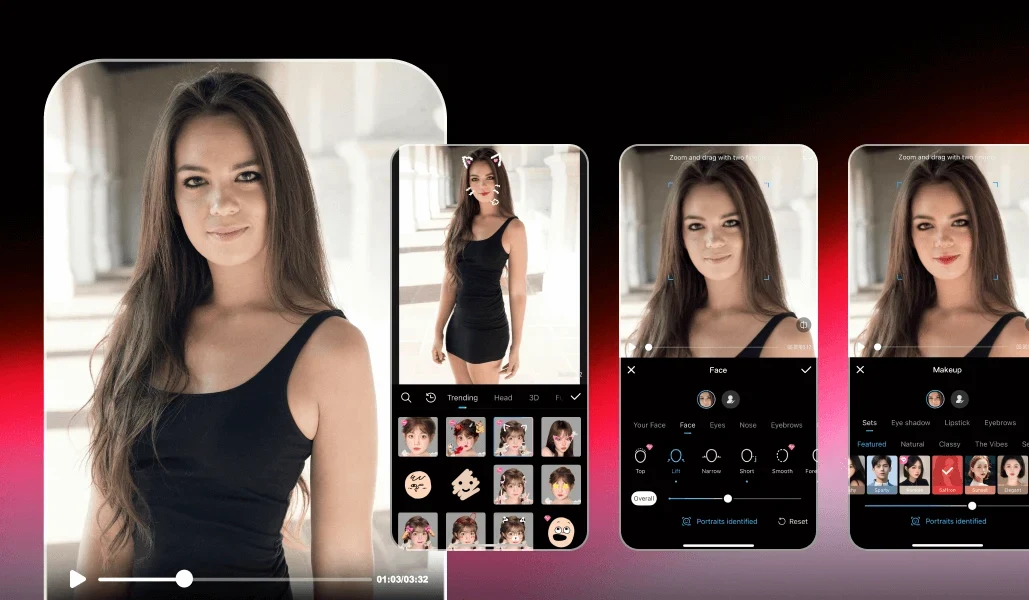
The basics cover portrait beautification and makeup adjustment, filters and color grading, collage and poster templates, and ID photo creation, mostly with intuitive slider controls — edit, save, or share to social platforms directly.
AI is the added layer: AI erasing removes unwanted people or objects from a frame, AI outpainting extends the image outward, and AI background replacement swaps the scene in one tap. These need no knowledge of selections or layers — tap, wait a moment, see the result.

3. Compared With Its Peers: Light, Handy, Straight to Sharing
Against professional editing software, Meitu's difference is the entry bar: slider controls and one-tap AI let people who never learned retouching handle most light beautification needs. Professional tools can do more, but opening one for a single social post costs too much effort.
Against other lightweight editors, its edge is coverage: phone, desktop, and web are all supported, and templates and ID photos are included. Editing ends at sharing, and saving or posting straight to social platforms keeps the flow unbroken.

4. Who It Suits and Typical Scenarios
Everyday users retouching daily photos are the most direct audience: beautify a shot in minutes before posting to WeChat Moments or Xiaohongshu. Small e-commerce sellers and self-media creators also fit, using it for simple product image work and cover collages without learning professional software.
The common thread is light, frequent needs: not every image needs meticulous retouching, but every image should look a little better, a little faster. Heavy tools are overkill for that; Meitu is about right.
5. Access and Pricing: Direct in China, Freemium
For access, Meitu is directly usable in China; the catalog cnAccess field is direct, confirmed unchanged on 2026-11-25. Phone, desktop, and web are all covered, so switching devices does not mean switching tools.
Pricing is freemium: basic editing is free, while some advanced filters and AI features sit in the paid membership — exact prices are on the official website. Get comfortable with the free features first, then judge whether the advanced filters and AI tools are worth subscribing to.
Tools mentioned

Sources
This article is compiled from the public sources above and does not reproduce the originals in full; see the official sources for details.