MasterGo Deep Dive: The Chinese Collaborative Design Platform Turning Designs Into Code
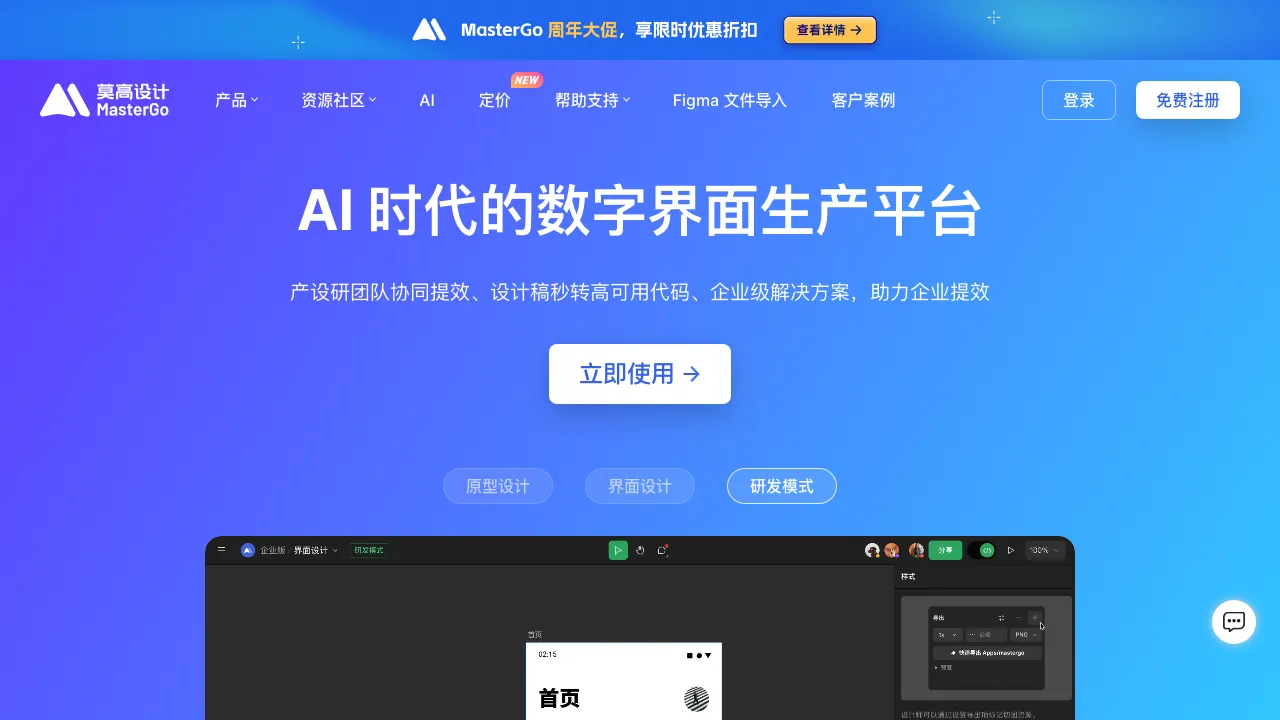
1. Positioning and Maker: A Digital Interface Production Platform for the AI Era
MasterGo comes from the MasterGo team as a digital interface production platform for the AI era. It is more than a drawing tool — it covers the whole chain from design to prototype to delivery: interface design, interactive prototypes, and design-to-code all happen in one place.
That positioning decides its audience: not solo drawing but product, design, and engineering teams working together. Lumo's design category currently holds 156 entries, and MasterGo is the one making both multiplayer collaboration and design-to-code its headline features, tagged for UI design, collaborative design, and design-to-code.
2. Core Features: Multiplayer Collaboration, Prototypes, and Design-to-Code
Multiplayer collaboration is the foundation: several people edit, comment on, and annotate the same design file at once, with changes syncing in real time, so design reviews no longer travel by screenshot. Prototyping connects static pages into clickable flows, letting interaction ideas be walked through and verified before development.
Design-to-code is the other main thread: designs convert into production-ready code, so engineers take over without rebuilding the interface from scratch, cutting the loss between design and implementation. The platform also offers components and resources, letting teams build up and reuse their own design system.
3. Compared With Its Peers: Focused on Production, Not Just Drawing
Against single-user drawing tools, MasterGo's difference is collaboration: real-time multiplayer editing, comments, and annotations are capabilities grown for team workflows, with review and delivery completed inside the platform.
Against general design tools, its focus is production rather than drawing: prototypes and design-to-code push designs toward deliverable engineering assets. For teams in China, localized service and a Chinese-language environment are also practical considerations.
4. Who It Suits and Typical Scenarios
Product teams are the most direct users: design, product, and engineering collaborate on one platform, cutting the rounds of review and handoff. Small and mid-sized teams also fit, since design and prototyping run in one place without stitching several tools together.
Designers who produce interface proposals frequently, and indie developers who need designs turned into working pages fast, are also in scope. The common thread is interfaces that must ship, with design and development kept in step.
5. Access and Pricing: Direct in China, Pricing Follows the Official Website
For access, MasterGo is directly usable in China; the catalog cnAccess field is direct, confirmed unchanged on 2026-11-26. It runs in the browser with nothing to install, and teams and projects can be created after signing up.
For pricing, the catalog pricing field is unknown, so exact prices and benefits follow the official website. The website has a pricing page — compare the team and personal tiers there directly before deciding.
Tools mentioned
Sources
This article is compiled from the public sources above and does not reproduce the originals in full; see the official sources for details.