Local LLM Deployment Software Collection: Running Large Models on Your Own Computer — Matching 7 Tools Including Ollama, LM Studio, and Msty to Your Needs

1. Why Run Models Locally
The core benefit of running models locally is that data stays on your device: chat histories and document contents remain on your own computer without passing through cloud services, and everything continues to work offline. For people handling sensitive materials, this matters more than speed.
The trade-offs are hardware and setup costs: models must be downloaded locally, taking up disk space, and running them consumes memory and compute power; the learning curve also varies greatly across tools. This guide divides the seven tools into three tiers by ease of getting started to help you pick the right one on the first try.
2. Out-of-the-Box Desktop Apps: Msty, LM Studio, Jan
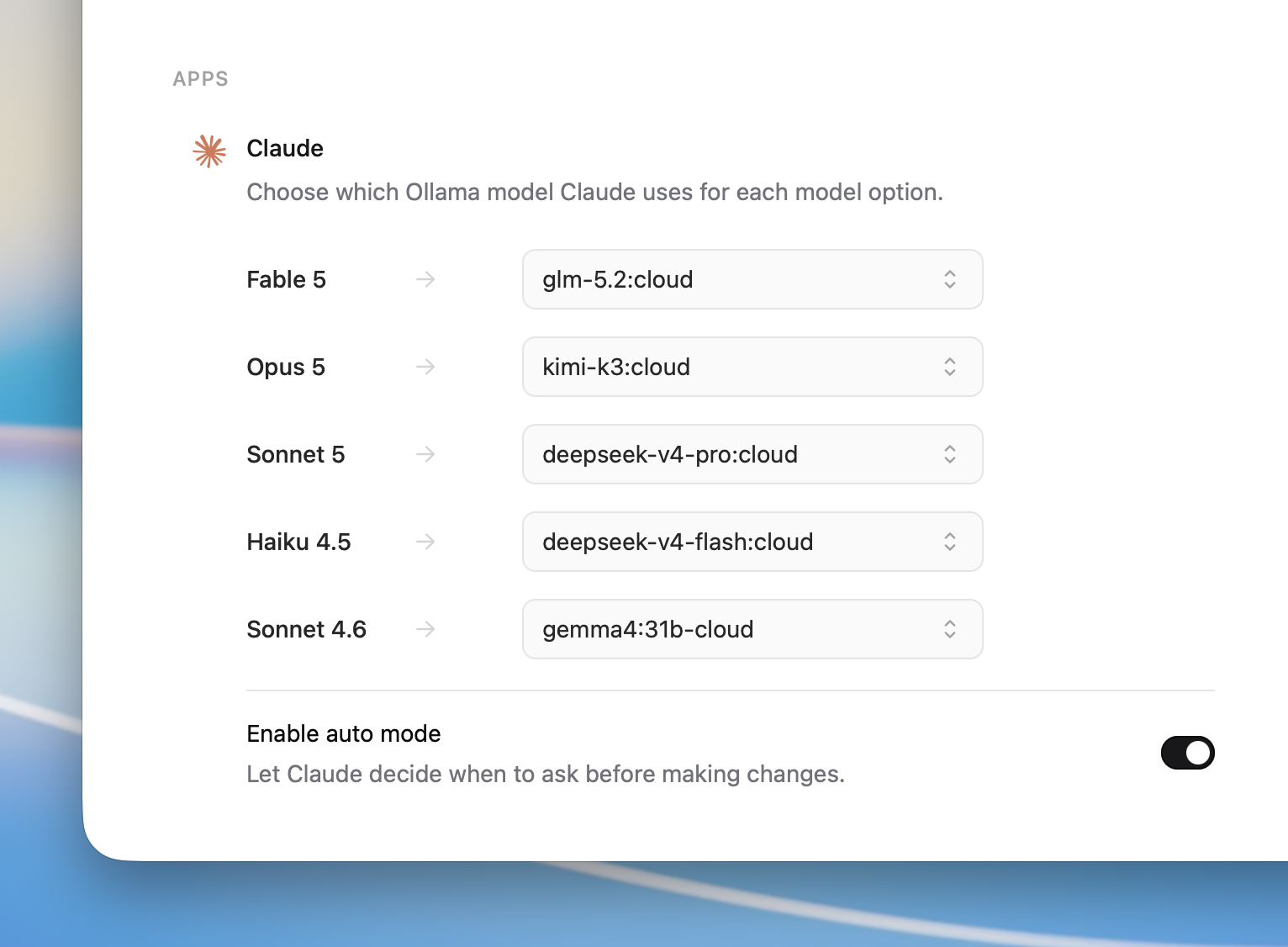
Msty is a clean, capable chat interface for local and online AI models that supports parallel multi-model conversations; LM Studio is a desktop application for downloading and running open-source large models locally while providing an OpenAI-compatible local API service; Jan is an open-source desktop application for local large models that can run open-source models offline or connect to cloud APIs.
This tier is most suitable for people running models locally for the first time: download a model in Msty or LM Studio, chat for a bit to verify that your computer can run it smoothly and that the experience meets expectations, and then consider deeper setups.
3. Command Line and Interfaces: Ollama
Ollama is an open-source runtime tool for local large models that runs open-source models and exposes an API on a personal computer with a single command. It serves as the "foundation" for many local AI setups: many upper-layer chat interfaces and document chat tools run on top of Ollama.
This tier is suited for users and developers comfortable with the command line: pull up a model with one command and expose one interface for other tools to call; if you want to connect local models into your own applications or workflows, Ollama is the most common starting point.
4. Document Chat and Self-Hosting: AnythingLLM, Open WebUI, Chatbox AI
AnythingLLM is an open-source, local-first AI application that lets you chat with documents and build agents on desktop with data stored locally; Open WebUI is an open-source, self-hostable AI platform interface that connects to Ollama and OpenAI-compatible endpoints and supports offline operation. Both fit the use case of "asking questions using your own documents."
Chatbox AI is a cross-platform AI chat client that supports connecting to multiple mainstream large models alongside local models; it suits users who already use cloud models and want to bring local models into the same chat interface: one client for chatting with both.
5. ifanr Hands-On Test: How Well Does the iMac M6 Run Models
In ifanr's 2026-11-06 "iMac M6 Hands-On" review, local models were tested using Msty Studio on an iMac M6 (memory bandwidth around 170GB/s): GLM 4.7 Flash (30B, 4-bit, MoE) averaged about 43 token/s, while Gemma 4 E2B occasionally reached 80–90 token/s (per ifanr's testing methodology).
What these numbers mean: 30B-class models can already run at tens of tokens per second on a new all-in-one desktop, which is generally sufficient for daily conversations and document Q&A; however, results depend heavily on the specific model and hardware configuration, with memory bandwidth remaining the key bottleneck for local inference.
Tools mentioned




Sources
This article is compiled from the public sources above and does not reproduce the originals in full; see the official sources for details.