Kling vs Jimeng: How to Choose for Video, and How to Pair Image With Video
Maker and positioning: one started in video, the other in images
Kling is Kuaishou's AI video generation platform, listed in the library under video; Jimeng is a one-stop AI image and video creation platform from the CapCut team, listed under image. Both come from the creative product lines of large Chinese companies: Kling builds on Kuaishou's video technology, Jimeng on CapCut's creative tooling. That is the starting point for understanding how they divide the work.
By library category, as of November 26, 2026, the library holds 2,394 tools, including 143 in video and 53 in image. Kling sits in video and Jimeng in image, and that placement alone says where each one focuses: one concentrates on video generation, the other on image creation with video as an extension.

What each does well: Kling concentrates on video generation, Jimeng covers image and video together
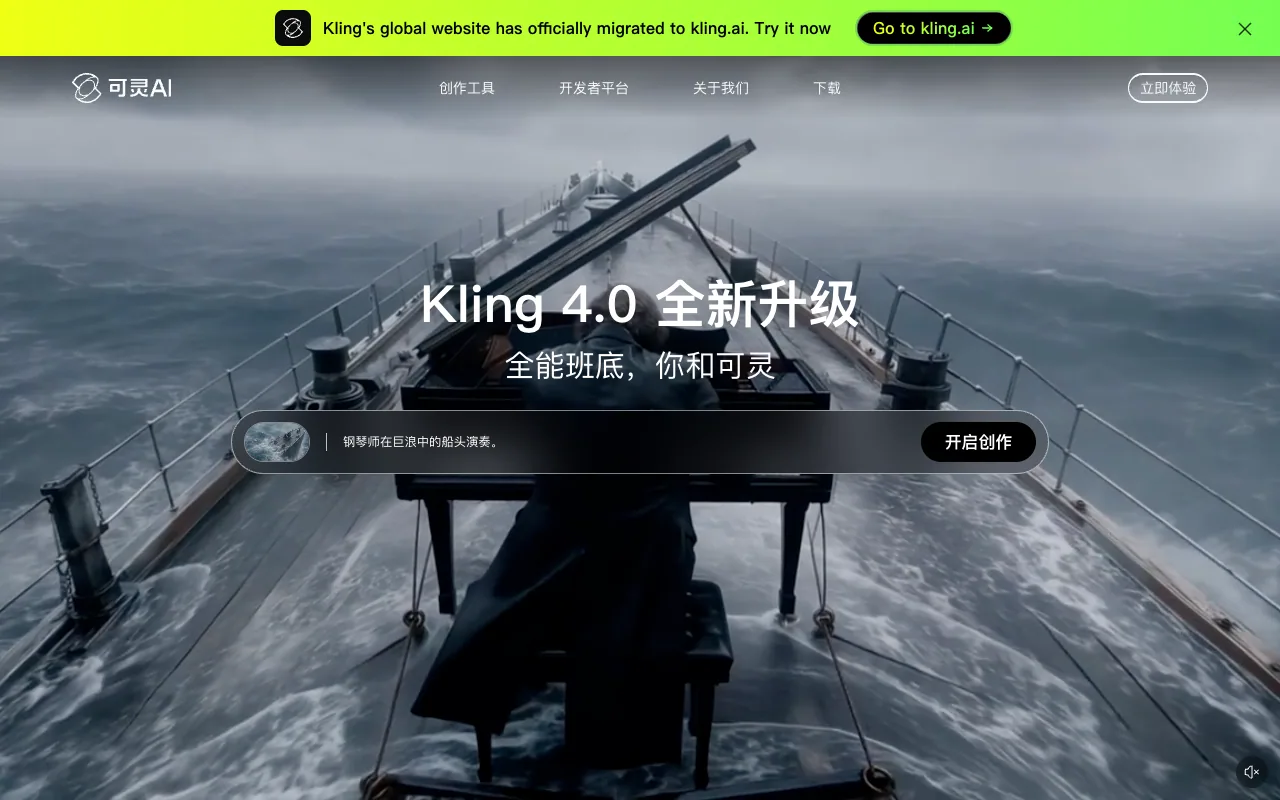
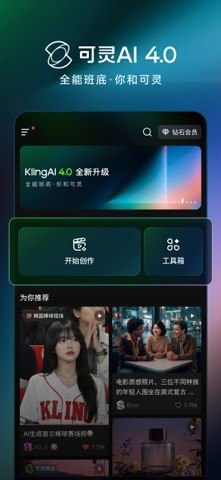
Kling is tagged video generation and Kuaishou, and its positioning is a video generation platform. Its official home page currently promotes Kling 4.0, reading "全新升级,全能班底,你和可灵" (all-new upgrade: a full crew, you and Kling), and shows a prompt example of a pianist playing on the bow of a ship in heavy seas. Official screenshots also show a flexible keyframe feature, stating support for up to 10 keyframes, for clips where changes across frames need control.
Jimeng is tagged image, video, and Chinese-made, and its positioning is a one-stop AI image and video creation platform. Its official share image reads "即梦 AI,一站式 AI 创作平台" (Jimeng AI, a one-stop AI creation platform). In other words, Jimeng keeps image and video in one platform: generate an image first and extend it into video, or finish covers and clips in the same place — a fit for creative flows that need both.
Access and pricing: both are directly accessible from China and freemium
On access, both tools are listed in the library as directly accessible from China, and both are listed under the China region. Going by library fields, neither needs extra explanation about how to reach it — the official site opens and works; if network or account issues come up in practice, each official site's own guidance applies.
On pricing, both are freemium: core features are free, with higher limits or more features behind payment. This article gives no specific price figures, for a simple reason: tiers and limits on official sites change, and figures go stale quickly. For exact prices, check each official site's pricing page as it stands on the day.
Who each fits: choose by whether the deliverable is video or image plus video
When the deliverable is mainly video — a product demo clip, short-form video content, or a video self-introduction for an interview — Kling is the closer fit: video generation is its home turf, and controls such as keyframes are built around video. Before settling on it, try one prompt you would really use on the official site and see whether the output matches expectations.
When the job is an image-plus-video combination — a portfolio cover first, then a moving clip extended from it, or one batch of material that must yield both images and video — Jimeng is the handier option: image and video live in one platform, so covers and clips can keep one visual language. The two are not an either-or choice, either; using Jimeng for images and Kling for video is a common pairing.
Tools mentioned

Sources
This article is compiled from the public sources above and does not reproduce the originals in full; see the official sources for details.