Jimeng Deep Dive: CapCut Team's All-in-One AI Image and Video Creation Platform
1. Positioning and Creator
Jimeng is created by the CapCut team and belongs to ByteDance's creative tool ecosystem. Its background shapes its product character: rather than a complex tool for professional designers, it is an all-in-one platform for everyday creators—aiming to carry a project from an initial image or video idea all the way to usable finished assets in one place.
Its positioning centers on democratizing creation: packaging text-to-image, text-to-video, and similar model capabilities into a user-friendly online tool that requires no local deployment and no specialized training—anyone who can type and describe an idea can start creating.
2. Core Features
Image capabilities cover text-to-image and image-to-image: enter Chinese prompts to generate images, or apply style transfers and redraws to existing pictures. Text-to-image works well for creating ideas from scratch, while image-to-image helps restyle or adjust details on existing assets.
Video capabilities cover text-to-video and image-to-video: generate clips directly from Chinese text descriptions, or animate a static image. Combined with smart canvas editing and localized adjustments, users can upscale, redraw, outpaint, and refine generated results.
The value of an all-in-one platform lies in workflow continuity: moving from rough drafts to ready-to-use assets within a single platform eliminates transferring files back and forth across multiple tools. For short-video and e-commerce workflows, this saves both time and the hassle of repeated exports.
3. Key Differences from Similar Tools
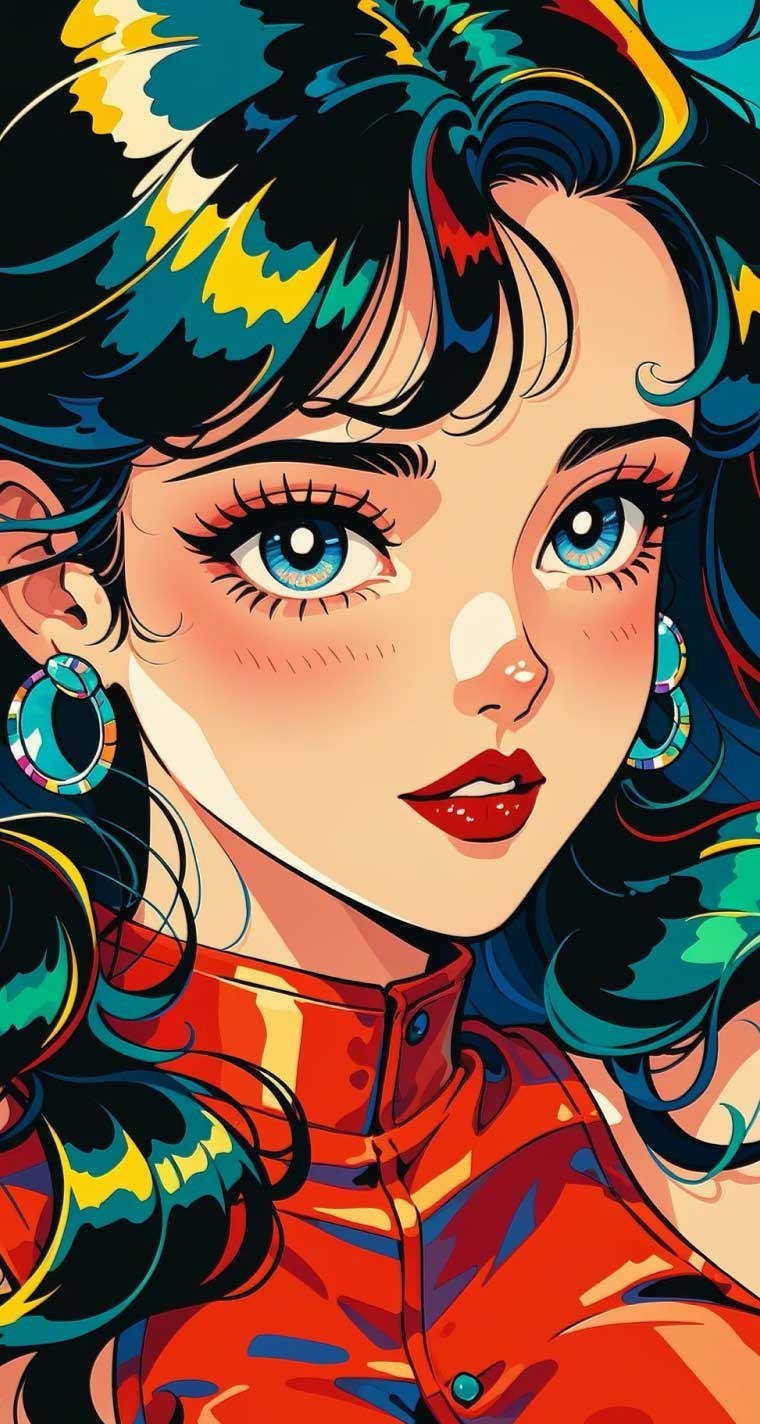
Compared with tools known for image rendering quality like Midjourney, Jimeng's strengths are strong Chinese prompt support and integrated video generation: Chinese descriptions directly produce both images and videos on the same platform, without needing a separate tool for video.
Compared with video-focused generation platforms like Kling, Jimeng differs in breadth: it handles both images and videos, making it a better fit for creators who need cover images, product visuals, and video clips simultaneously, whereas Kling focuses more deeply on video generation depth and visual quality options.
Its relationship with CapCut is also notable: within the same ByteDance creative tool ecosystem, Jimeng handles AI asset generation while CapCut handles video editing, forming a sequential division of labor. For users already editing in CapCut, Jimeng serves as a virtually friction-free asset source.
4. Target Users and Typical Scenarios
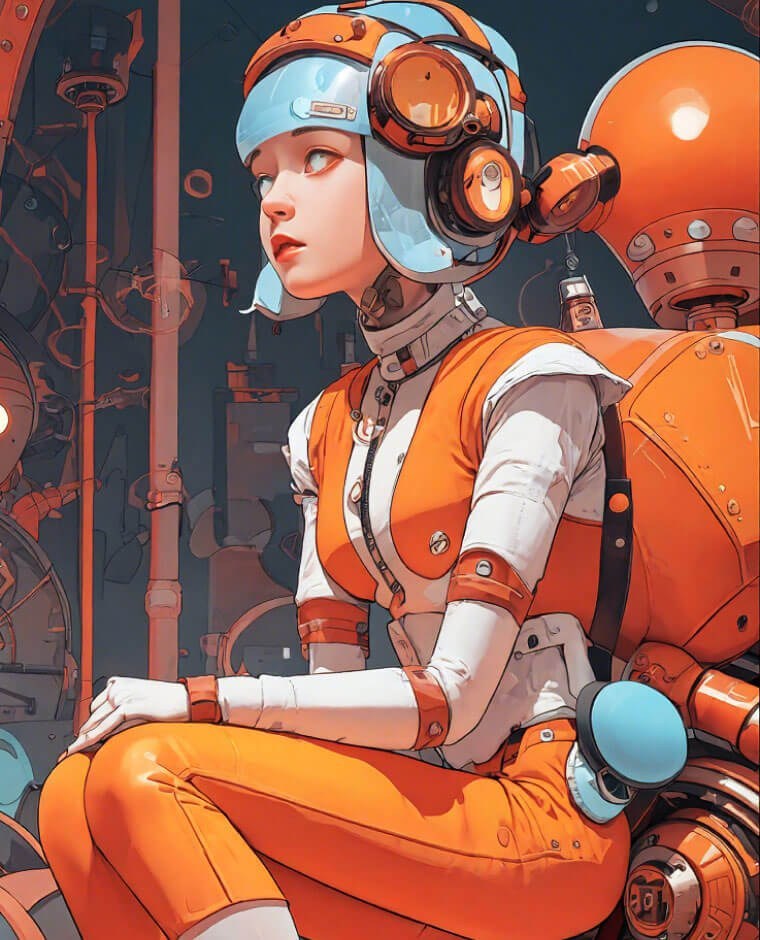
It suits short-video creators, e-commerce operators, and independent media authors: quickly generating video clips, product visuals, and cover images is its most common use case. Whether jumping on a trending topic, producing batches of product photos, or making video thumbnails, users can generate initial versions right on the platform.
It also works well as a drafting tool for designers exploring concepts and styles in early stages: validating creative directions at low cost before moving into professional software for final polish. A typical scenario is generating several visual directions before pitching a proposal, aligning with clients or teammates using those drafts, and then deciding which version to refine.
5. Access and Pricing
For access, Jimeng can be accessed directly in mainland China, and generating images and videos with Chinese prompts keeps the entry barrier low for domestic users.
Pricing follows a freemium model: a free tier provides initial generation credits, while paid memberships offer higher quotas and faster priority, with exact pricing listed on the official website. Testing your regular workflows—such as cover images and short-video clips—using the free credits before deciding whether you need a membership's extra quota and priority is a practical approach.
Tools mentioned
Sources
This article is compiled from the public sources above and does not reproduce the originals in full; see the official sources for details.