Turning Podcasts into Articles with AI: From Audio Transcription to Multi-Platform Publishing

The Short Answer: Who This Is For
The short answer: turning a podcast into an article is not pasting the whole transcript online. It is a three-stage pipeline: transcribe to get a draft, summarize to pull out the structure, and rewrite into something readable. AI handles transcription and summarizing, while people choose the angle, check the facts, and finalize the piece. That is how an article ends up with enough substance for readers to get the key points without listening to the full hour.
It suits people who listen to podcasts on a regular schedule and want to keep what they hear: content creators, industry researchers, and knowledge bloggers. The podcast is your source material, not the content to publish as-is. If you only listen for fun and do not plan to publish, you can skip the publishing stage and stop at the summary and notes.

What You Need
Prepare three things: a podcast audio file or link, ideally for a public show you have permission to listen to; an iFLYTEK Listen or Tongyi Tingwu account, both of which open directly in China; and a BibiGPT account, which comes with 120 free minutes for new accounts as stated on its official site. For publishing, add a Notion account to store drafts and lay out the article.
Before you start, confirm one thing: whether the episode may be shared in a new form. Public shows can generally be quoted and summarized with credit, but do not repost a full transcript, and do not present a guest's words as your own. For private recordings or internal discussions, get permission from the people involved before doing anything.

Step by Step
Get the draft transcript. Open iFLYTEK Listen, import the podcast audio file or record directly, and it transcribes as it records. According to its official site, it can also pull out key points, to-do items, and structured notes, and its chapter overview helps you see the structure of a whole episode before reading. After transcription, read through the text and check names, place names, and technical terms — those are where machines make the most mistakes — then save the corrected version as your draft.
Then summarize from the link. If you only have a podcast link and no audio file, open BibiGPT and paste the link: as its official site explains, it extracts the subtitles automatically, turns them into text, and generates a timestamped summary and chapter outline, with follow-up questions available. When you cite an idea, paste the timestamp next to it so readers can go back and listen to the original.
Then rewrite it as an article. Give the draft transcript and the summary to a chat assistant, and state the audience and length — for example, a 1,500-word analysis for peers, or an 800-word key-points version for general readers. Ask it to outline the structure before writing the body, then check the draft against the source text paragraph by paragraph, deleting anything that is not in the source. For images, use the podcast's official cover or screenshots of the show page, not AI-generated images pretending to be show footage.
Finally, publish and archive. Publish the article version on a WeChat Official Account, with the show name and core idea in the title and the source show and listening link at the top of the body. On Xiaohongshu, publish it as an image-and-text note, splitting the conclusions across several cards that only carry ideas that actually appear in the show. After publishing on both, save the draft transcript, the summary, and the finished article in Notion, organized by show, so the structure can be reused next time you write on a similar topic.
Common Problems and Fixes
Problem one: names and terms in the transcript are badly wrong. Podcasts are full of spoken language and unfamiliar guest names, so mistakes are inevitable. Search for each guest name and technical term mentioned in the show and correct them one by one before moving on, rather than carrying errors into the summary. Problem two: the audio is too long to transcribe in one pass. Split a long show into sections by chapter first; BibiGPT caps a single video at 30 minutes for new accounts, so paste links in parts or cut the audio into shorter segments before uploading.
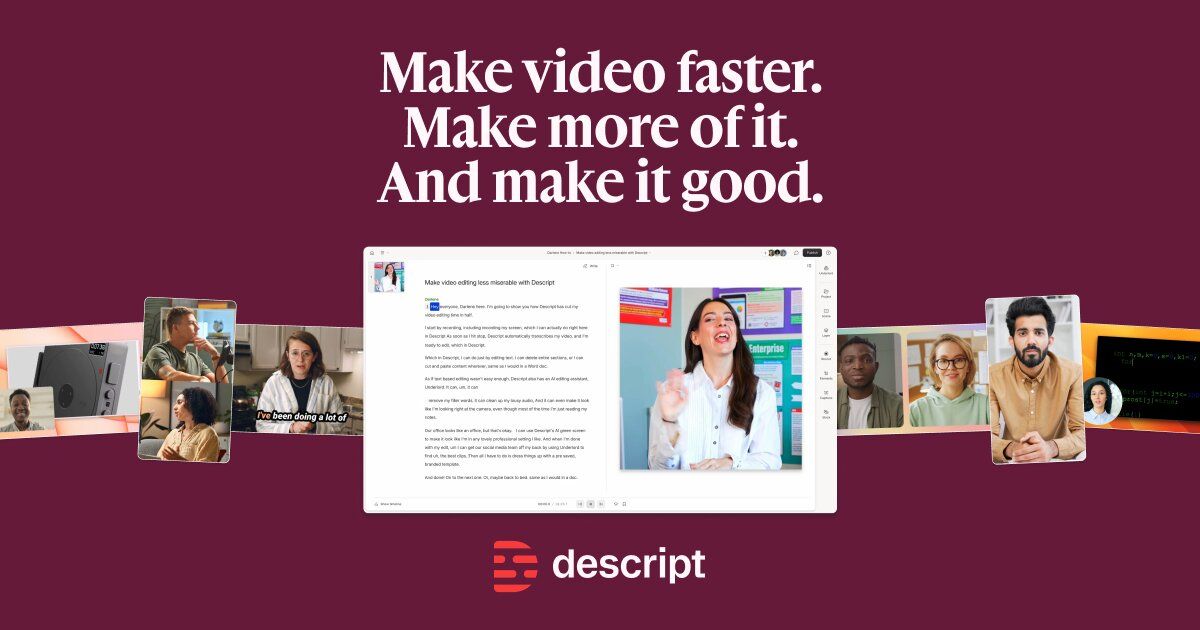
Problem three: the summary reads like a running log with no point of view. That happens when the prompt only asks for a summary without an angle. Before rewriting, set a specific question — for example, which three suggestions in this episode help newcomers the most — and organize the content around it. Problem four: Descript fails to load. According to our library records, its access status in China is unconfirmed; if it fails to load, complete transcription and summarizing with iFLYTEK Listen plus BibiGPT instead, and do not look for unofficial ways around the access limit.
Things to Watch
Start with copyright and privacy: only transcribe and summarize public podcasts, and do not upload recordings that other people have not made public. Credit the source when quoting a guest, and check any judgment about a person once more before publishing. On the platform side, both WeChat Official Accounts and Xiaohongshu review reposted content closely; crediting the source and adding your own analysis is safer than pasting a raw transcript.
The steps in this article were checked against the official pages on 2026-11-19. If platform rules change, the official pages apply.
Tools mentioned




Sources
This article is compiled from the public sources above and does not reproduce the originals in full; see the official sources for details.