Personal Knowledge Base Advanced Guide: Long-Context Direct Reading vs. Local RAG, and When to Use Which
1. Bottom Line First: Split by Material Volume
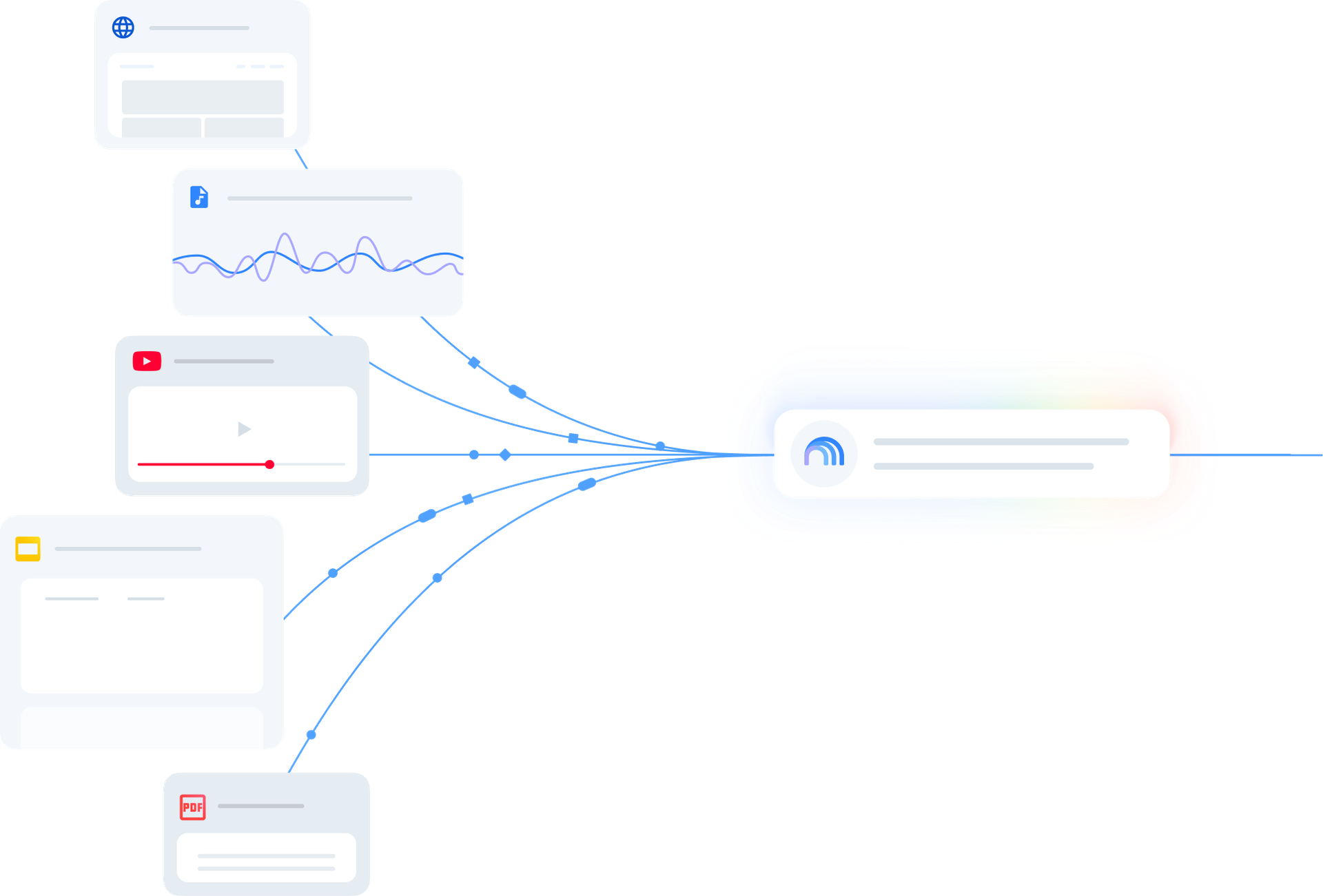
To put the conclusion first: if you have no more than 50 sources and your questions all revolve around that set of material, use long-context direct reading: drop the material into NotebookLM, ask questions directly, and get citations—no setup, no code. If you have hundreds or thousands of documents, want to accumulate them over the long term, and need offline access, use local RAG: LlamaIndex + Ollama chunks your material and builds an index stored on your own computer, ready to query over time.
The split is based on two factors: material volume and privacy. Long-context direct reading caps out at 50 sources per notebook—go beyond that and you have to split across notebooks; local RAG has no limit on the number of sources, but you have to build and maintain it yourself. On privacy, direct reading requires uploading your material to the cloud, while local RAG keeps your material on your own computer. Try both paths, then settle on your primary one.
2. What You Need to Prepare
Prepare three things: a Google account (for direct reading with NotebookLM); a computer with Ollama installed (to run local RAG—pull a qwen3:8b model first to practice); and a batch of real material: start with 10–20 PDFs, documents, or web links, and do not practice on an empty notebook.
Also confirm whether your material can go to the cloud. Material that can be uploaded goes the direct-reading route; material that cannot leave the internal network goes the local RAG route. The same material can be used on both paths: first try asking questions about it in NotebookLM, and if it works well, move it into local RAG for the long term.
3. Step-by-Step Instructions
Start with the direct-reading path. Open NotebookLM, create a notebook, and upload your material: the free plan allows 100 notebooks per account and up to 50 sources per notebook, with a per-source limit of about 500,000 words or 200MB. After uploading, ask questions directly—answers come with citations that point to the exact passage in the original text; you can also generate audio overviews, mind maps, and study guides with one click. Use these built-in features to work through your material first.
Then move on to the local RAG path. Once Ollama is installed and the model is pulled, install LlamaIndex and its Ollama integration: pip install llama-index llama-index-llms-ollama. Following the official getting-started example, put your material in the data directory, load it with SimpleDirectoryReader, and build the index; the index can be persisted to the storage directory and loaded directly next time.
Then switch the model to a local one. The official example uses OpenAI's models by default; for the local path, switch to Ollama: Ollama(model="qwen3:8b", request_timeout=120.0, context_window=8000). Finally, compare and then decide: ask both sides the same set of questions, see whose answers are more accurate and whose citations are more trustworthy, and then decide which path becomes your primary one.
4. Common Pitfalls and Solutions
Direct reading exceeds the 50-source limit: split by topic into multiple notebooks instead of forcing everything into one; for questions spanning notebooks, ask in each notebook separately and then summarize the results manually. Local RAG gives irrelevant answers: first check whether the retrieved passages are correct—if the passages are wrong, it is a chunking or retrieval problem, so try smaller chunks; if the passages are right but the answer is still wrong, check whether the generation model is too small.
Local model generates text very slowly: first check whether the model is actually loaded into VRAM—running a large model on CPU alone is very slow; an 8B model in Q4_K_M is about 5GB, and a computer with 16GB of memory runs it comfortably. Index rebuilds are very slow each time: confirm that the index was actually persisted to the storage directory so it can be loaded directly next time.
5. Important Notes
Three reminders. First, the source count is a hard limit: the free NotebookLM plan allows 50 sources per notebook—exceed it and you must split into multiple notebooks, and upgrading requires a Google AI subscription. Second, the effectiveness of local RAG depends on chunking and the embedding model, so do not expect switching to a larger model to solve everything—tune retrieval first, then generation. Third, privacy red line: materials containing sensitive information must only go through local RAG; do not upload them to cloud tools.
The steps in this article were verified against official pages on 2026-11-09; if platform rules change, refer to the official documentation.
Tools mentioned


Sources
This article is compiled from the public sources above and does not reproduce the originals in full; see the official sources for details.