A Multi-Tool Competitor Monitoring Weekly: From Tracking Official Updates to a Structured Briefing

1. Conclusion: A Weekly Briefing Answers Only Three Questions
Start with the conclusion: a competitor weekly only needs to answer three questions — what changed this week, what the change means for us, and whether any follow-up action is needed next week. An update that answers none of these three does not belong in the briefing, however fresh it is.
This guide fits product, operations, or marketing colleagues who track competitors — watching 3 to 8 of them and producing a briefing for the team each week. When competitors number more than 10, rank them up front: put direct rivals into automated monitoring and leave the rest to a monthly manual check.
2. Preparation: Competitor List and Monitoring Sources
Prepare a competitor list: for each competitor, record the official site, blog, pricing page, and official social accounts, and monitor only official public pages. Draw mainly on official update pages, blogs, and pricing pages, with social accounts as a supplement, so rumors and second-hand reports never become monitoring input.
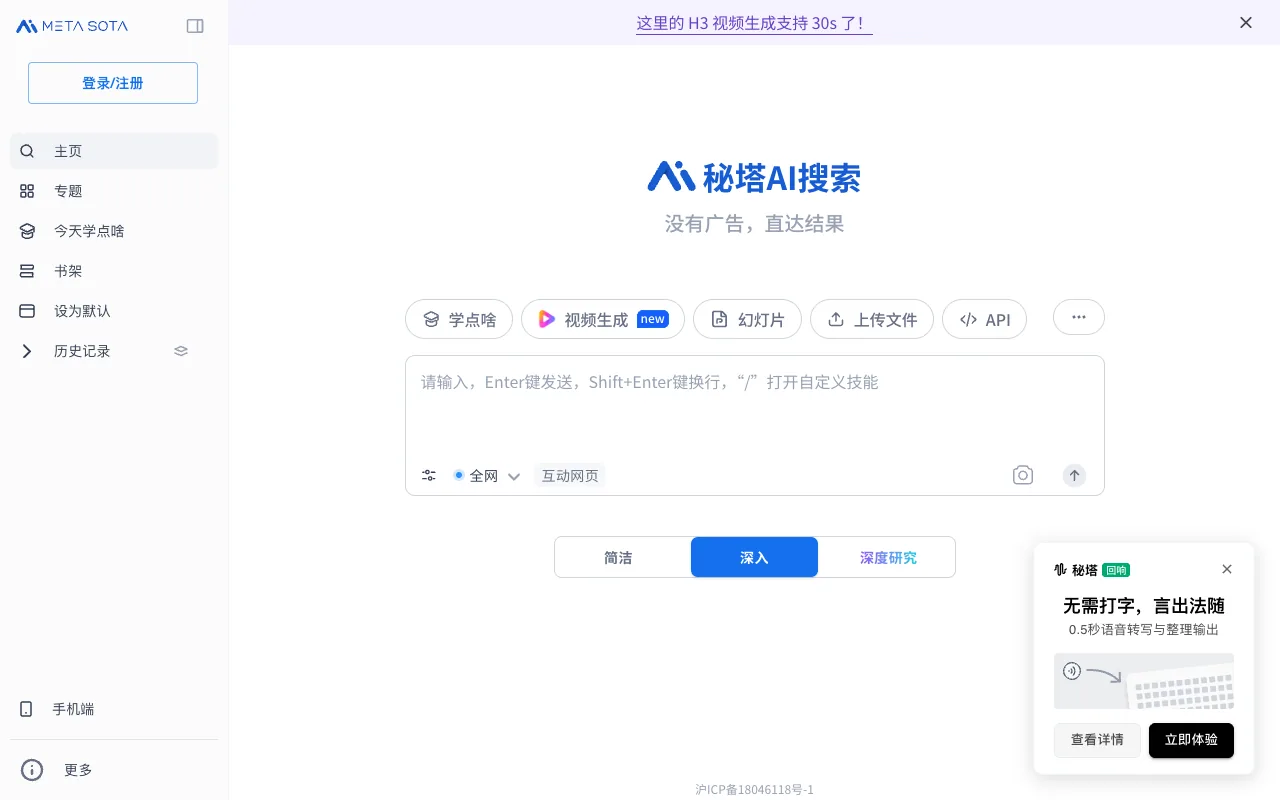
Prepare the tools: n8n handles scheduled fetching and chaining, Perplexity, Metaso, and Genspark handle cross-checking, and Dify turns verified items into the briefing. n8n is an open-source workflow automation platform that connects many services through nodes and supports self-hosting; Dify is an open-source AI app platform with visual workflow and knowledge-base orchestration.
3. Step by Step: Fetch, Verify, Draft
Build the fetching stage to begin: in n8n, create one scheduled workflow per competitor that pulls the public content of official update pages and blogs at a fixed time each week, gathering changes into a list to verify. Fetch only official public pages, and set the frequency to each page's own update rhythm — a site that did not change all week needs no daily pull.
Then cross-check every item: run each change on the list through Perplexity, Metaso, and Genspark in turn — items all three confirm go into the briefing, while items mentioned by only one source or described differently get flagged for manual confirmation. Perplexity is an AI search engine that cites its sources, Metaso is an ad-free Chinese AI search tool, and Genspark is a workspace combining AI search with agents — cross-checking across the three filters out many single-source misreads.
Finally, assemble the briefing in Dify: lay the verified items into a fixed structure — changes this week, impact assessment, suggested actions — with a source link on every item; read the draft through once yourself before sending it to the team. Machines collect, people judge and sign off.
4. Common Pitfalls: Missed Updates, False Alarms, Briefings That Read Like Logs
Missed updates usually come from watching only the homepage: redesigns often land on pricing pages, docs, or blog subpages, so the list must cover those deeper pages. False alarms mostly come from treating marketing copy as product change: record only feature, pricing, and policy changes, and keep pure promotion out of the list.
A briefing that turns into a log is another trap: piling every update from the week into one document that nobody finishes. The control is to keep only items tied to the three questions and move the rest to an appendix; for a competitor with no material change for two weeks in a row, one line saying so is enough.
5. Notes: Sources, Pricing, and Verification
Source discipline: every change in the briefing carries a link to the official page; second-hand reports serve only as leads, never as conclusions; monitoring covers only the collection and organization of public information and never touches content that requires login. Pricing is stated as models only: Perplexity, Metaso, Genspark, and Dify follow freemium models, and n8n is an open-source platform — exact quotas and benefits are set by each official site.
The steps in this guide were verified against the official pages on 2026-11-25; if platform rules change, the official pages govern. One note: the Perplexity and Genspark homepages returned only a small amount of extractable content that day, so this guide describes only general steps for those two tools, with no interface button names; the Metaso, Dify, and n8n homepages opened normally for verification that day.
Tools mentioned


Sources
This article is compiled from the public sources above and does not reproduce the originals in full; see the official sources for details.