Using AI to Turn Meeting Notes into Actionable Tasks: From Transcription to Assignment and Follow-up
1. The takeaway: who this is for and what you get
The takeaway first: the end point of meeting notes is not a document, but a task list where every item has an owner and a due date. Once this flow runs, minutes and a task list go out within half an hour of the meeting, attendees no longer dig through recordings to find their own items, and the weekly review simply checks the task table.
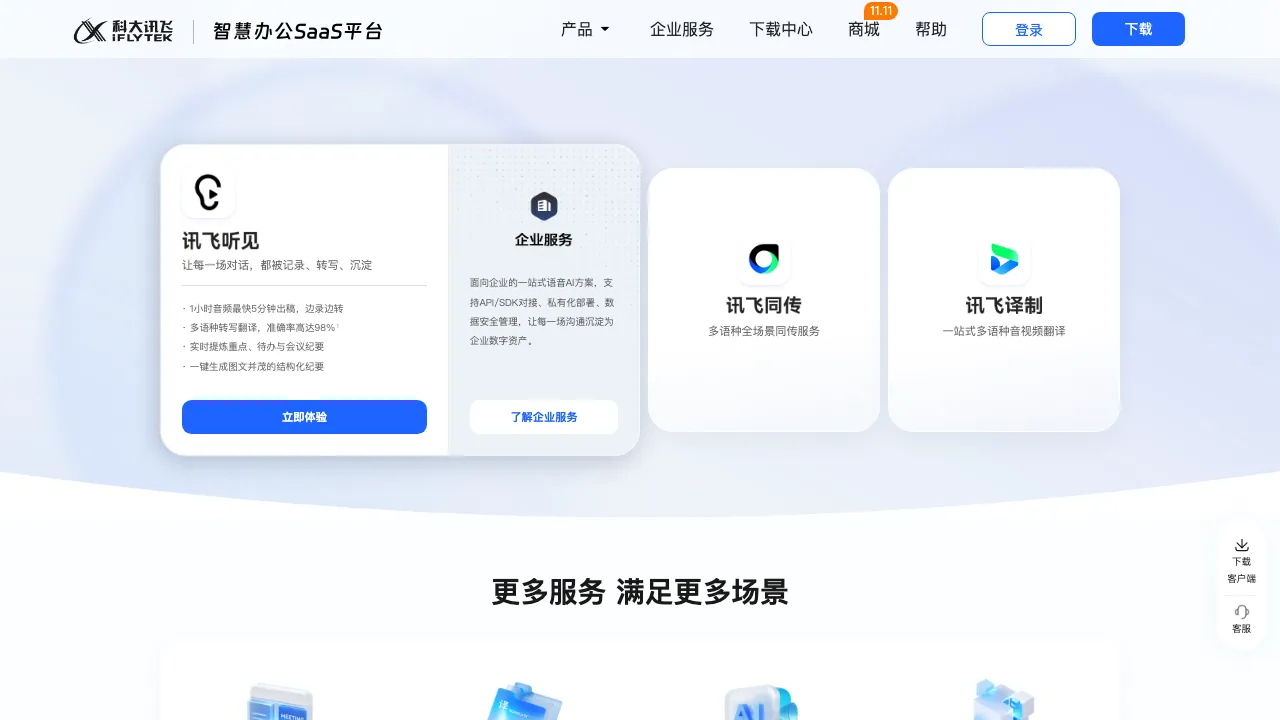
This guide is for team leads who meet a lot every week and still follow up by word of mouth, and for newcomers who just took over meeting notes and want to close the loop. No new purchase is needed first: iFlyRec or Tingwu handles transcription and extraction, Feishu or Notion handles assignment and follow-up, and a phone plus a laptop is enough to run it.
2. What to prepare
Prepare three things: a meeting recording, or a device that can record — a phone with earphones is enough to start; the attendee list and the agenda, shared with the transcription tool in advance as reference; and a task table template with four fixed fields — task, owner, due date, and acceptance criteria — built in a Feishu Base or a Notion table.
Before the meeting, do two things: tell attendees the meeting will be recorded and used to write up minutes, and get everyone's agreement; then confirm how to record — the meeting app's built-in recording or the transcription tool's floating window for online meetings, and a phone placed near the speakers for in-person ones. Recording quality decides transcription quality, so do not skip this step.
3. Step by step
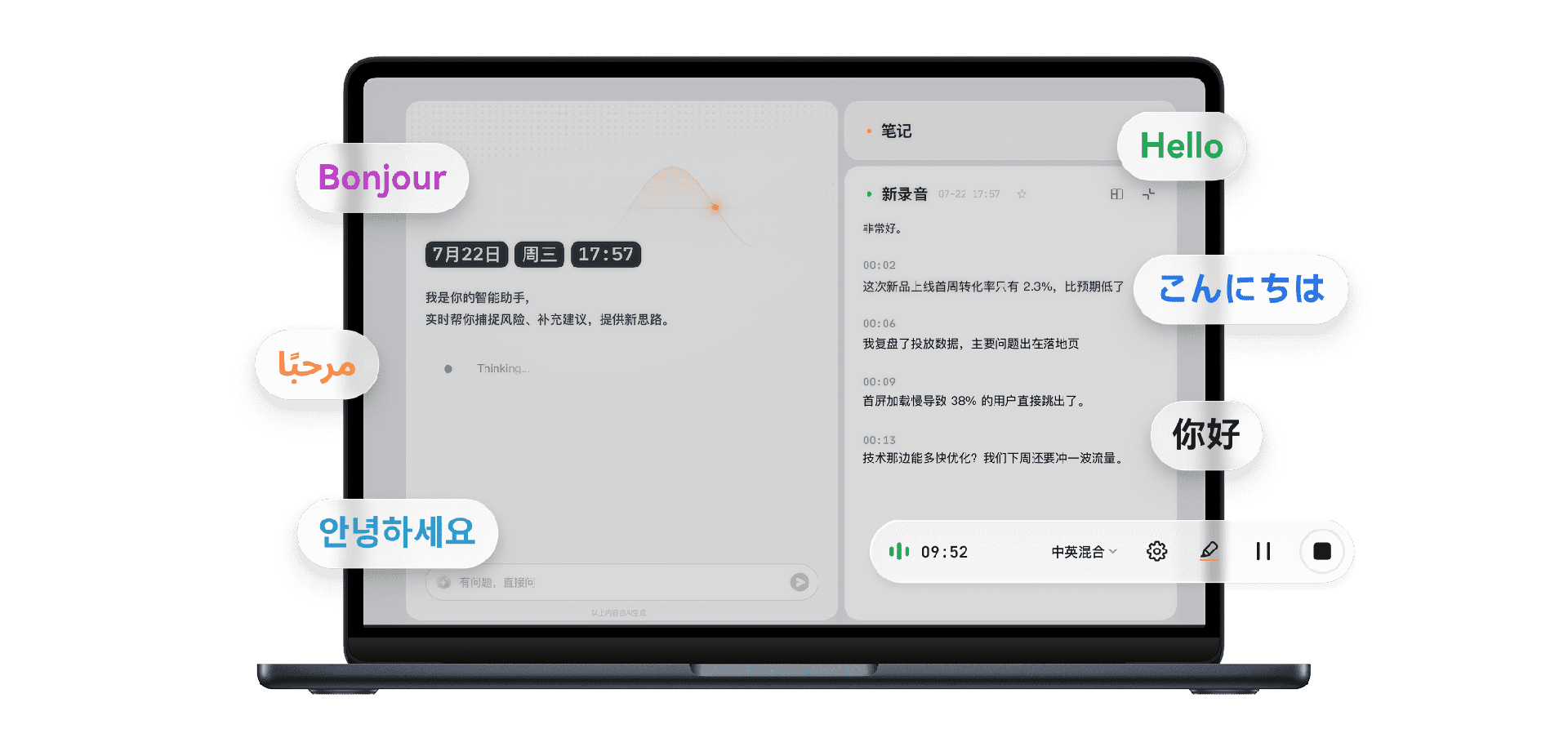
Step one, transcribe and extract: after the meeting, import the recording into iFlyRec, or open the synced meeting record in Tingwu, and wait for transcription to finish. Read the full transcript, fix names, numbers, and technical terms, then use the tool's AI summary to pull out key points and to-dos. Do not add decisions that are not in the transcript; if you cannot remember something, confirm it with an attendee on the spot instead of writing from memory.
Step two, assign and follow up: break each extracted to-do into a task with an owner, a due date, and acceptance criteria, enter it in the Feishu or Notion task table, and share the list in the group chat once. Assignment only counts once the owner confirms it. Check progress against the table at a fixed time each week; for overdue items, ask the reason in person, set a new due date, write it down, and start the next meeting with the unfinished items.
4. Common snags and fixes
Three snags come up often: several people talking at once scrambles the transcript — check it speaker by speaker and verify key numbers against the recording line by line; the AI's to-dos are missing an owner or a due date — fill in all four fields before filing, and send any item missing one back for confirmation; tasks go out and nobody claims them — @ each owner on each item in the group chat, and follow up individually if there is no reply within 24 hours.
Another trap is sending the raw transcript out as the minutes: repetitions, tangents, and half-finished sentences from spoken language all stay in, and readers cannot find the point. Minutes should keep only three kinds of content — decisions, to-dos, and items to confirm — with one line each for background and discussion; anyone who needs the original wording can go back to the transcript.
5. Things to watch out for
Tell attendees before recording and get their agreement; do not upload confidential meetings to an external transcription service. Store and archive transcripts and minutes under your company's rules, and do not forward them casually. Feishu, iFlyRec, and Tingwu plans and free allowances follow their own official pages — confirm them before rolling the flow out to a team.
The steps in this guide were checked against the official pages on 2026-11-26. If platform rules change, the official pages apply.
Tools mentioned


Sources
This article is compiled from the public sources above and does not reproduce the originals in full; see the official sources for details.