A Beginner's Guide to Local Model Fine-Tuning: A Practical LoRA Path
The takeaway: who this is for
The takeaway first: LoRA fine-tuning is a lightweight way to teach an open model your task and style — instead of touching every parameter, you train only a small set of added parameters, which saves a lot of memory and time. This guide follows a local open-source path: Unsloth sets up the environment and runs training, Hugging Face supplies the base model and the PEFT documentation, and Ollama runs the fine-tuned model locally.
This fits anyone who wants to give an open model a house style: customer-service replies, internal document Q&A, or writing in a specific voice. Get one thing straight first: fine-tuning fixes style and task fit, it does not add knowledge to the model. If knowledge is missing, add retrieval first; fine-tune only when style is the gap.
What you need
Prepare three things: a computer with an NVIDIA graphics card, or a GPU machine that can run training, with memory checked against the hardware requirements in Unsloth's official documentation; a base model, an open weight from Hugging Face whose license allows fine-tuning; and training data, tens to hundreds of question-answer pairs, de-identified, de-duplicated, and formatted consistently.
Confirm two things first: whether your data is question-answer pairs or instruction-following examples, formatted the way the official example notebooks expect; and how you will evaluate, by holding out a small test set so you can compare the tuned model against the original. Starting training before the data is ready just teaches the model your dirty data.
Step by step
Step 1: set up the environment. Install Unsloth by following its official documentation: download the desktop installer for your system from its website, or follow the install script in the docs for the command-line route. Run one of the official example notebooks first to confirm training starts and memory is enough, then switch to your own data.
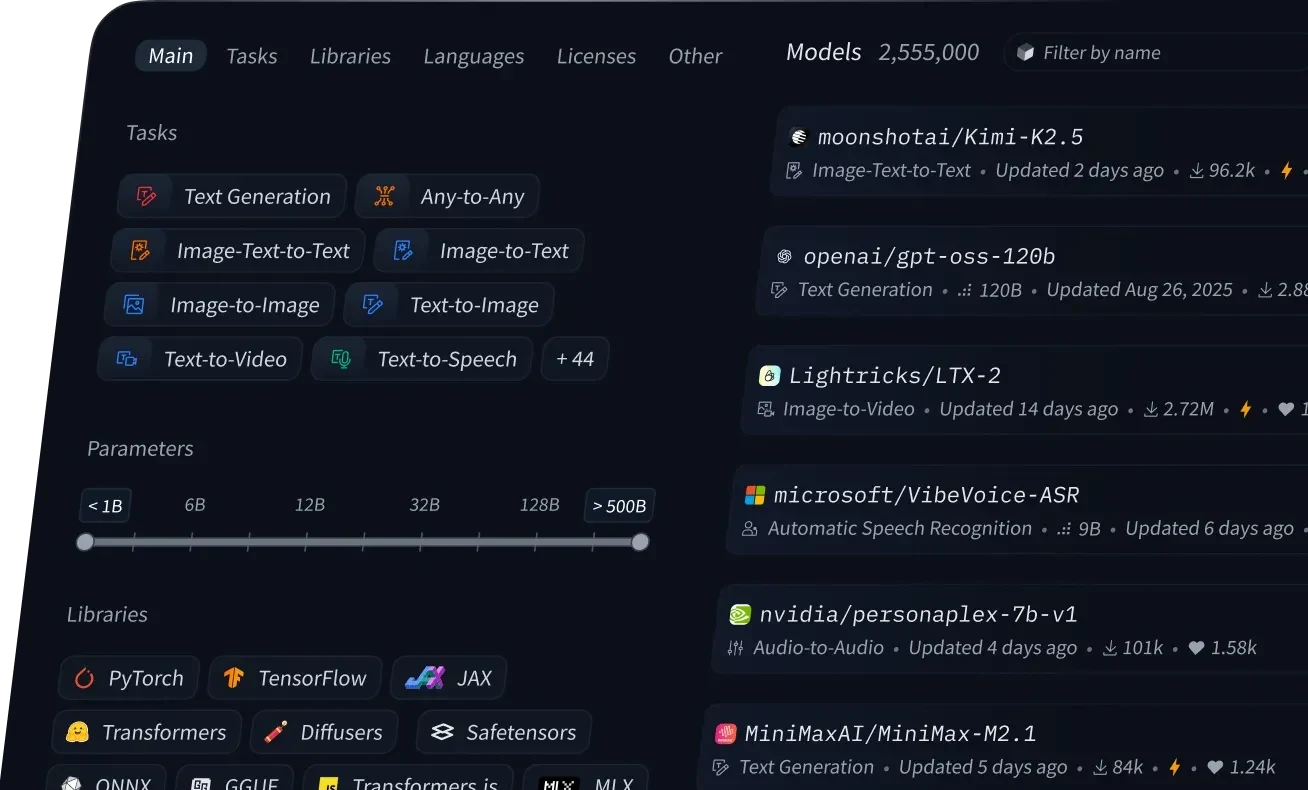
Step 2: pick a base model and set the parameters. Find an open model on Hugging Face that is close to your task, and read its model card and license carefully. Following the PEFT documentation, configure LoRA so that only the added low-rank adapter parameters are trained while the base weights stay frozen. Run one round with the official example's default hyperparameters before tuning anything.
Step 3: train a small round and check the result. Train the first round on your prepared question-answer pairs and watch whether the loss curve falls. Then hand-check a dozen or so answers on the test set: if the style is right and the facts have not drifted, decide whether a second round with more data is worth it. If the result is off, check the data quality first instead of adding training rounds.
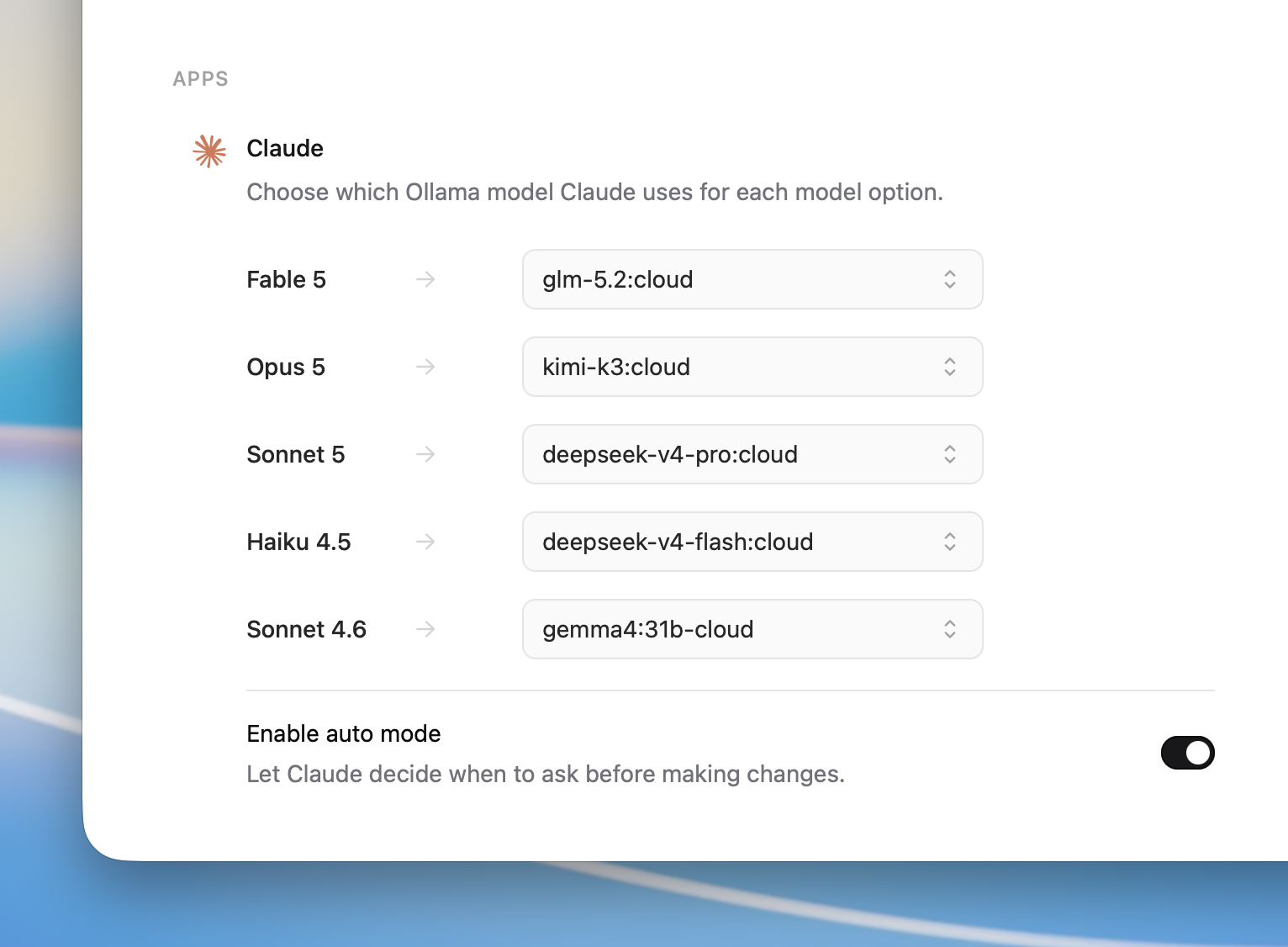
Step 4: export and run locally. Export the trained adapter weights in GGUF or another format by following the official documentation, or save them back to Hugging Face; then load and run the model locally with Ollama, whose website says prompts are never stored or used for training. Once it works, record the model file together with the training data and parameters so the run can be reproduced.
Common snags and fixes
Snag 1: not enough graphics memory, so training fails as soon as it starts. Check the hardware requirements in the official documentation, switch to a smaller base model, or lower the batch size; do not force a large model in. Snag 2: the tuned model has the right voice but starts inventing facts. Fine-tuning does not add knowledge — hand factual questions to retrieval, or fall back to the original model.
Snag 3: duplicates and dirty samples slipped into the training data, and the model picked up bad habits. De-identify, de-duplicate, and hand-check the data before training. Snag 4: the exported format does not line up with Ollama. Follow the export steps in Unsloth's official documentation, and test a few conversations locally after export before putting the model to use.
Things to watch out for
Only use open models whose licenses allow fine-tuning; keep other people's private or sensitive information out of training data; and hand-check fine-tuned output before it answers for anyone. Unsloth, Ollama, and PEFT are open-source projects and free in themselves — the cost is mainly local hardware and electricity.
The steps in this guide were checked against the official pages on 2026-11-22. If the platform's rules change, the official pages are the authority.
Tools mentioned

Sources
This article is compiled from the public sources above and does not reproduce the originals in full; see the official sources for details.