AI-Assisted User Profiling: A Hands-On Guide From Behavior Data to Segment Labels
1. Conclusion: Let the Profile Serve One Concrete Decision
Start with the conclusion: a user profile is valuable not for its labels but for whether it helps you make one concrete decision — which feature to push to which group, or who should get a win-back message. Before doing anything, write down one sentence: what question should this profile answer? If you cannot answer that, do not rush into grouping.
This guide fits people whose product is already live and whose PostHog or similar tool already holds behavior data, while the profile itself still rests on gut feeling. If you have no behavior data at all, run tracking for two weeks and come back — a profile built on empty data is only a guess in different words.
2. Preparation: Shape Behavior Data So AI Can Use It
Prepare three things: a list of behavior events, a rule for identifying users, and the scenario where the profile will be used. Keep the event list short — 10 to 20 core events such as sign-up, core feature use, payment, and pre-churn actions; write down the trigger and field meaning for each event so the same event does not carry two names on different pages.
PostHog is an open-source product analytics platform that brings events, funnels, session replay, and A/B testing together, with self-hosting supported; its homepage states that you can start free with no credit card required. Confirm in PostHog that events are reporting normally, then export the event summary you need for grouping; take only the fields the profile needs, remove fields that identify individuals, and anonymize the data before handing it to AI.
3. Step by Step: From Events to Segment Labels
Start by grouping events: in PostHog, sort events by business meaning — sign-up, activation, retention, payment, and churn signals each in their own group — then look at how behavior differs between groups. The point is not absolute volume but behavior combinations: users who use a feature often yet never pay, and users who try once and leave, should carry different profile labels.
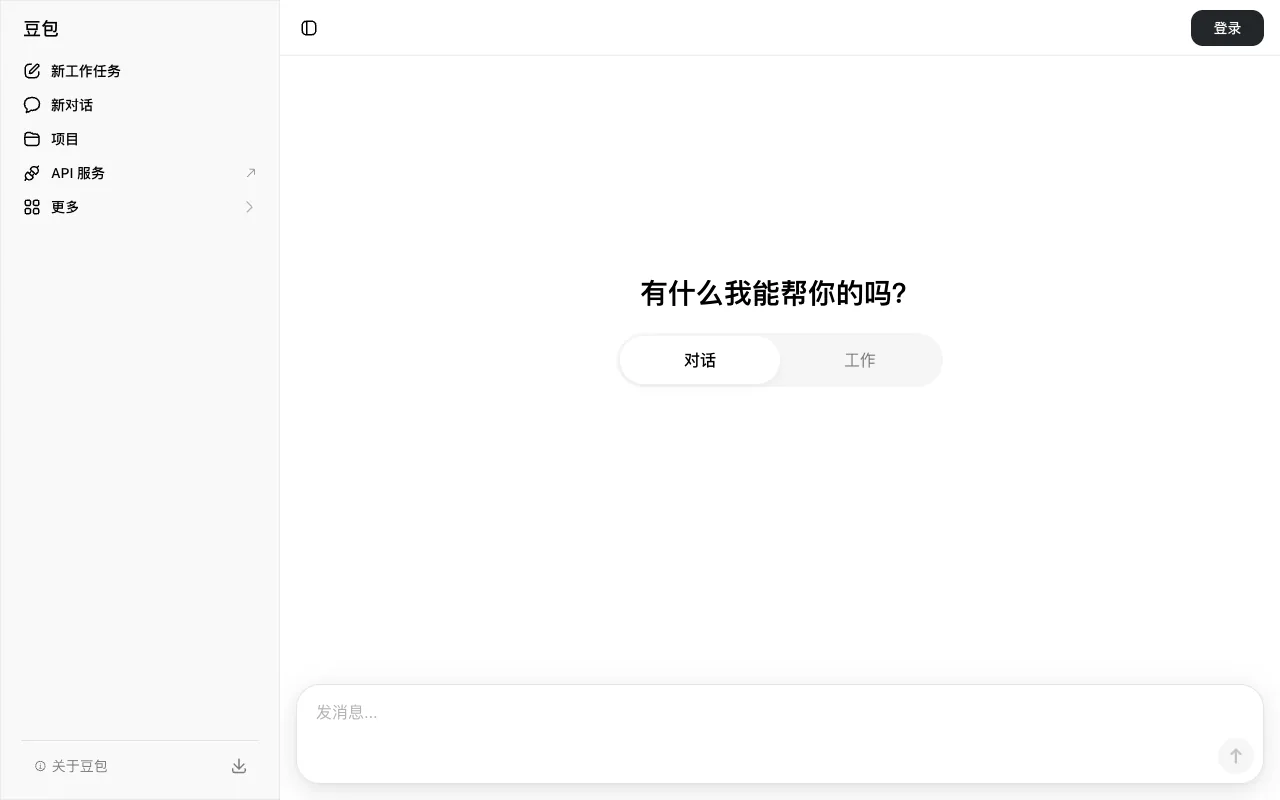
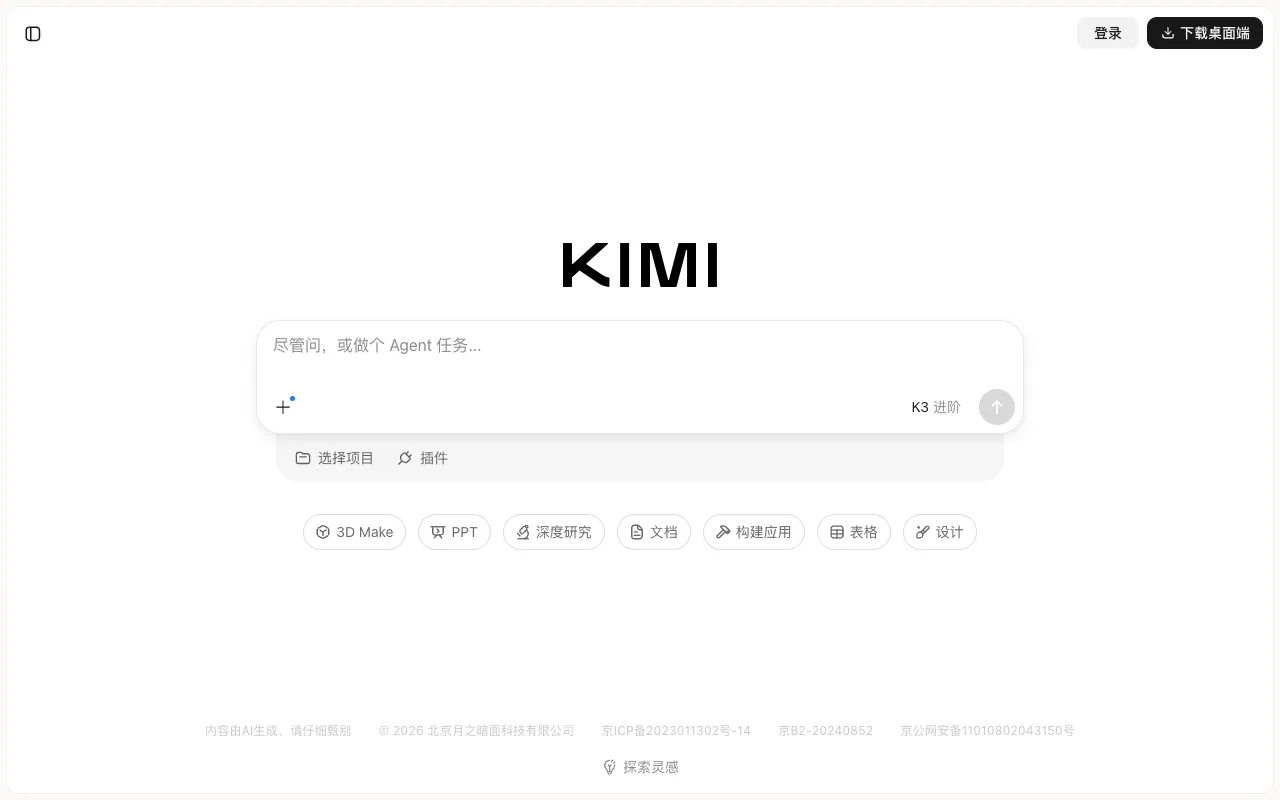
Then hand the grouped event summary to AI for grouping: put the event definitions, grouping rules, and the question you want answered into the prompt, and run it through Doubao, Kimi, and DeepSeek each in turn, asking for candidate segments with the behavior traits of each. Running all three is not about ranking them — it is cross-checking: a segment all three agree on is more trustworthy, while one mentioned by only one model needs separate verification.
Finally, write the confirmed segments into Notion: one page per segment, with behavior traits, size range, typical scenarios, and suggested actions, plus the data definitions and update date. Notion combines notes, documents, and databases in one tool with built-in AI features, which makes it a good home for a living profile document the whole team can share; a profile is never finished — review it against fresh data each month and let labels move as behavior changes.
4. Common Pitfalls: Label Drift, Thin Samples, Conflicting Definitions
Label drift is the most common trap: last month's active users behave differently this month, but the label stays put. The fix is to write a decision rule and a review cycle for every label — when the rule changes, update the label itself, not just its description.
With too few samples, AI will force segments into existence: eight groups from a few dozen users, none of which holds up. Make sure each group has enough samples before talking about finer splits; when definitions clash, go back to the event definitions, align what each event means, and only then discuss labels.

5. Notes: Privacy, Pricing, and Verification
Privacy is a hard line: anonymize behavior data before handing it to AI, removing names, phone numbers, device IDs, and other identifying fields; for data involving minors or sensitive industries, clear internal compliance review before proceeding. Pricing is stated as models only: PostHog follows a freemium model, Doubao and DeepSeek are free to use, and Kimi and Notion follow freemium models — exact quotas and benefits are set by each official site.
The steps in this guide were verified against the official pages on 2026-11-25; if platform rules change, the official pages govern. One note: the official pages of Doubao and DeepSeek could not be fetched successfully that day, so this guide describes only general steps for those two tools, with no interface button names or specific prices; the PostHog, Kimi, and Notion homepages opened normally for verification that day.
Tools mentioned





Sources
This article is compiled from the public sources above and does not reproduce the originals in full; see the official sources for details.