Using AI to organize user interviews: from recording and transcription to distilled insights

1. Who this guide is for
If you regularly run user interviews, user research, or in-depth conversations, this guide is for you: a workflow from recording and transcription to distilled insights, so you can deliver a usable write-up the same day as the interview instead of letting the recording sit in a folder for a month.
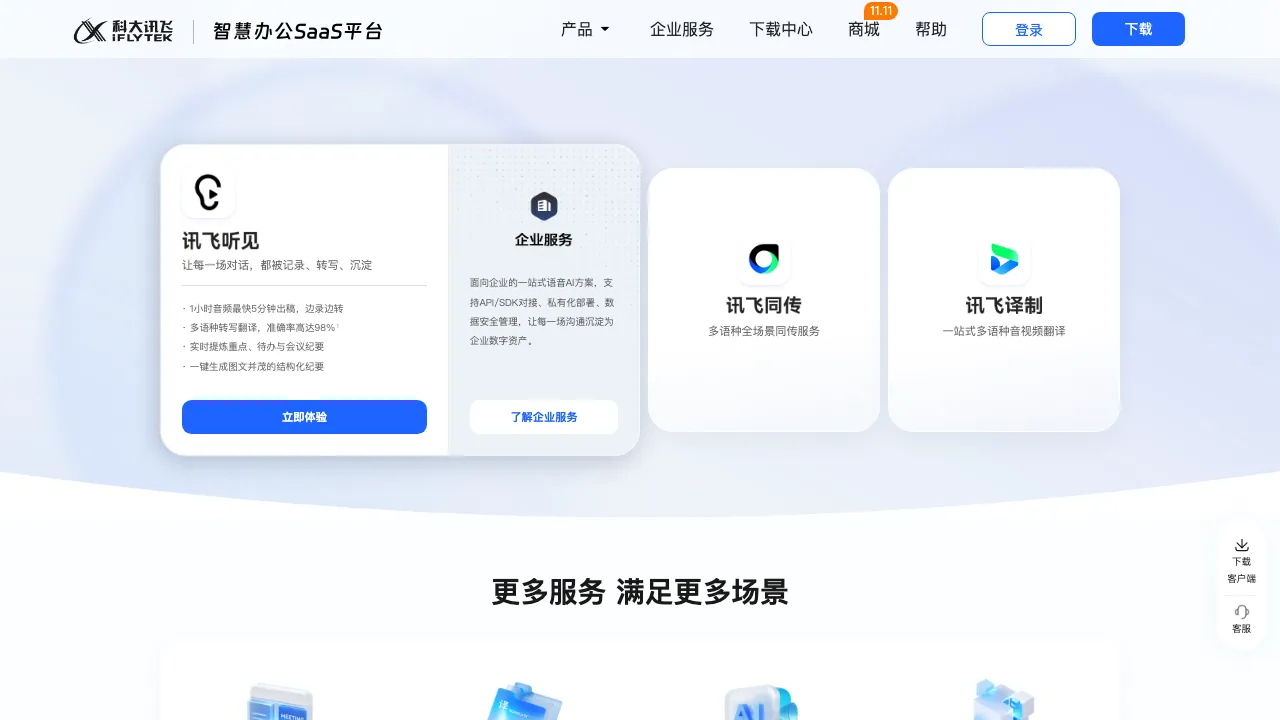
It comes down to three steps: record it, turn it into text, then distill insights. The tools are interchangeable; the examples below use iFlyRec, Tongyi Tingwu, Granola, Plaud, and Descript, all already listed in the library. Use whichever one you have; there is no need to install them all.
2. What to prepare
An interview outline: write 5 to 8 questions in advance, ordered from background to detail, so you can sort insights question by question later. One phone is enough for recording; a hardware recorder like Plaud is handy because one press starts recording and you do not have to watch your phone.
Tell the other person you are recording and get their agreement first; this is required, and Plaud's official site explicitly reminds users to inform others and get their okay before recording. Also set up a folder for transcripts and write-ups, and keep a separate backup of the original recording so a ruined transcript can be redone.
3. Step by step: from recording to insights
Step one, record. For in-person interviews, a phone app is enough; iFlyRec and Tongyi Tingwu both have mobile apps. For online meetings, Granola works without joining as a bot: it transcribes in the background on your own machine while you meet as usual. If you already have a recording, import it for transcription instead of re-recording.
Step two, transcribe. Import the recording and wait for the transcript; iFlyRec's official site says one hour of audio can be drafted in as little as 5 minutes. Read the transcript through once, checking names, product names, numbers, and speaker labels, and fix any misattributed speakers by hand. Do not skip this.
Step three, distill. Go question by question through your outline: under each one, paste one or two verbatim quotes as evidence, then write one insight of your own. You can start from a tool's built-in summary, such as Tongyi Tingwu's chapter overview and to-dos or Granola's ability to answer questions about your notes, then review it yourself and delete anything the AI invented.
Step four, write it up. Structure the document as themes, supporting quotes, insights, and next steps, and save it in your folder. For a series of interviews, add a summary table that lines up the key findings from each session side by side; points that repeat are the signals that matter most.
4. Common problems and fixes
Heavy accents, dialects, or several people talking at once make transcription errors much more likely. Slow down during the interview, let one person speak at a time, and re-check key passages against the recording afterward instead of building on a faulty transcript.
Long recordings lose detail when distilled in one pass. Split the transcript by outline section, distill each part separately, then merge. Also watch for summaries that read smoothly but say things nobody actually said: every sentence presented as a conclusion must trace back to the transcript, or it gets deleted.
5. Things to keep in mind
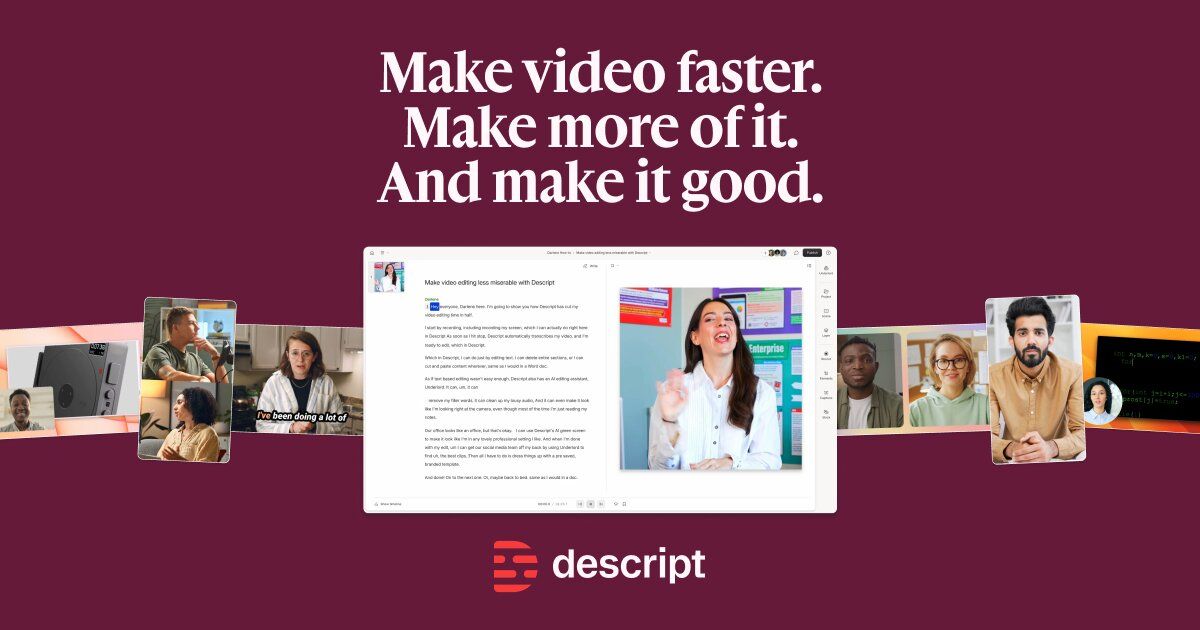
Always get consent before recording, remove private details from the write-up, and do not forward original recordings casually. Free allowances and paid plans differ: Granola's site states meeting notes are free without limit and that viewing notes older than 30 days requires an upgrade, while Descript's site states there is a free plan with no credit card required. For the other tools, check the official site's current prices; Plaud requires buying separate hardware.
The steps in this guide were checked against the official pages on 2026-11-24; if platform rules change, the official pages apply.
Tools mentioned




Sources
This article is compiled from the public sources above and does not reproduce the originals in full; see the official sources for details.