Using AI to plan podcast topics: from tracking trends to building a topic bank
1. Who this guide is for
This guide is for people who run a podcast or plan to start one, and who keep improvising topics at the last minute: record whatever comes to mind, then have no idea what the next episode should be. The fix is a fixed weekly routine for tracking trends and planning topics: build a topic bank first, then record from it.
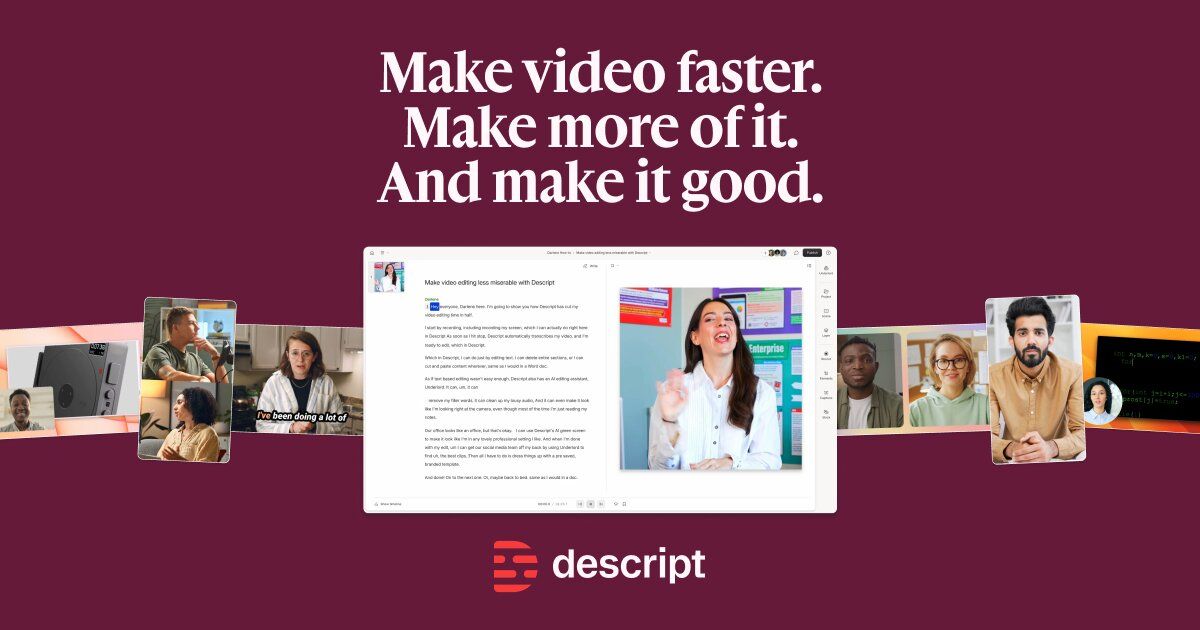
It comes down to three steps: track trends, log them in a topic bank, and schedule recordings. Descript, Castmagic, NotebookLM, Kimi, and Doubao are the examples below; all are already listed in the library, so use whichever one you have.
2. What to prepare
First, fix the show's positioning: one sentence that says who it is for and what problem each episode solves. Without that, no amount of trend tracking turns into a usable topic bank. Then set up the bank itself, as an online document or a spreadsheet, with four columns: topic, source link, angle, and priority.
Then prepare your sources: follow 5 to 10 feeds relevant to the show, such as industry media, podcast charts, or community discussions. Castmagic accepts a pasted link or an uploaded recording, with MP3, WAV, M4A, and MP4 imports; Descript produces a transcript automatically whether you record in it or drag a recording in.
3. Step by step: from trend to finished episode
Step one, track trends. At a fixed time each week, use Kimi or Doubao to follow the topics being discussed repeatedly in your field, and log 3 to 5 worth expanding into the topic bank, noting why each is worth covering and from which angle. Do not log titles alone: note the most contested point in the discussion, which is usually where the episode should start.
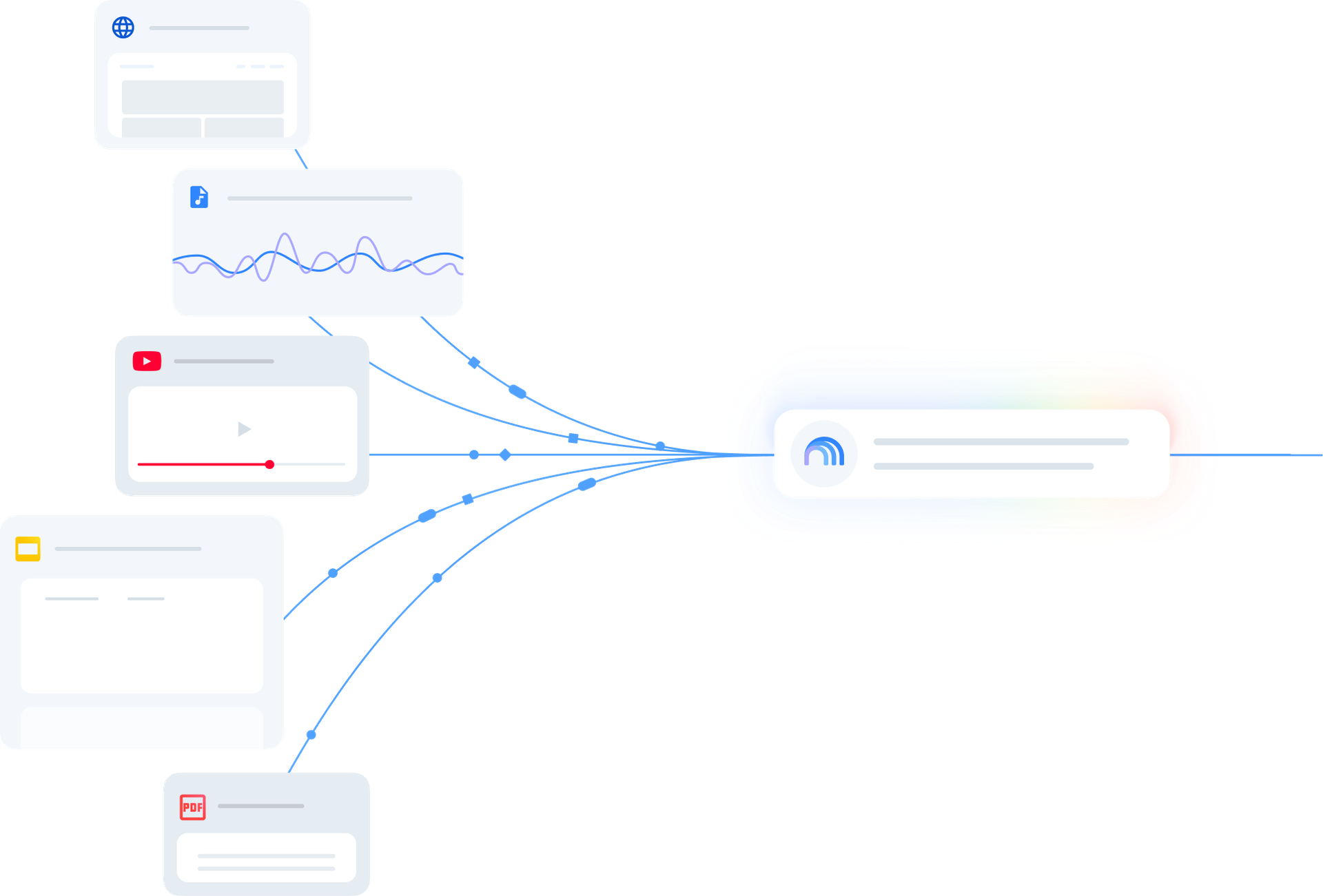
Step two, expand a trend into a topic. Put it into NotebookLM and let it build an outline, a mind map, or an audio overview from the material you supply, so you can judge whether the topic can carry a full episode. You can also ask it directly which angles on the topic have not been covered properly yet.
Step three, schedule and record. Order topics by priority and write a one-page outline before recording: an opening hook, three key points, and a closing. After recording, drag the audio into Descript to cut and clean it up by editing the transcript, then use Castmagic to generate show notes, timestamps, and distribution copy from the finished episode.
Step four, review and feed back. After each episode goes out, log how it performed. Mark strong topics in the bank and spin two or three follow-ups from them; for weak ones, write one line about why, and lower the priority of similar angles next time.
4. Common problems and fixes
A topic bank that grows messier the more trends you track usually means titles are logged without angles. Every entry needs one line stating your own angle; a trend without an angle waits on the side. Another pitfall is an AI outline that looks complete but does not fill an episode when spoken aloud: talk through the outline before recording, and the parts you cannot get through are where you need more material.
Names, terms, and numbers in transcripts are easy to get wrong, so read the transcript through once before editing. And if one topic runs for several episodes in a row, listeners get bored: tag entries by theme in the bank and rotate themes from episode to episode.
5. Things to keep in mind
One verification gap to note: Doubao's official page could not be opened and read on 2026-11-25, so the parts of this guide about Doubao describe only general approaches, without citing specific button names or prices from its pages. Kimi's official page was opened the same day, but very little body text came through, so the parts about Kimi are likewise general. Descript's site states there is a free plan with no credit card required, and Castmagic's site states it accepts MP3, WAV, M4A, and MP4 imports with a 1GB limit per file. Free allowances and paid plans for each tool follow the official sites' current prices.
The steps in this guide were checked against the official pages on 2026-11-25; if platform rules change, the official pages apply.
Tools mentioned





Sources
This article is compiled from the public sources above and does not reproduce the originals in full; see the official sources for details.