The Full AI Podcast Workflow: Recording, Editing, and Distribution
Who This Pipeline Is For
It suits solo podcasters, interview shows, and knowledge-sharing audio creators who publish weekly: one person, one computer, and one microphone are enough to start, with no timeline editing to learn. It assumes the content is mainly spoken word; music shows and heavily dramatised audio are outside the scope of this guide.
Pricing first: all four tools have a free entry point or free tier, and paid tiers are metered by usage and duration. Every price in this guide comes from each vendor's official pricing page as checked on 2026-11-15; confirm the checkout page before paying.
What You Need
A computer, a microphone (phone earphones work in a pinch, but a USB microphone is recommended for a regular show), a quiet recording space, and accounts for all four tools. Before recording, do a three-minute test: record a passage, play it back, and check background noise and volume. For remote interviews, agree on a recording time with the guest in advance and ask them to run the same test.
Also prepare a one-page rundown: the episode theme, three key points, and how it ends, kept within reach while recording. The rundown is both a recording outline and the raw material for the show notes later; improvised recording without one usually doubles the editing time.
Step by Step: Record, Edit, and Distribute
Start by recording. Solo shows can be recorded directly in Descript, or you can drag in a file recorded elsewhere. For remote interviews, use a Podcastle studio: create a studio, send the link to the guest, and each person gets a separate track. The free tier includes 1 hour of lifetime remote recording, and paid tiers start at 2 hours a month. Back up the raw files before editing.
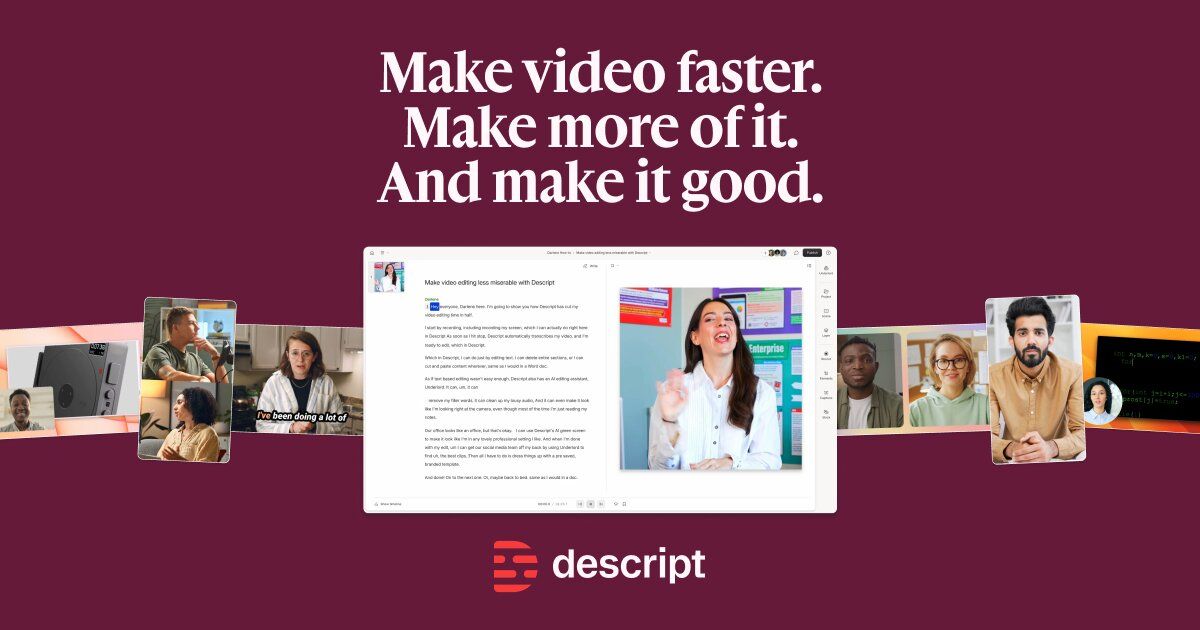
Next, edit by transcript in Descript. Once audio or video is added to a project, Descript transcribes it automatically. Delete words from the transcript and the matching audio and video are deleted too: select text and press Delete, and cut and paste to move passages. Then use Remove Filler Words to strip “um” and “ah” in bulk, and Studio Sound to improve audio quality in one click. The free tier gives 1 media hour a month and 100 one-time AI credits, with 720p watermarked export. Paid tiers are metered on media hours and AI credits: Hobbyist offers 10 hours and 400 credits a month, Creator 30 hours and 800 credits, Business 40 hours and 1,500 credits, with 1080p and 4K export; exact prices are on the official pricing page.
Then clean the audio with Cleanvoice. Upload the edited audio, remove noise and filler words, and download the result. Plans start at €10 a month, with pay-as-you-go and subscription options; processed files are kept on the server for 7 days only, so save them promptly after downloading. Next, reuse the content with Castmagic. Upload the finished audio and Castmagic transcribes it, then generates show notes and social posts from your prompts. The three tiers are $19, $48, and $139 a month billed annually, with 30, 100, and 400 transcribed hours. Finally, host and distribute in Podcastle. Upload the finished episode, fill in the show details, and publish. The free tier includes 10 lifetime AI credits and 2 GB of storage; paid tiers (Essentials, Pro, Teams) are priced on the official pricing page.

Common Sticking Points and Fixes
Sticking point 1: the transcript has many errors. Use Descript's Correct Transcript feature to fix names and terms before cutting; with heavy accents or overlapping speakers, listen through section by section before applying bulk edits. Sticking point 2: AI credits run out. Deleting words by hand barely touches your credits — the AI features such as Underlord and voice generation consume them. Do the manual edit first and save AI features for the hardest parts.
Sticking point 3: remote recording drifts out of sync. Ask the guest to close bandwidth-heavy apps before recording, and check that all tracks match in length inside Podcastle before exporting. Sticking point 4: a watermark appears on export. Watermarked export on the free tier is the official rule; confirm the episode is final before deciding whether to upgrade, and do not use screen recording to work around the watermark.
Things to Watch Out For
Be careful with voice cloning: Podcastle's Revoice may only be used on your own voice, and cloning someone else's voice requires their clear consent. When guests are recorded, tell them in advance that the show will be edited and published. All subscriptions are completed on each vendor's official site — never through top-up agents or shared accounts. Prices follow the official pricing pages, and the figures in this guide were checked on 2026-11-15.
Interfaces and tiers change, so follow the live official pages when you work. The steps in this article were checked against official pages on 2026-11-15; if platform rules change, the official guidance applies.
Tools mentioned




Sources
This article is compiled from the public sources above and does not reproduce the originals in full; see the official sources for details.