Managing Contract Templates with AI: From Clause Library to One-Click Contract Generation

The short version: build the library first
The conclusion: build the clause library before talking about one-click generation. Without a clause library, the AI writes from scratch every time, and wording and positions will drift sooner or later. Notion keeps clauses, templates, and review records in one place; Spellbook assembles clauses into a first draft inside Word and flags review points. Each does its own job.
This fits three groups: admin and operations leads at small teams who issue standard contracts often; freelancers and small studios with modest caseloads who want to fix their commonly used contracts in place; and startups just setting up a legal workflow that need a method they can actually run.
What you need
Prepare three things. First, gather your existing contracts: sort past signed contracts by type — service agreements, purchase contracts, NDAs, and revenue-share agreements are the usual four — and keep at least one lawyer-reviewed version of each type as the base draft. Second, a Notion account; the free tier is enough to build a database. Third, a Spellbook trial account: it is a plug-in that lives inside Microsoft Word, the official site offers a 7-day free trial, and pricing is not published — it is quoted per team size, so check the official site; practice first on a non-critical contract during the trial.
Also prepare a clause list: pull out the clauses that repeat across each contract type, such as payment terms, confidentiality, liability for breach, dispute resolution, and contract term, and note the scenario and the date a lawyer last confirmed each one. Mark clauses no lawyer has confirmed yet, so they serve as reference only during generation and do not go straight into templates.
Step by step
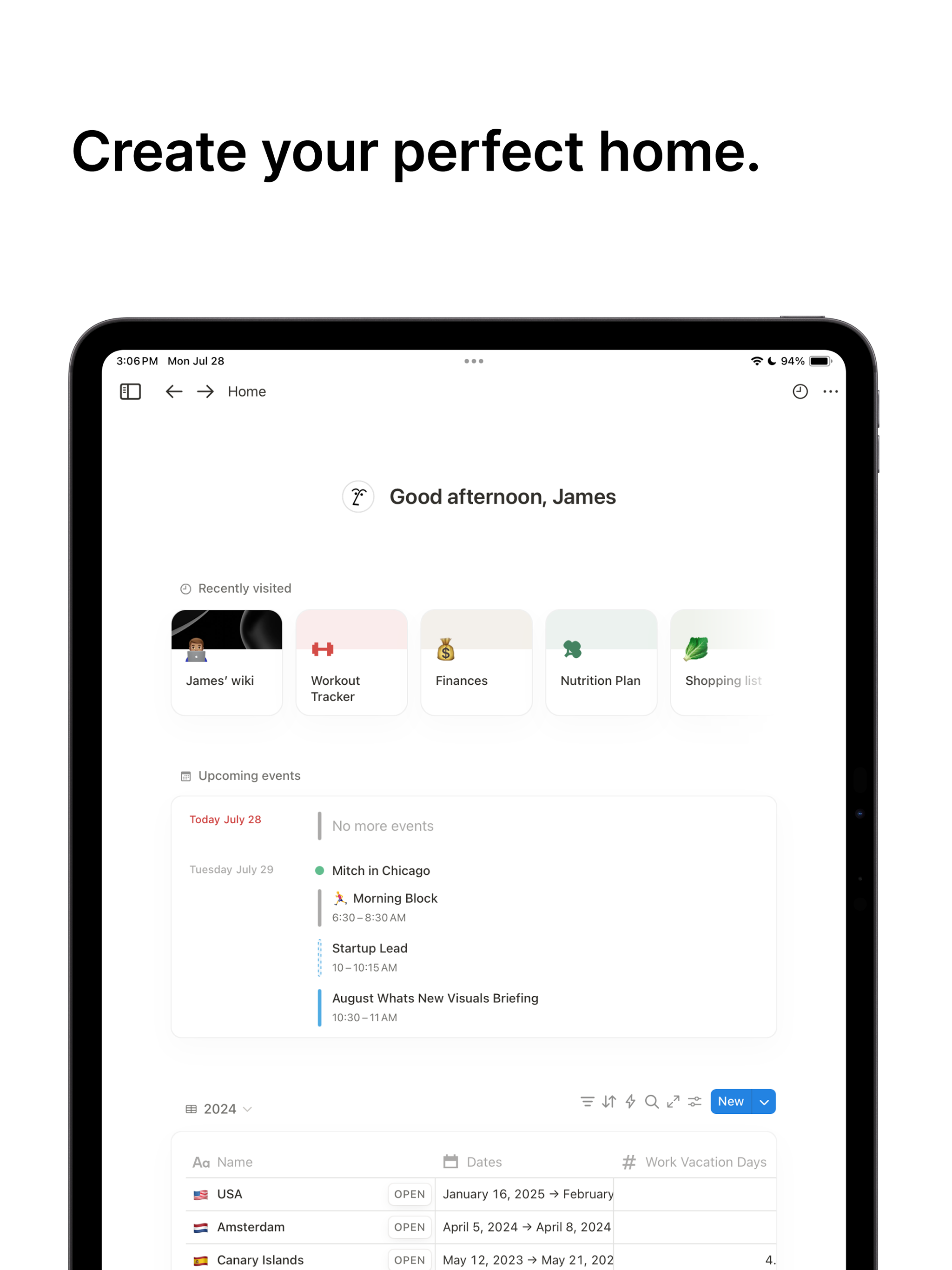
Step one: build a clause library database in Notion, with fields for at least clause name, contract type, clause text, applicable scenario, last confirmation date, and status (confirmed, pending, or retired). Enter the clauses one by one; do not overwrite different versions of the same clause — add a new row and mark the old version retired, keeping the change history.
Step two: build one template page per contract type, stating what the contract is for, who it applies to, and the required information (parties, amount, term, delivery standards), then link in the matching clauses from the library instead of copying the text. That way, when a clause changes, every template that references it sees the new version.
Step three: open the template draft in Word, bring up the Spellbook sidebar, and have it draft a first version from the template's clause list: first generate any missing standard clauses, then check the draft against the clause library and flag anything inconsistent with the library, missing, or vaguely worded. Confirm each suggested change one by one, leaving a comment where unsure, and do not accept everything at once. Then run an internal check in Notion: fill in the parties, amounts, and dates, verify the numbers match the clauses, and send the document plus the check record to a lawyer for review; feed the lawyer's revised version back into the clause library with a new confirmation date, and only then has the template completed one iteration.
Common snags and fixes
Snag one: the AI-generated clauses all look right, but they conflict with your old contracts. Fix it by treating the clause library as the single source of truth: check the draft against the confirmed versions clause by clause, follow the library where they disagree, and update the template after fixing — do not quietly change one sentence inside the Word file.
Snag two: templates pile up and nobody knows which is current. Fix it by keeping only one live version, moving old ones to an archive with a clear retirement date, and writing the last update date and updater at the top of each template page, so a newcomer can tell at a glance.
Snag three: Spellbook is a paid service and the trial runs out. Fix it by getting the clause library and template flow working in Notion first, so the paid tool only speeds up drafting and review; even if the subscription stops, the library and templates stay usable, and you can go back to manual drafting.
Things to watch out for
One point worth repeating: an AI-generated contract template is only a first draft, and a lawyer must review it before formal use. The AI does not know your specific deal background and takes no responsibility for wrong clauses, so amounts, terms, and liability provisions must be checked word by word by a person. For high-risk contracts involving cross-border deals, IP transfers, or equity, do not rely on the template flow alone.
Do not upload confidential contracts to tools you have not evaluated; remove party names, amounts, and commercial terms first. When a team shares a clause library, set permissions properly and take retired clauses down promptly so nobody uses an old version by mistake. For paid services based outside China such as Spellbook, subscribe and trial only through official channels, with pricing as stated on the official site, and do not buy accounts through unofficial channels.
The steps in this article were checked against the official pages on 2026-11-24; if platform rules change, the official pages apply.
Tools mentioned




Sources
This article is compiled from the public sources above and does not reproduce the originals in full; see the official sources for details.