AI Competitor Monitoring: Sources, Summaries, and an Automated Daily Brief

Who This Is For
It suits product, operations, and marketing staff who track 3 to 10 competitors and need a weekly brief without checking official sites by hand every day. The output is a daily brief in a fixed format: each item has three parts — what happened, what it means for us, and the source link — so a reader can decide at a glance whether to follow up.
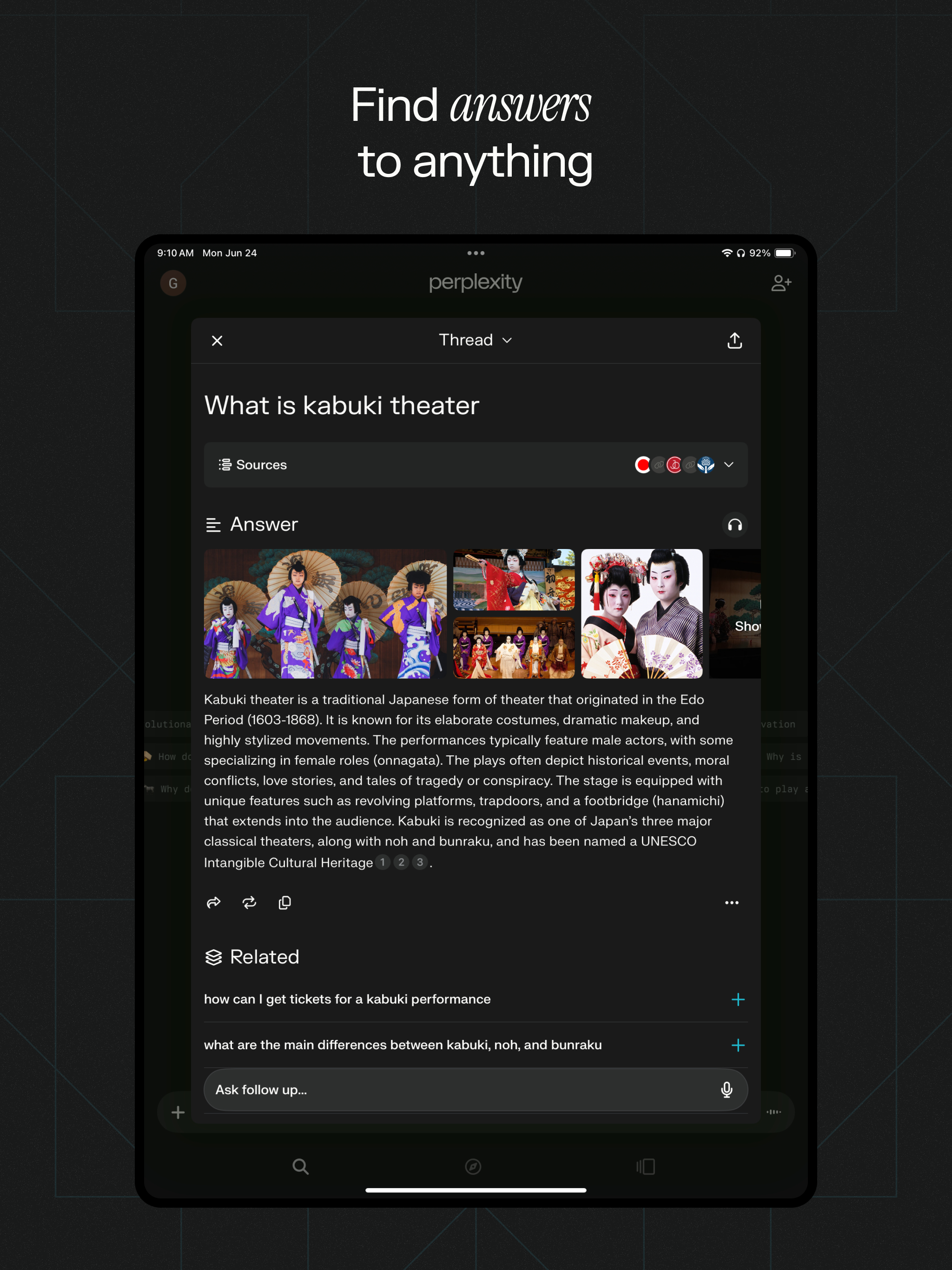
Pricing in brief: Perplexity's free tier is $0, and Pro is $17 a month when billed annually (the monthly-billing price is on the checkout page). Metaso's basic search is free, with membership prices shown on its official order page. n8n Cloud Starter is €20 a month billed annually and Pro is €50, while the Community edition is free to self-host. All prices in this guide were checked on 2026-11-15.
What You Need
A competitor list: for each competitor, write down the official site, pricing page, blog, and official accounts, plus two or three dimensions to watch, such as pricing, new features, funding, and hiring. Keep the list in a table — competitors as rows, dimensions as columns — and follow it in every step below.
Three accounts: Perplexity, Metaso AI Search, and n8n (Cloud or the self-hosted Community edition). The automation step also needs a Perplexity API key and a connected Google Docs account, prepared as described on n8n's official integration page. Enter the key only in n8n's own credential manager, never in the workflow text.

Step by Step: From Manual Checks to an Automated Daily Brief
Step 1: run one manual research pass. In Perplexity, ask a targeted question per competitor — for example, which features a product released in the past month — and open each cited source to check it; switch to deep research mode when a fuller check is needed. Cover Chinese-language material with Metaso AI Search: ask directly on metaso.cn, whose home page promises no ads and results without detours, and which also supports file uploads, an API, and custom skills.
Step 2: fix a summary template. Each item records four things: what happened (no more than two sentences), the source link, the publication date, and what it means for us (follow up, watch, or ignore). Once the template is fixed, automation has a format to reuse. Write the brief by hand for one week first and only automate once the template works.
Next, chain it into an automated daily brief with n8n. Following the example workflow on n8n's official integration page: a Schedule Trigger fires daily, a Perplexity node researches competitor updates from the list, an AI agent writes the brief from the template, and a Google Docs node saves the finished draft to a chosen document. The workflow only fires on schedule once it has been saved and published. A mail node then sends the brief to the team, and a person reviews it before it goes further. n8n charges per completed workflow run: Cloud Starter is €20 a month billed annually and Pro is €50, the Community edition is free to self-host, and the 14-day free trial needs no credit card.
Common Sticking Points and Fixes
Sticking point 1: the AI summary disagrees with the source. Check every fact in a summary against its cited source, especially numbers and dates; where they differ, trust the source page and mark the item as unverified in the brief. Sticking point 2: results repeat or go stale. Add a date range to your questions, such as “November 2026”, and log items already covered in the brief so the same update is not reported twice.
Sticking point 3: the workflow does not fire. Check three things: whether the workflow has been saved and published, whether the Schedule Trigger timezone matches the team's, and whether the Perplexity API key has expired. Sticking point 4: the brief is too long to read. Put items that need follow-up at the top and keep the rest to one sentence plus a link; if the brief runs past one page, split it into “must read today” and “the rest”.
Things to Watch Out For
Monitor public information only: official sites, blogs, public coverage, and official account posts are fair game; data behind sign-in, full text behind paywalls, and other people's private messages are not. Always keep the source: every item in the brief needs its source link, so it can be rechecked and so an AI guess is never passed on as fact.
Prices and rules follow the official sites: Perplexity, Metaso, and n8n change prices and limits over time, so check each pricing page and checkout page before subscribing. Keep API keys in the official credential manager only — never share them or paste them into shared documents. The steps in this article were checked against official pages on 2026-11-15; if platform rules change, the official guidance applies.
Tools mentioned
Sources
- Perplexity Pricing
- metaso.cn
- n8n Plans and Pricing
- Google Docs and Perplexity: Automate Workflows with n8n
This article is compiled from the public sources above and does not reproduce the originals in full; see the official sources for details.