Migrating Code with AI: A Hands-On Guide to Bulk Rewrites from an Old Framework to a New One

The Short Answer: Who This Is For
The short answer: migrating code with AI is not about handing the whole old project over for a rewrite in one pass. It is a slice-by-slice pipeline: understand the old code first, then rewrite it module by module, running tests as soon as each slice changes. Humans review the changes, and tests catch regressions. That way, if you find you took a wrong turn halfway through, you only roll back one slice instead of the whole project.
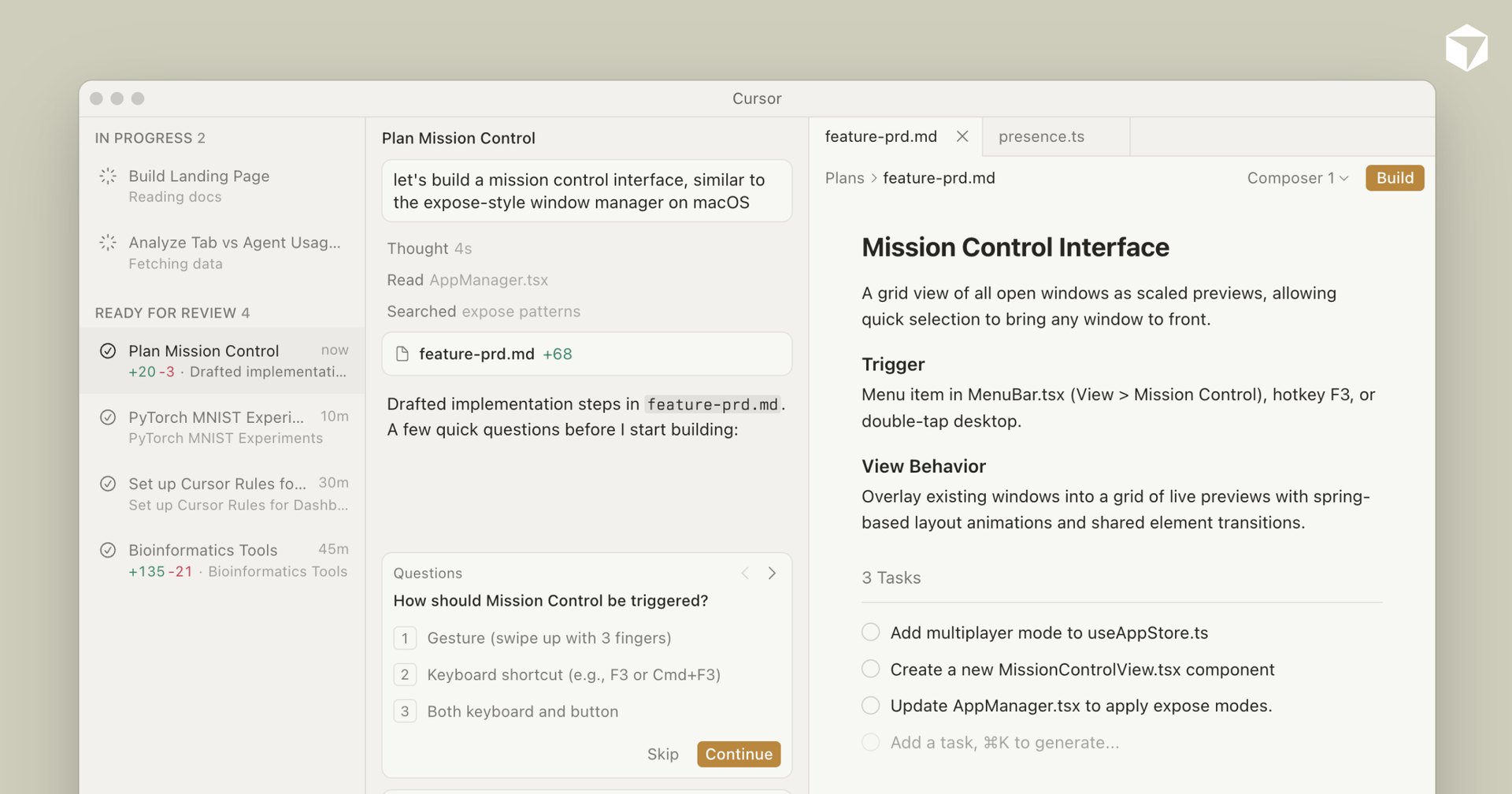
It suits developers moving a project from an old framework to a new one: switching front-end frameworks or changing back-end runtimes. The main route uses Cursor and Claude Code — the first is an AI editor, the second runs in the terminal — and both can work to rule files. For a project with no tests, add smoke tests for the critical paths before starting.
What You Need
Prepare four things: a working baseline of the old project, with a clean git working tree and a separate migration branch; the new framework's official migration guide and upgrade notes, read through once to note the breaking changes; a rule file — .cursor/rules for Cursor and CLAUDE.md for Claude Code — stating the new framework's version, its idiomatic patterns, and the old patterns to avoid; and a module list ordered by dependencies.
Before you start, confirm two things: whether major feature work is frozen during the migration, because adding features while migrating tangles the changes together; and how each module will be verified once migrated — by running tests, by building, or by walking through the flows by hand. Do not start bulk rewrites until the verification approach is settled.
Step by Step
First, have AI map the old code. Open Cursor or Claude Code on the migration branch and have it read through the old project and produce a migration checklist: which modules exist, how they depend on each other, which APIs have changed in the new framework, and where the risks are. Review the list by hand first, mark the parts that need manual work, and only then start changing code.
Next, trial-migrate the smallest module. Pick the module with the fewest dependencies and the smallest change surface, and have the agent rewrite it following the checklist and the rule file, then run the tests and the build right away. The goal of this slice is not speed but proving the process: whether the rule file is clear enough, whether the tests catch problems, and whether the commit size is right. Only move to bulk work once the trial goes smoothly.
Then push through the remaining modules in bulk. Cursor agents can run several tasks in parallel, and Claude Code can open multiple sessions in the terminal to divide the work. Hand one module to each agent, commit after each slice, and keep every commit independently verifiable. Have each agent report what it changed and what it tested after every slice, while you review the changes and stop anything heading off course.
Finally, wrap up. Once every module is migrated, remove the old framework's dependencies and leftover code, unify how the new framework's APIs are used, run the full test suite, and walk through critical flows by hand, such as login, checkout, and payment. Take on no new feature work during this stage; merge back only after the full suite passes and the critical flows check out.
Common Problems and Fixes
Problem one: AI translates the old style literally into the new framework, so the code runs but still reads like the old framework. Fix it by writing the new framework's idiomatic patterns into the rule file, with links to examples in the official documentation for the agent to follow. Problem two: the change surface is too large, with thousands of lines in a single commit that nobody can review. Shrink the commit size to one slice per commit, and state in each commit message which module changed and how it was verified.
Problem three: dependency version conflicts, where the new framework will not install or old packages are incompatible. Check the version requirements in the new framework's official documentation before starting, pin the dependency versions, and do not upgrade unrelated dependencies mid-migration. Problem four: too few tests, so broken changes go unnoticed. Add smoke tests for the critical paths first so the main flows have coverage; for modules where tests cannot be added, walk through the changes by hand after migrating.
Things to Watch Out For
Safety and boundaries first: never migrate directly on the main branch — an isolated branch is the baseline. Do not hand files containing secrets, certificates, or production configuration to an agent. On cost, Claude Code requires a Claude subscription or an Anthropic Console account, and the exact pricing of both tools is as stated on their official websites; confirm the current tiers there before starting.
These steps were checked against the official pages on November 20, 2026. If platform rules change, the official pages are the reference.
Tools mentioned


Sources
This article is compiled from the public sources above and does not reproduce the originals in full; see the official sources for details.