GitHub Copilot Deep Dive: An AI Coding Agent from Issue to PR, Working Inside Your Repository
Positioning and Maker
GitHub Copilot (github.com/features/copilot) is GitHub's AI coding assistant. Our library places it in the coding category, with the tags coding and assistant, and its description says it is GitHub's AI coding assistant. Its role is not to write a whole project for you, but to stay close and help with the concrete steps of everyday coding, working inside GitHub's repository and collaboration flow.
As of November 22, 2026, Lumo Hub had published 2,191 tools, including 263 in the coding category. Among those 263 coding tools, Copilot's position is clear: it is not a standalone editor or terminal, but plugs into the development flow that already exists, taking work from an issue and handing it back as a pull request, with the steps in between shared out to it.
Core Features
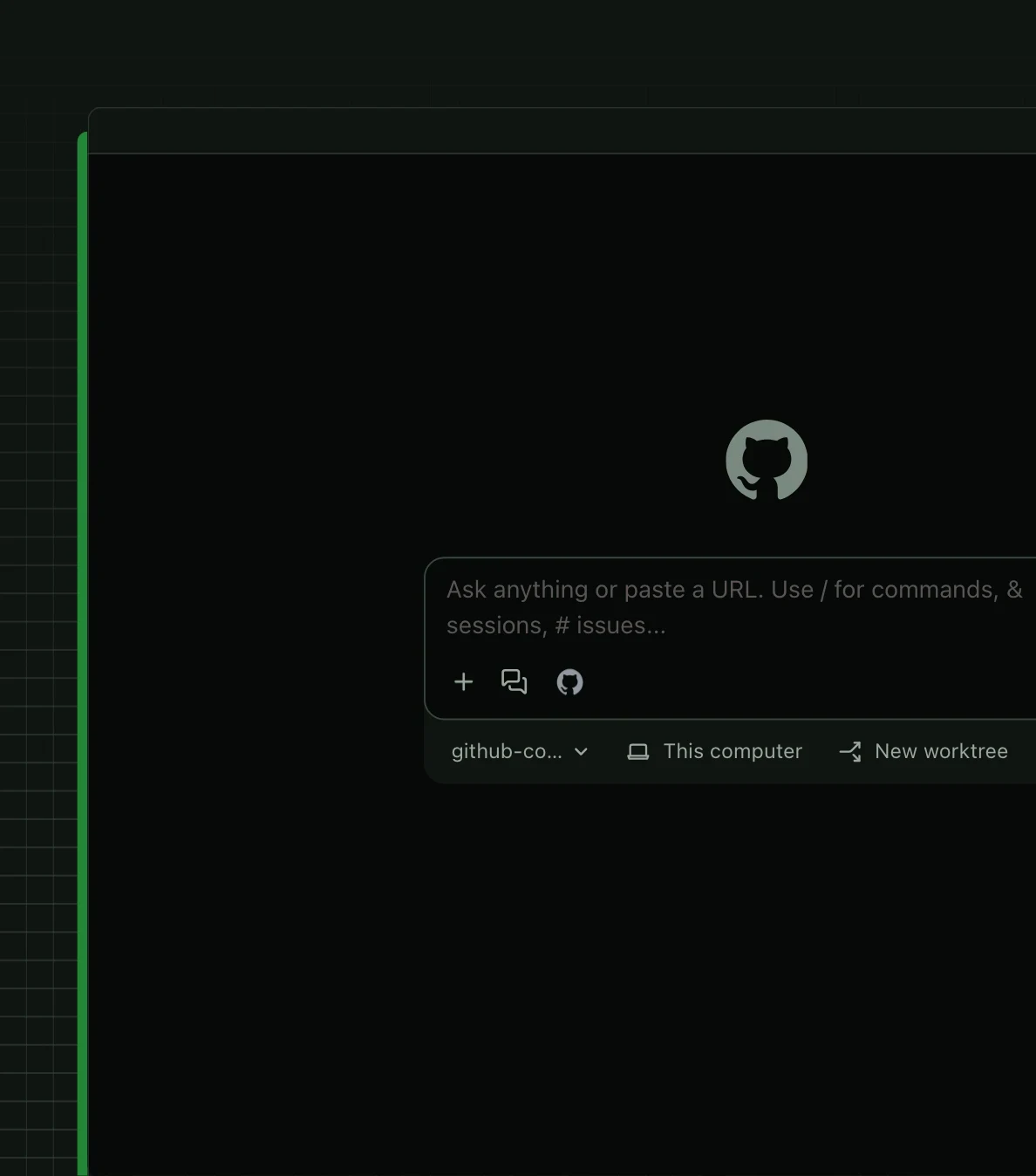
At its core is task-based agent work: each task gets its own session, several can run in parallel, and progress can be watched in a single view; a long task can be continued across the Copilot desktop app, the command line, an editor, github.com, and the GitHub mobile app; reusable agent tasks can run on demand or on a schedule; and it reviews local changes before a pull request is submitted, as well as taking part in pull request reviews.
While coding, it completes code in real time from context, explains code and troubleshoots errors through conversation, generates functions and unit tests, and suggests changes during code review. The model can be matched automatically by Copilot or chosen by hand; it can also connect to a cloud model with your own key, or run a model locally with tools such as Ollama. It supports mainstream IDEs such as VS Code and JetBrains, and works on the GitHub website and the command line too.
How It Compares with Similar Tools
Compared with Cursor, Copilot is not a standalone editor: Cursor is an AI-first code editor, where coding happens in the editor; Copilot's home ground is GitHub's repositories and collaboration flow, and the closed loop from issue to pull request is where it belongs. Compared with Claude Code, which runs in the terminal and suits large parallel jobs such as refactoring, Copilot stays closer to everyday steps: opening pull requests, fixing issues, and passing reviews.
One thing to note is that it suits tasks with clear boundaries: start by handing it a small issue for a trial run, then use repository instruction files and skills to set the coding conventions. Work handed over still needs your own review: the pull request description, the test results, and the scope of the changes should all be checked, and before merging, confirm that no unrelated files were changed.
Who It Suits and Typical Scenarios
It suits programmers writing business code day to day, especially where repetitive code is common and boilerplate files need to be set up quickly. Teams whose code already lives on GitHub get in most easily: handling issues in a repository, code review, and repetitive maintenance tasks are its typical uses. Beginners can use it to understand an unfamiliar codebase, while experienced developers mostly use it to skip hand-writing boilerplate code and test cases.
For access, the situation with GitHub Copilot from China follows the official website; our library records its cnAccess as unknown. Pricing is freemium: a free tier with a limited allowance is offered, and individual and team paid tiers provide the full feature set; exact tiers and prices are as stated on the official website. The exclusive material in this article is our own site data: as of November 22, 2026, Lumo Hub had published 2,191 tools, including 263 in the coding category.
Tools mentioned
Sources
This article is compiled from the public sources above and does not reproduce the originals in full; see the official sources for details.