Genspark Deep Dive: Search and Agents Combined into One Workbench
Positioning: Starting from Search, Aiming at Delivered Results
Genspark is a product that combines AI search with agents. It started as an AI search engine and gradually grew into a workbench that can call on multiple agents to complete complex tasks. Its goal is to let users describe a need in one sentence while it handles retrieval, organization, and delivery of the result. Our library places it in the search category, with the tags AI search and agents, and its description says it is a workbench combining AI search with agents.
As of November 18, 2026, Lumo Hub had published about 1,824 tools; 266 more were added on November 19, bringing the total to 2,090. Where search meets agents, Genspark stands out for being delivery-oriented: it does not only return links, but organizes search results into pages, reports, or documents that can be used directly.
Core Features: Structured Search and Cross-Domain Agents
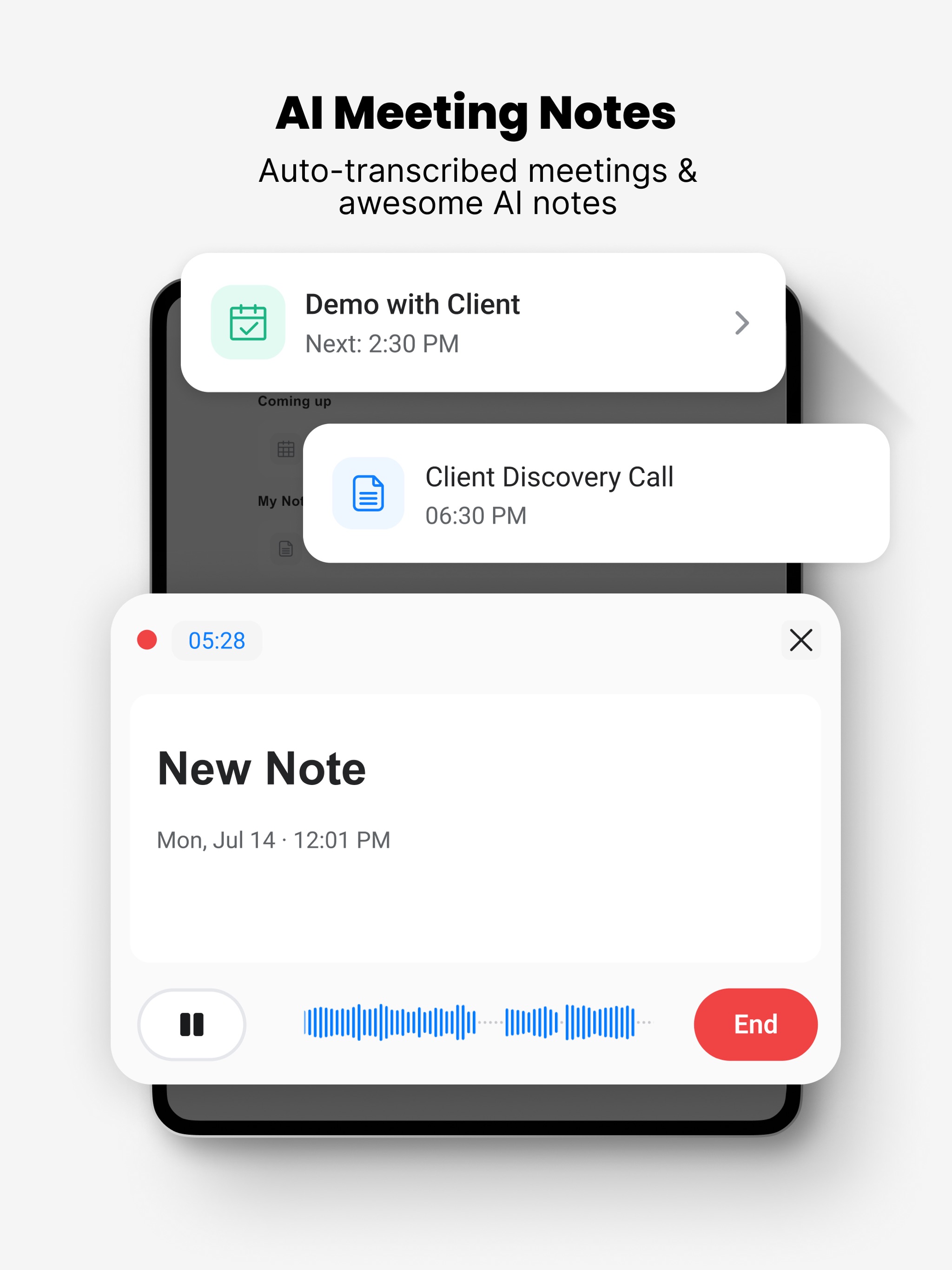
Its AI search retrieves information in real time for a question and generates a structured topic page, instead of handing over a pile of links for the user to sift through. Its agent capabilities can handle tasks across domains, such as travel planning, research, and generating slides and spreadsheets, and deep research can produce reports with citations. The whole process automatically calls on different tools and completes the task step by step.
This way of working suits tasks with clear boundaries but many tedious steps: planning a trip and comparing prices before a business trip, quickly assembling a sourced briefing for competitor or industry research, or getting a draft slide deck or data table for a last-minute need and then refining it by hand. For a business trip, it can pull flights, hotels, and itinerary highlights into a single page, saving the back-and-forth between several apps.

Compared with Similar Tools: An Extra Layer of Takeaway Deliverables
Compared with question-answering search that only gives an answer, Genspark adds a layer of delivery: topic pages, reports, slides, and spreadsheets are all results that can be taken away directly. Compared with agents that run a single task, it keeps a search entry point, so the same workbench can both look up information and do the work. The cost of combining the two is a longer process; for a simple question, asking a search engine directly may be faster.
When using it, verification matters: deep research reports come with citations, but key figures and conclusions should still be checked against the original sources; slides and spreadsheets are drafts, and their formatting and definitions need a human pass before being shared externally. Treat it as an assistant that speeds things up, not as a final draft ready to deliver. The free allowance is enough to try a few complete tasks first, and only then decide whether to upgrade.
Who It Suits: People Who Frequently Gather Information and Prepare Plans
It suits people who frequently gather information and prepare plans: heavy users who do research, write proposals, and prepare materials for trips and meetings. The more steps a single task has and the more scattered its sources are, the more searching and organizing time it saves.
It uses a freemium model with a free allowance, and paid tiers raise the task volume and capability limits; the details are as stated on the official website. For access, use in China requires special network conditions.
Tools mentioned

Sources
This article is compiled from the public sources above and does not reproduce the originals in full; see the official sources for details.