Gamma vs Canva: Fastest Presentation Generator vs. Design Platform With the Most Templates
1. Vendor and Form Factor: Presentation Generator vs. Online Design Platform
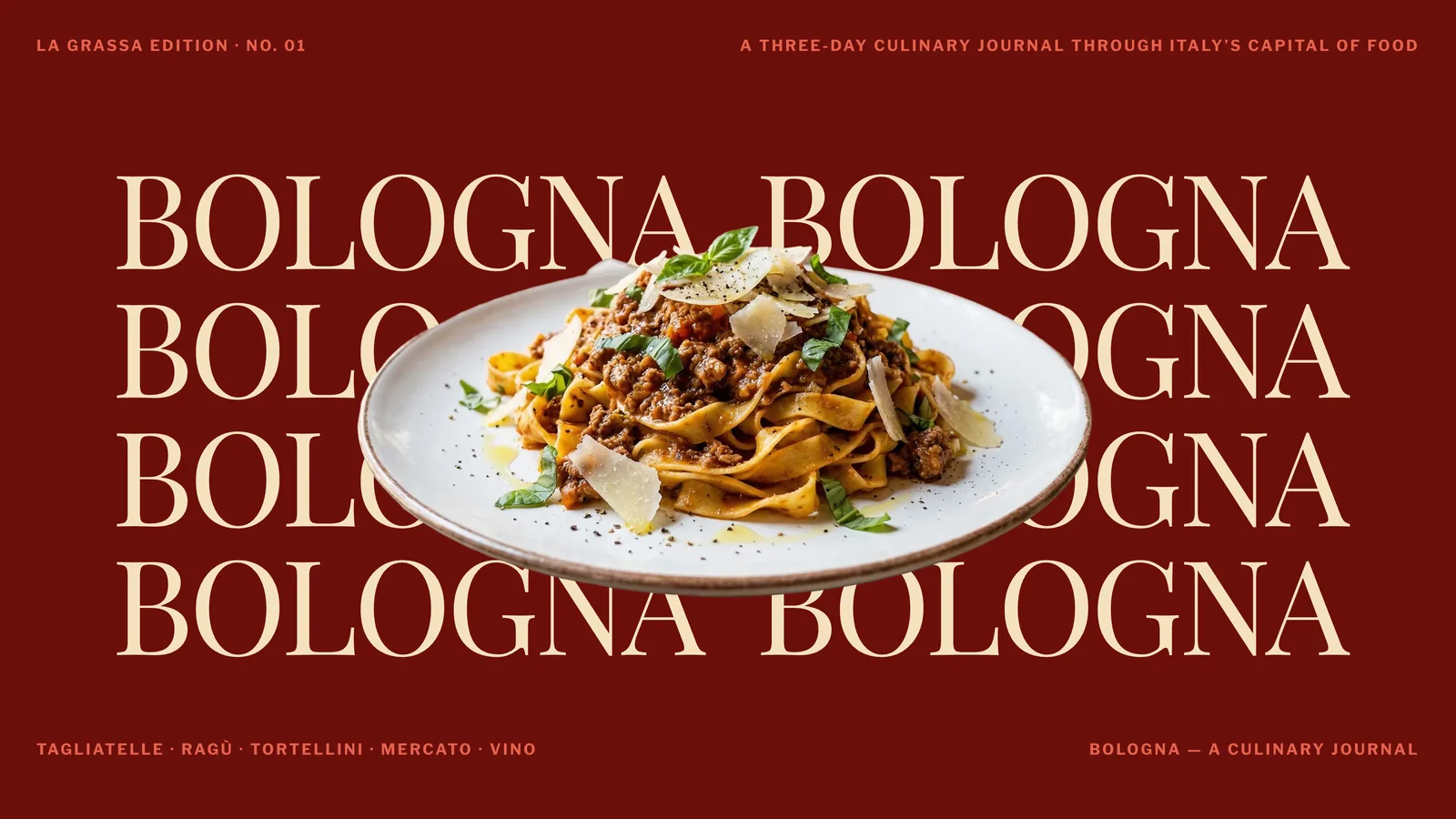
Gamma's positioning is tightly focused: solving only the task of 'going from an idea to a presentation you can deliver.' It does not build general-purpose documents or complex design suites, putting all its effort into 'speed': enter a topic or paste text, and it delivers a structurally complete presentation within minutes.
Canva is positioned as an online design platform: rich in templates, with built-in AI image and copywriting features. Its approach is 'start from a template, then improvise freely': posters, presentations, and social media graphics can all be completed on the same platform, with layouts and visuals as its core foundation.
2. What Each Excels At
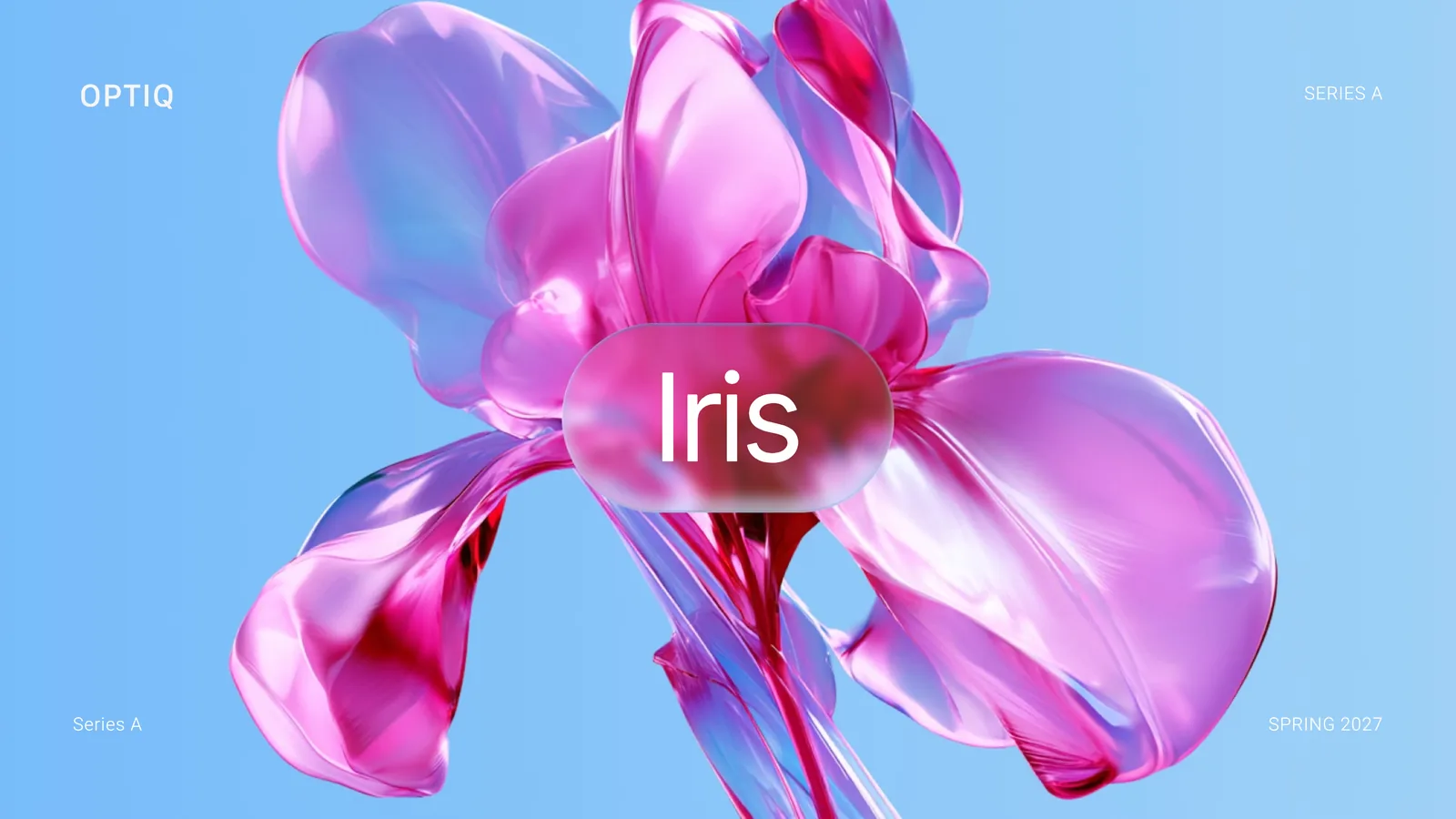
Gamma excels at the speed of drafting from scratch: enter a topic or outline to automatically generate a structurally complete presentation, handling outline breakdown, slide layout, accompanying images, and theme styling all at once; results can be shared online or exported as PPT or PDF, and it can also generate simple landing-page-style web pages.
Canva excels at templates and freedom: an online design platform rich in templates with built-in AI image and copywriting features. For presentations and posters with layout requirements, starting from its templates and layering AI features to revise images and copy delivers high efficiency; if you want to fine-tune details slide by slide yourself, it also provides ample room.
The dividing line between the two lies in "how you start": Gamma is "give a topic, get a draft," while Canva is "give a template, edit it yourself." When pressed for time and just wanting a first draft as fast as possible, Gamma feels smoother; when valuing layout and wanting to control every slide yourself, Canva feels smoother.
3. Access and Pricing Model
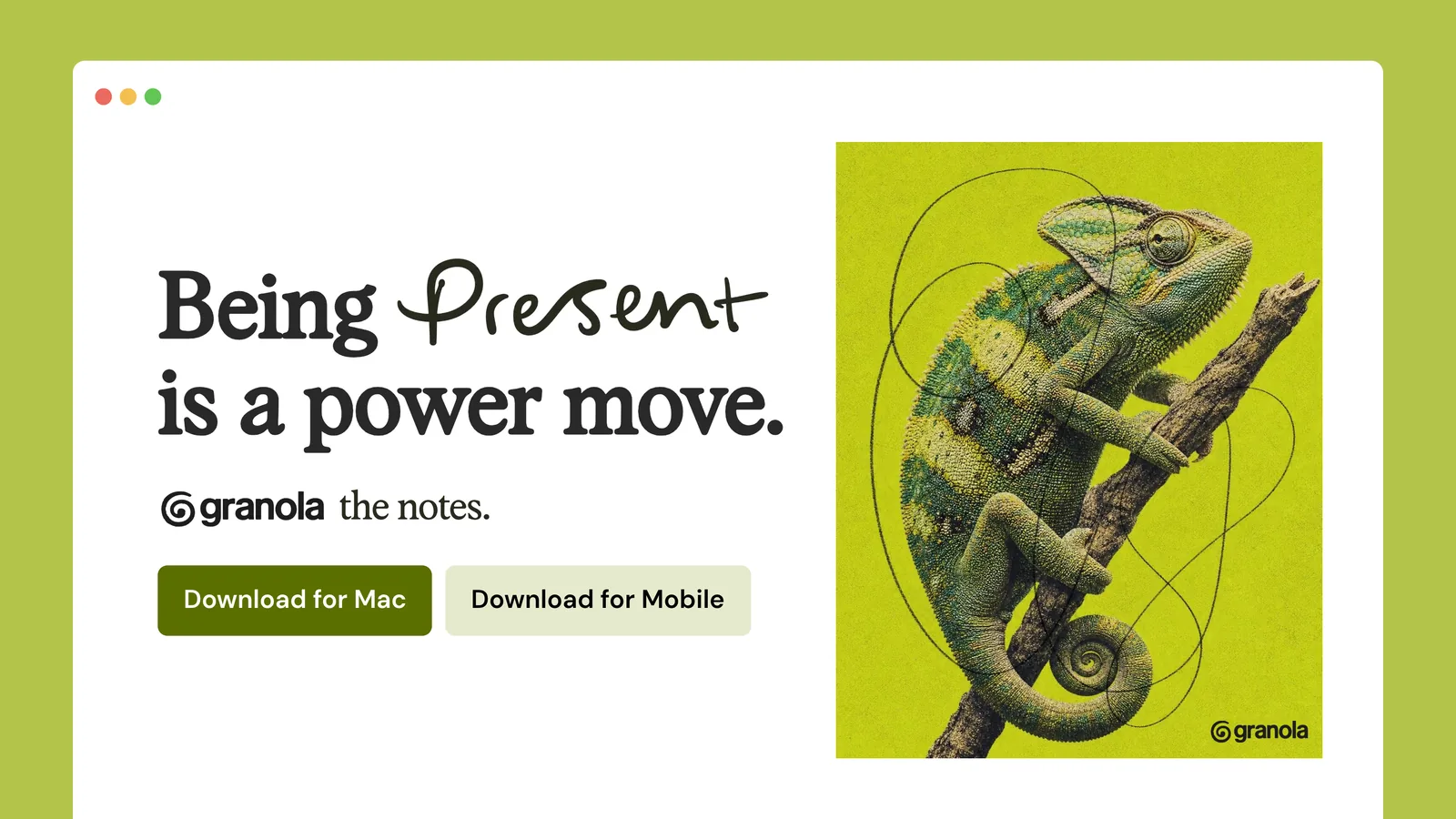
In terms of access, Canva can be accessed directly in China; Gamma's accessibility in China is subject to its official website, so opening the official website first to confirm availability is recommended.
In terms of pricing, both use a freemium model: the free tier can meet everyday use, while paid tiers offer more advanced features and usage quotas, subject to official websites. Before committing formally, build a real presentation on the free tier first to verify layout and export results.
4. Target Audience and Combined Usage
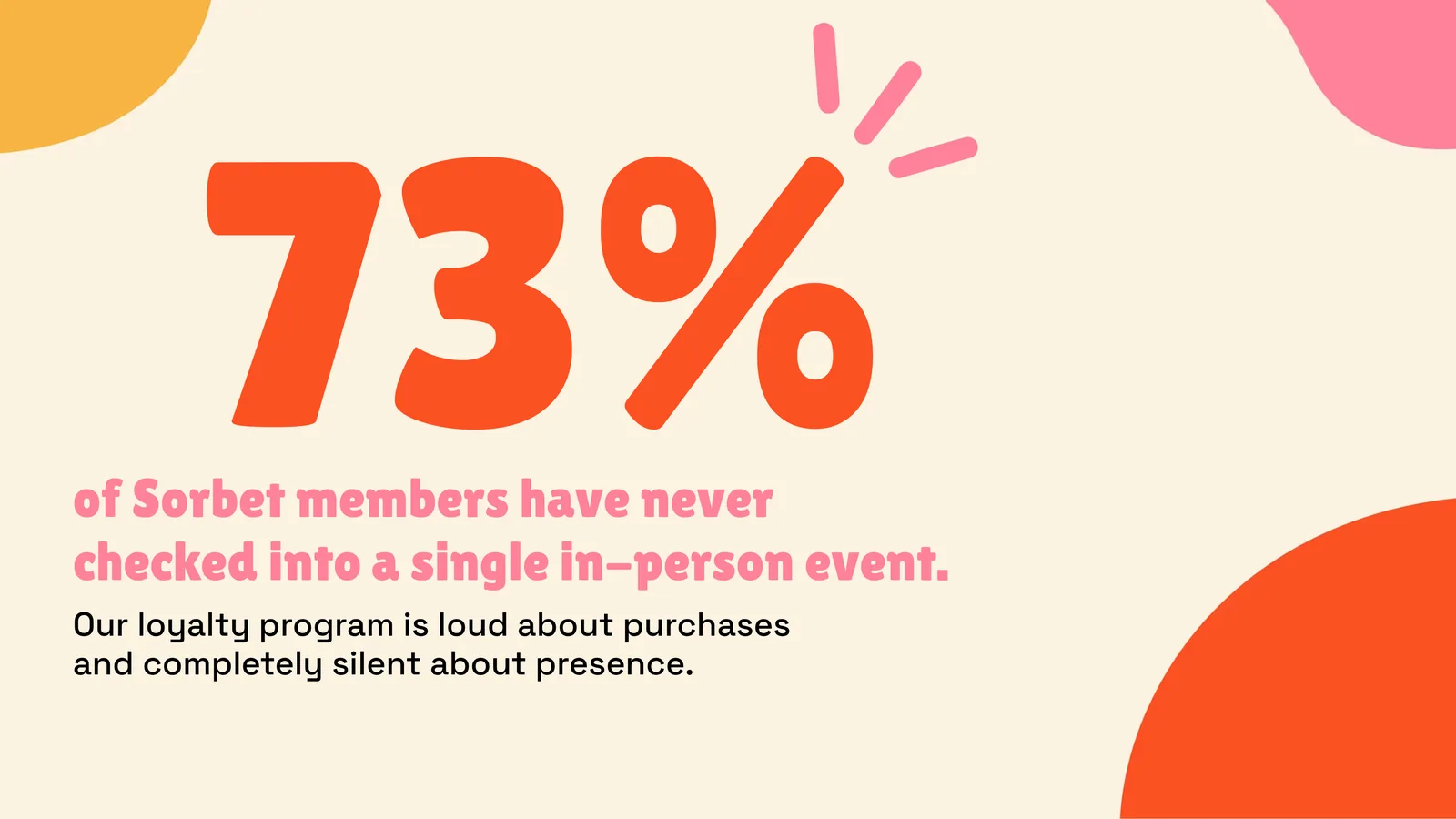
People who frequently give presentations and lack time to fine-tune layouts should prioritize Gamma: product managers making proposal decks, sales reps creating client pitches, and teachers preparing lesson slides can draft from scratch fastest.
People creating posters, presentations, and social media designs who value layout should prioritize Canva: starting from templates is fastest, it has built-in AI image and copywriting features, and there is also room to fine-tune details slide by slide yourself.
The two can also be used together: Gamma handles building the first structural draft fastest, while Canva polishes key slides according to brand visuals. Prioritizing speed first and refinement second is currently the smoothest workflow for making presentations; Chinese font rendering and line breaks are where AI-generated PPTs most commonly run into trouble, so manual review before a formal presentation is essential.
Tools mentioned
Sources
This article is compiled from the public sources above and does not reproduce the originals in full; see the official sources for details.