Figma vs Pixso: Two Collaborative Design Tools Compared
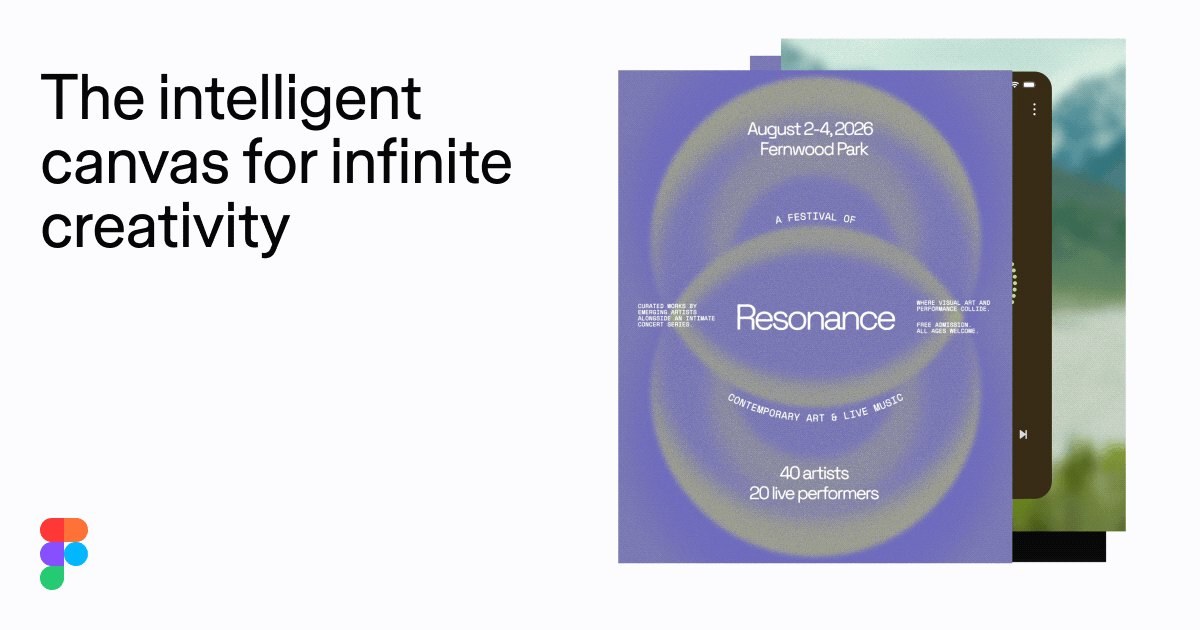
Makers and positioning: Figma's collaborative design vs Pixso's all-in-one design
Figma is a collaborative interface design tool with AI features from Figma, Inc., at figma.com, built around real-time multi-user design. Pixso is a Chinese all-in-one online product design tool that combines whiteboard, prototyping, UI design, and handoff, at pixso.cn.
As of 2026-11-25, the Lumo library lists 2,388 published tools, including 156 in design, and both tools are in it. They differ less in whether they can draw an interface than in how collaboration works, the ecosystem, and the working environment — choose by how your team actually works.
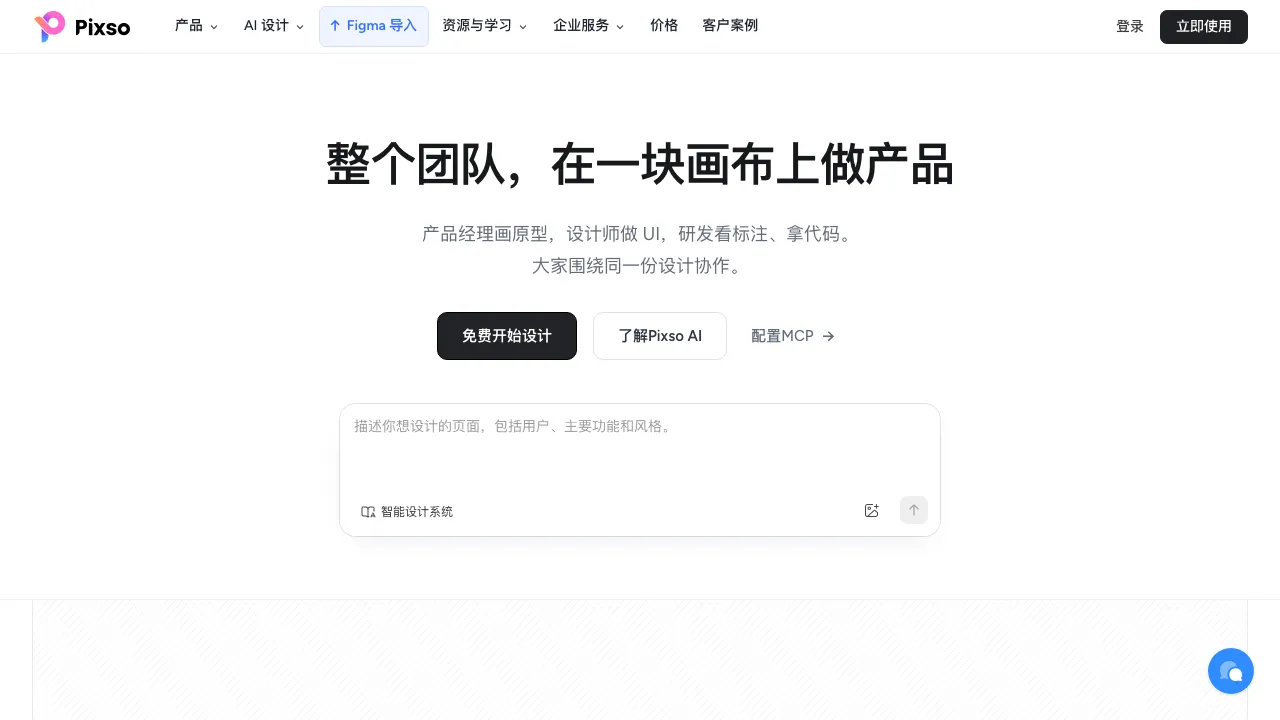
Strengths and differences: collaboration ecosystem vs one-stop workflow
Figma's strength is collaboration and ecosystem: several people edit the same design file online at once, with comments and version history in one flow, suited to cross-team and cross-timezone design work. Its AI features are built around interface design and can save a lot of repetitive work once learned.
Pixso's strength is its one-stop flow and Chinese-language environment: whiteboard, prototyping, UI design, and handoff live in one tool, with an integrated AI design assistant and multi-device collaboration. A Chinese team can go from brainstorming to handoff without shuttling between tools, and the Chinese interface fits local usage habits.
Access and pricing model: both directly accessible, both freemium
On access, both are listed in the Lumo library as directly accessible from China, though it is still worth opening the official site to confirm the current state before starting. On pricing, both are freemium; check the official site for exact tiers and team-plan limits, and work out the cost against your team size first.
Note that the free tier usually limits file counts or collaborator numbers — enough for personal practice, but a team planning long-term use should read the tiers first. Back up important design files by exporting them regularly instead of keeping everything in one tool.
Who each suits and how to choose: look at how your team works
Teams already on a Figma workflow that collaborate with overseas colleagues or clients can stay with Figma; small to mid-size Chinese teams that want one tool to cover whiteboard through handoff can try Pixso first. Both offer a free start — run one real project in each before deciding.
The test is simple: keep whichever tool holds your component library, design rules, and collaboration habits more smoothly. The cost of switching is not learning a new tool, but moving old files and rules across — try a small project first instead of migrating the whole design system at once.
Tools mentioned

Sources
This article is compiled from the public sources above and does not reproduce the originals in full; see the official sources for details.