Figma vs MasterGo: Collaborative Design Tools — Global Ecosystem or Local Fit, How to Choose?
1. Makers and Positioning, Side by Side
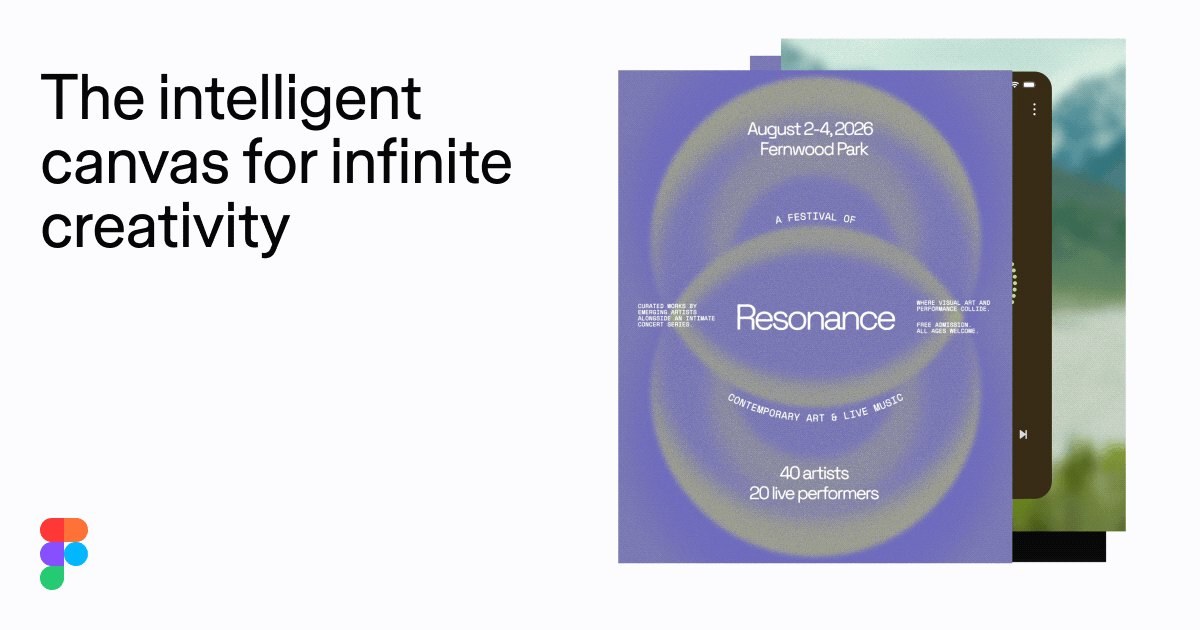
Figma, built by the company of the same name, is a browser-based collaborative interface design tool. It moves design, review, and handoff into a single online file, where several people can edit the same canvas at once and product, design, and engineering work in the same document — a review starts with sharing one link.
MasterGo comes from Chinese maker Mogao Design and is a digital interface production platform with the same multiplayer positioning, but tuned to how Chinese teams work: once a design is done it can be turned into usable code, so the handoff between design and engineering is shorter and nobody has to translate between mockups and code.

2. What Each Does Best
Figma's strength is its component system and collaboration flow: edit a vector component once and it syncs everywhere, click through a prototype to demo the full flow, keep comments and version history inside the file, and use Dev Mode to turn designs into annotations and code references developers can read — a good fit for teams maintaining a design system over time.
MasterGo's strength is design-to-code and prototyping: beyond multiplayer UI design and prototypes, designs convert into production-ready code, which suits teams that need designs to become product fast. Its AI features are likewise aimed at the production stage, helping teams ship interfaces sooner, and the official site offers Figma file import for migrating existing designs.
3. Access and Pricing Models, Side by Side
For access, both tools open directly in China; the catalog cnAccess field is direct for both, confirmed unchanged on 2026-11-26. Figma is a global product while MasterGo is Chinese, so teams using the latter get the official site, support, and resource community domestically, which keeps communication costs lower.
For pricing, Figma is freemium: the free plan covers a limited number of files, and paid tiers give teams more files and shared component libraries, with details on the official website. MasterGo's pricing is not stated in the catalog, so the official website is the reference — check its plan descriptions before trying it.
4. Who Each Suits
Figma suits cross-border teams and product teams that have collaborated in Figma for years: the combination of component libraries, prototypes, and Dev Mode covers the full chain from wireframes to handoff, and once a design system is built, switching tools is costly, so staying in the ecosystem pays off.
MasterGo suits teams based mainly in China whose designs need to become code quickly: prototypes, design, and code flow in one place, so developers pick work up faster. A team torn between the two ecosystems can run one real project through each and decide by delivery speed.
Tools mentioned

Sources
This article is compiled from the public sources above and does not reproduce the originals in full; see the official sources for details.