ElevenLabs vs Murf AI: How to Choose Between Two AI Voiceover Tools
Background: two AI voiceover tools
ElevenLabs and Murf AI are both AI voiceover tools: type in text and get a voiceover close to a human tone. Both sit in Lumo's audio category, which held 110 tools as of November 22, 2026.
ElevenLabs is an AI speech synthesis and voiceover platform at elevenlabs.io; Murf AI, at murf.ai, likewise turns text into natural voiceovers. The difference between them is not whether they can do voiceovers, but the trade-offs in voices, features, and use cases. This article compares only these two tools and draws conclusions only between them.
Strengths compared: voices and features
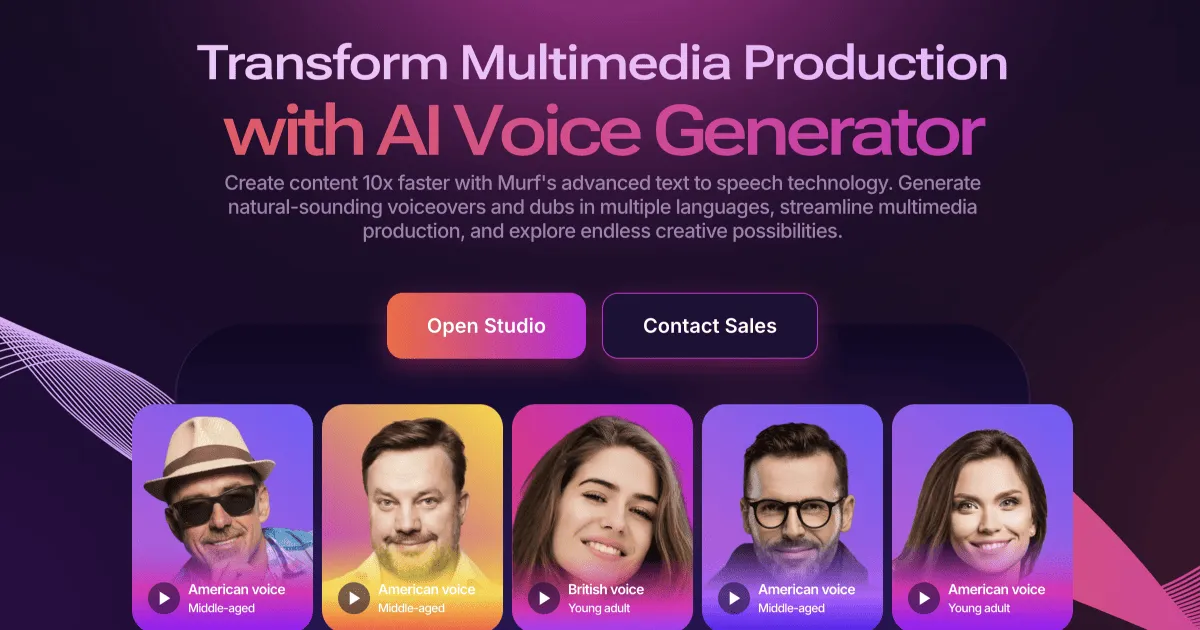
Murf AI offers more than 200 voices in multiple languages, and lets you adjust tone, pauses, and speed while voicing. That suits projects that need several voices in rotation and fine control over tone by paragraph, such as courses, explainers, and corporate training videos. Adjust tone paragraph by paragraph rather than reading a whole passage in one flat tone.
ElevenLabs focuses on speech synthesis and suits narration and character voices where a human-like tone matters. Judge the actual voices from the official demos: listen to the same passage from both services before deciding.

Access and pricing: check you can use them first
On pricing, both are freemium: the free allowance is enough to try them out, and paid tiers matter for long-term or heavy use. Exact tiers and prices are subject to the official websites. The free allowance covers a good look at the main features; estimate your monthly usage before paying.
On access, Murf AI is directly accessible in China; access to ElevenLabs in China is subject to the official website. Confirm you can open the site, register, and try the demos before picking one as your main tool.
Who each suits: choose by use case
If you often produce multilingual content and need several voices in one project, Murf AI's multilingual voice library and its tone, pause, and speed controls will feel handy.
If you mainly record Chinese or English narration and care about how natural the voice sounds, try ElevenLabs first. Both offer a free allowance, so voice the same passage in each and choose by how it sounds and how smooth the workflow feels. Do not rush to pay before your ears are satisfied — run the workflow on the free allowance first.
Verdict: how to choose
Neither tool suits everyone: list your needs first — how many languages, how many voices, whether you need fine control over tone, and your budget — then test against that list.
A good order is to voice the same passage in both, compare how they sound, then compare how smooth the export, subtitle, and editing steps feel. Settle on one as the main tool and keep the other as a backup. Once you have decided, stop switching: the cost of changing tools is often larger than the difference between them.
Tools mentioned


Sources
This article is compiled from the public sources above and does not reproduce the originals in full; see the official sources for details.