Descript Deep Dive: Editing Text Is Editing Video — Another Way to Cut Podcasts and Talking-Head Videos
1. Positioning and Maker: Turning Editing Into Revising a Document
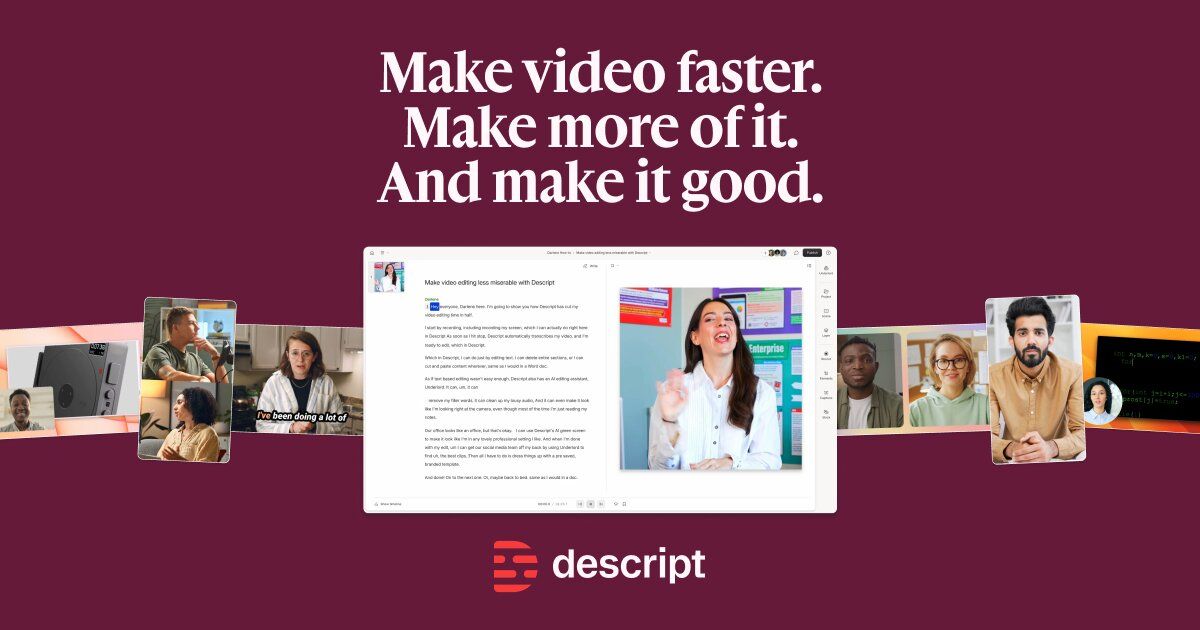
Descript is an AI video and audio editor built around text-based editing: record or import material, get a transcript, and editing means revising that transcript. Its makers aim it broadly — marketing teams, sales engineers, support reps, and CEOs all making video with the same tool.
The implication is that video is no longer the exclusive work of editors. Lumo's video category currently holds 143 entries, and Descript is the one that writes "no timeline needed" into its product idea.
2. Core Features: Text Editing, Audio Enhancement, and an AI Assistant
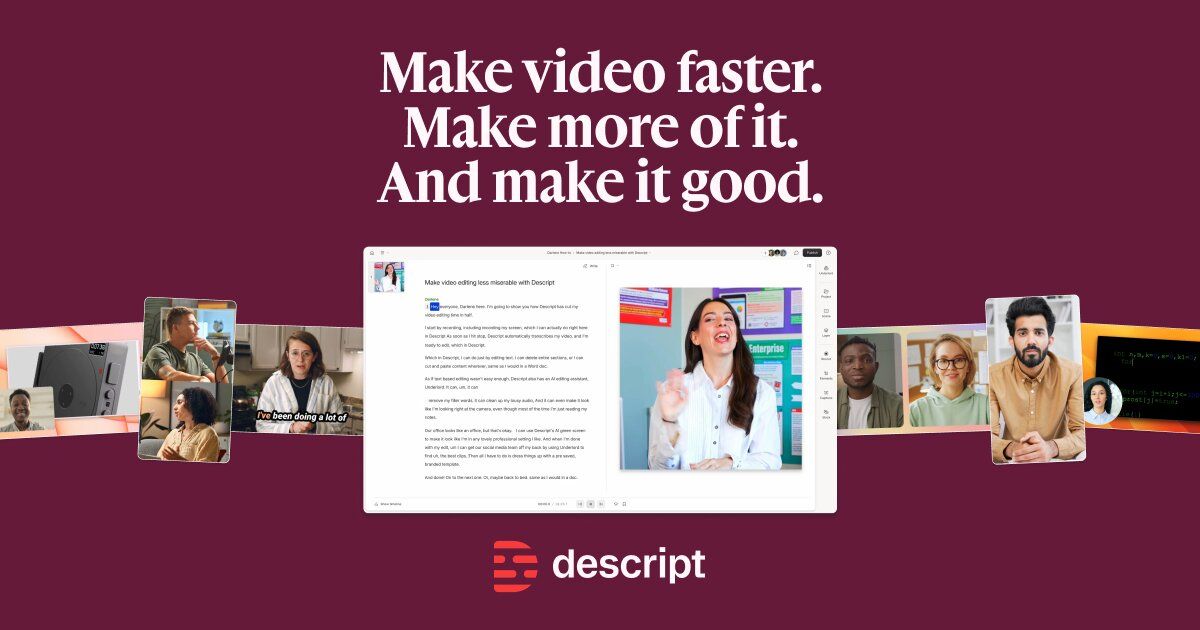
Text-based editing is the core: after automatic transcription, deleting words, moving sentences, and rearranging paragraphs is the edit, with the timeline reserved for fine control. Most people make their first cuts within minutes, and a whole video can be finished without touching the timeline.
Studio Sound is one-click AI noise removal and voice enhancement, making audio clean without a studio. The Underlord AI video assistant can turn a raw recording into a tight cut on instruction; long-to-short clip cutting and generative B-roll, voice audio, music, and images to fill gaps are integrated in the same place. Recording, transcription, editing, finishing, and publishing can all happen in one place.
3. Compared With Its Peers: The Bar Is Revising Text, Not the Timeline
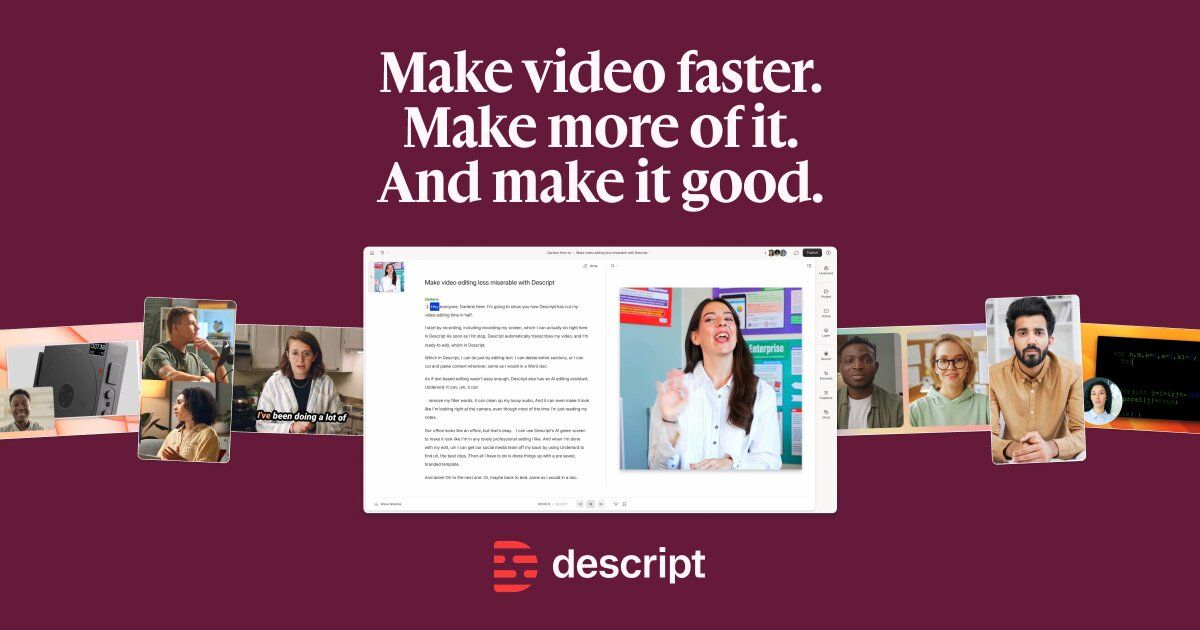
Against traditional timeline editors, Descript's difference is learning cost: if you can revise a document, you can cut video — the starting point drops from learning software to reading a transcript. For talking-head, podcast, and interview content built on speech, that difference shows most.
Against transcription-only tools, it treats transcription as the entrance to editing, not the end; against AI generation tools, its focus stays on cutting material you already have. The official FAQ also notes that the degree of AI polish is user-controlled and can be switched off.
4. Who It Suits and Typical Scenarios
Podcasters and talking-head creators are the most direct fit: recording, transcription, editing, finishing, and publishing all in one place, without switching tools to cut spoken content. Marketing and enterprise teams fit too — the official site names enterprise teams at Amazon, Canva, and Salesforce among its users.
People cutting long videos into short clips for distribution also fit: one long source can quickly yield multiple short cuts. The common thread is speech-led content with a high publishing cadence, where editing speed sets the update pace.
5. Access and Pricing: Start on the Free Plan, Details on the Official Website
For access, the catalog cnAccess field is unknown, still unconfirmed on 2026-11-25, so users in China should open the official website and confirm connectivity first. On pricing, the official FAQ states plainly that there is a free plan with no credit card required — record, edit, and publish for free, upgrading only when you outgrow the limits.
This article states only the freemium model, with no specific prices: each tier's quota and benefits follow the official website. Run a few real episodes on the free plan first, confirm the text-editing workflow fits, then decide on an upgrade.
Tools mentioned

Sources
This article is compiled from the public sources above and does not reproduce the originals in full; see the official sources for details.