DeepSeek vs Qwen: Strong in Reasoning and Code vs Strong in Ecosystem and Office Work
The short answer: how to choose
In one sentence: for reasoning, code, and problems that need multi-step thinking, try DeepSeek first; for long documents, office writing, or one assistant to cover everyday chores, try Qwen first. Both are directly accessible from China and free to start, and both handle everyday chat, lookups and short writing. The difference is in heavy work, not in whether they work at all.
If you have both kinds of work, there is no need to pick one: send reasoning and code to DeepSeek, and long documents and office writing to Qwen. Using each for what it does well saves more time than forcing one tool to do everything. What wastes time is sticking to a single tool and re-asking when it hits work it handles poorly.
Maker and positioning
DeepSeek is reached at chat.deepseek.com and is listed in Lumo's library as a published chat tool: a free chat assistant directly accessible from China, strong in reasoning and code. Its public image is focused: rather than covering everything, it aims to handle reasoning and code well.
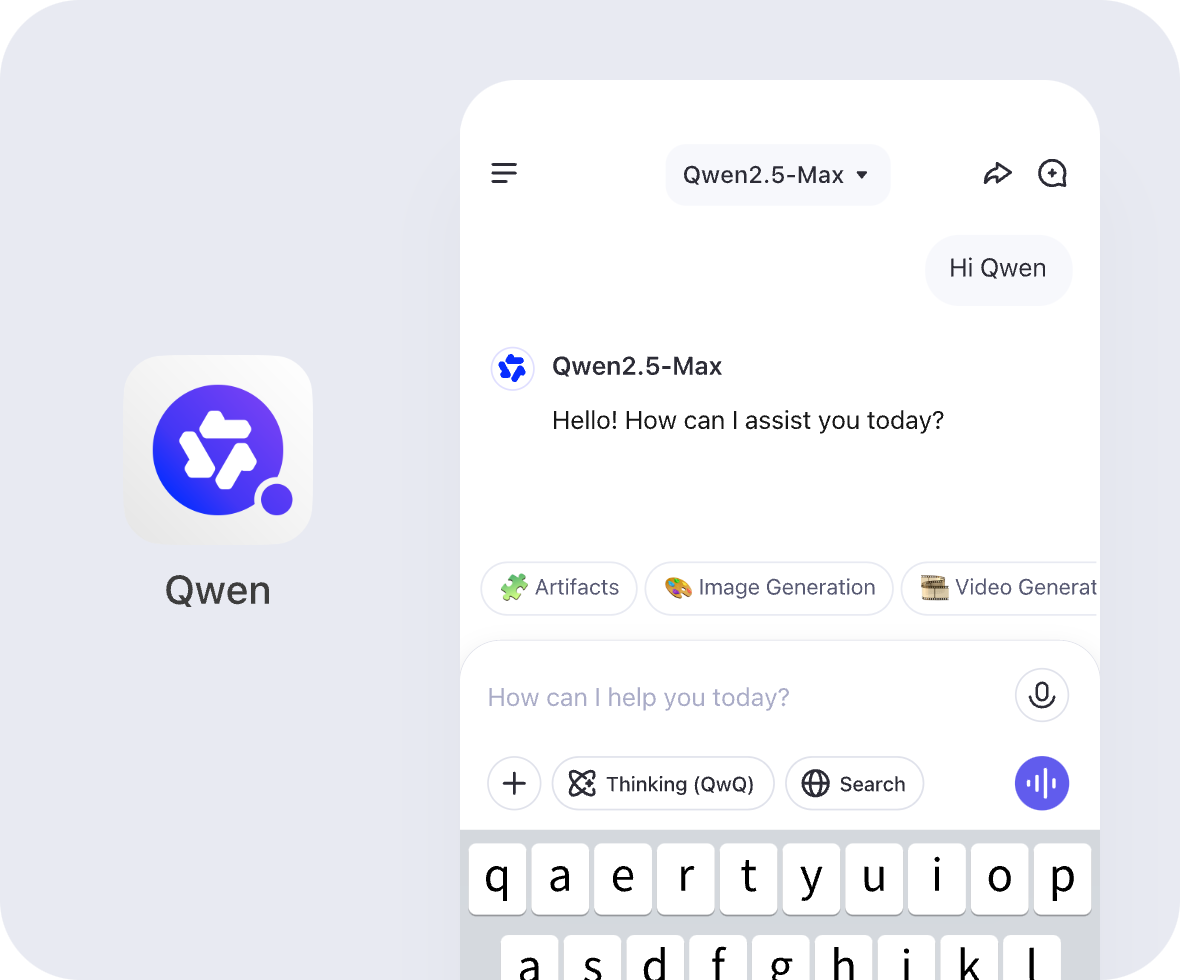
Qwen is Alibaba Cloud's all-round assistant, reached at chat.qwen.ai and likewise listed in Lumo's library as a published chat tool. Its positioning is breadth: chat, writing, long documents and office scenarios, backed by the Alibaba Cloud ecosystem, for people who want one entry point for many kinds of tasks.

Strengths: reasoning and code vs long documents and office work
DeepSeek's strength is reasoning and code: math problems that need step-by-step derivation, analysis with long logical chains, writing and fixing code, and tracing error messages. For work where the answer has to be thought through before it is given, its step-by-step reasoning is itself useful reference.
Qwen's strength is long documents and office work: reading long reports, extracting key points, writing weekly reports and proposals, adjusting formal wording, and organizing tables and materials. As an all-round assistant it covers more ground, so one entry point takes on more everyday office work.
Access and pricing model
Access is the same for both: Lumo's library records both as directly accessible from China, ready to use by opening the website, with nothing extra to set up. That matters for daily use: however capable an assistant is, it is no help if it does not open.
Both start free, and Lumo's library records both as free, with core chat free to use. Exact tiers and allowances follow each product's official website; this article does not state specific figures that have not been verified.
Who each suits, and how to pair them
DeepSeek suits people who often write code, work through derivations, or read technical documents: students solving problems, developers debugging, and analytical work where the logic has to hold up. Its reasoning process saves rounds of back-and-forth. Qwen suits people handling large volumes of text and office material: writing documents, organizing files, cross-team work, and daily tasks inside the Alibaba Cloud ecosystem, where one all-round entry point is handier.
The pairing advice is to split by task, not by preference. Lumo's library already lists 54 chat tools, and DeepSeek and Qwen are the two most often compared among them. To check access and pricing one by one, see each tool's detail page on Lumo.
Tools mentioned


Sources
This article is compiled from the public sources above and does not reproduce the originals in full; see the official sources for details.