Cursor vs Claude Code: How to Choose Between the Two AI Coding Tools? Comparing the Editor and the Terminal Agent

1. Creator and Form Factor: Editor vs Terminal Agent:
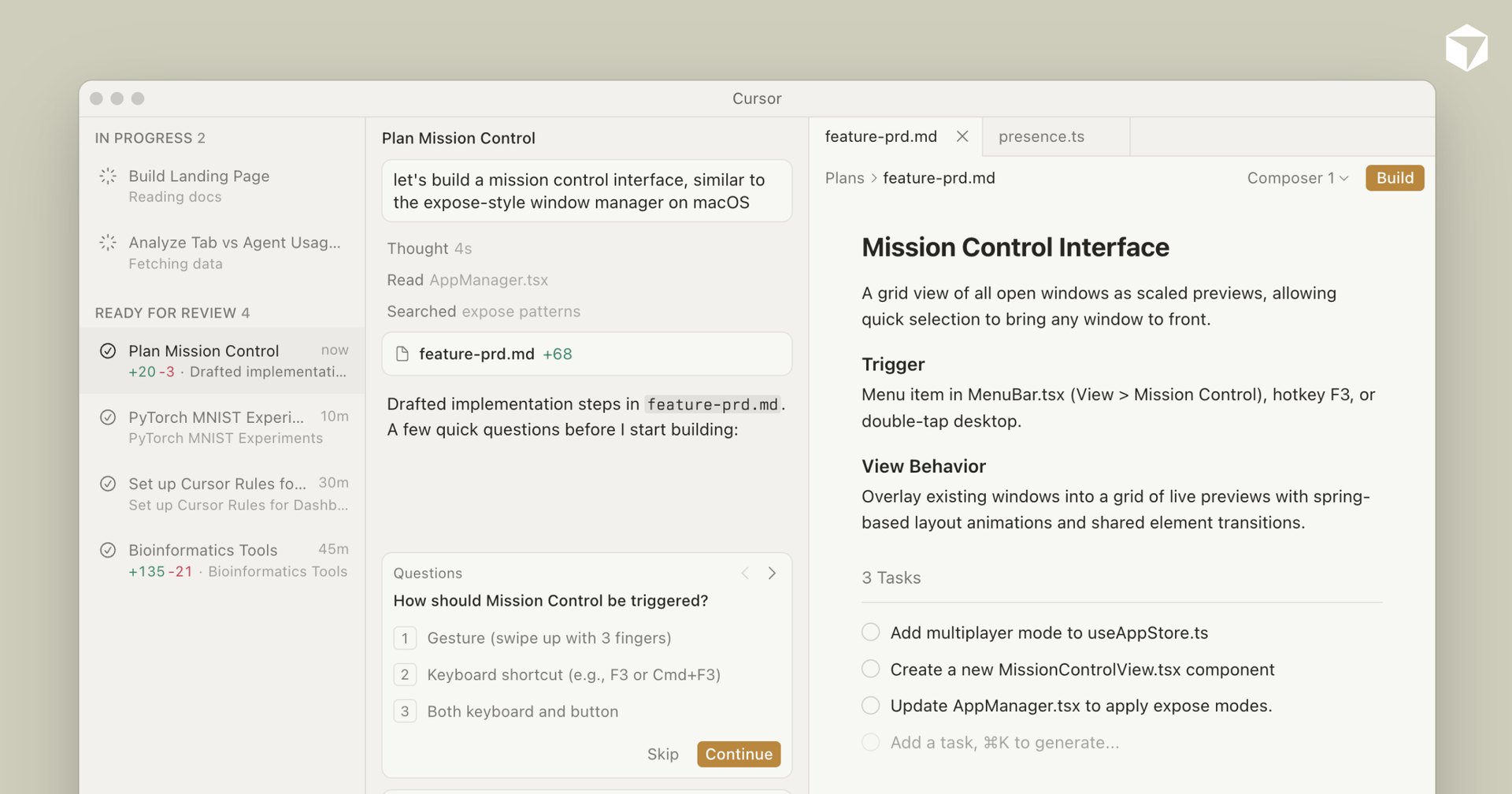
Cursor is an AI-first code editor that lets you write and modify code using natural language. It is deeply adapted around the editor experience: inline Tab predictive completions and visual block-by-block Diff reviews are both built to support editing as you write.
Claude Code, launched by Anthropic, runs inside the terminal. Rather than an editor plugin, it is a command-line collaborator capable of directly reading codebases, editing files, and executing commands, operating on a workflow of assigning a task, waiting for the result, and then reviewing it.

2. What Each Does Well:
Cursor excels at daily interactive coding: multi-file completions and visual refactoring respond quickly, with strong real-time awareness of currently open tabs, offering a smooth experience when building new features or modifying small-scale logic.
Claude Code excels at autonomous batch processing: tasks where you hand off a job and wait for completion—such as API migrations across dozens of files, large-scale codebase refactoring, and running tests to locate and fix errors—are its core domain. It presents a plan before making changes and summarizes modifications afterward, keeping the process relatively controllable.

3. Accessibility and Pricing Models:
In terms of accessibility, Cursor is listed in the catalog as directly accessible in China, whereas using Claude Code in China requires a special network setup. Actual access experiences for both are subject to the current notices on their respective official websites.
In terms of pricing, Cursor uses a freemium model, allowing you to use the free tier first to see if it fits your needs; Claude Code is a paid product, accessed through Claude's paid subscription plans or API usage.
4. Target Audience and Combined Workflows:
Developers who write code daily, work on small-to-medium projects, and value interactive responsiveness should prioritize Cursor; professional developers and engineering teams maintaining medium-to-large codebases who frequently perform cross-file refactoring and batch troubleshooting should prioritize Claude Code.
An increasing number of developers use both together: Cursor handles daily interactive coding, while Claude Code handles background batch refactoring and troubleshooting. This also reflects one of the main themes in coding tools this year—multiple agents working in parallel, a trend underscored by Meta's acquisition of the parallel coding agent team Conductor on November 4.
Costs and learning curves are also worth factoring in: Cursor offers a free tier so you can test whether the workflow suits you first; Claude Code is a paid product suited for teams that already have clear batch tasks to delegate to it. Those accustomed to editors will find Cursor easier to start with, while those comfortable in the terminal will pick up Claude Code faster, and neither excludes the other.
Tools mentioned


Sources
This article is compiled from the public sources above and does not reproduce the originals in full; see the official sources for details.