Microsoft Copilot Deep Dive: The AI Assistant Built into Windows and Office, and How to Use It for Everyday Work

Positioning and maker
Microsoft Copilot is Microsoft's AI assistant, and its defining trait is how deeply it connects with the Microsoft ecosystem — it shows up in the Edge browser, in Windows, and across the Microsoft 365 suite.
As of 2026-11-23, the Lumo library lists 2,287 tools, including 60 in the chat category, and Copilot is one of the entries most closely tied to an operating system and an office suite. Its appeal is not one more chat box, but having AI show up inside the system and documents you already open.
Core features
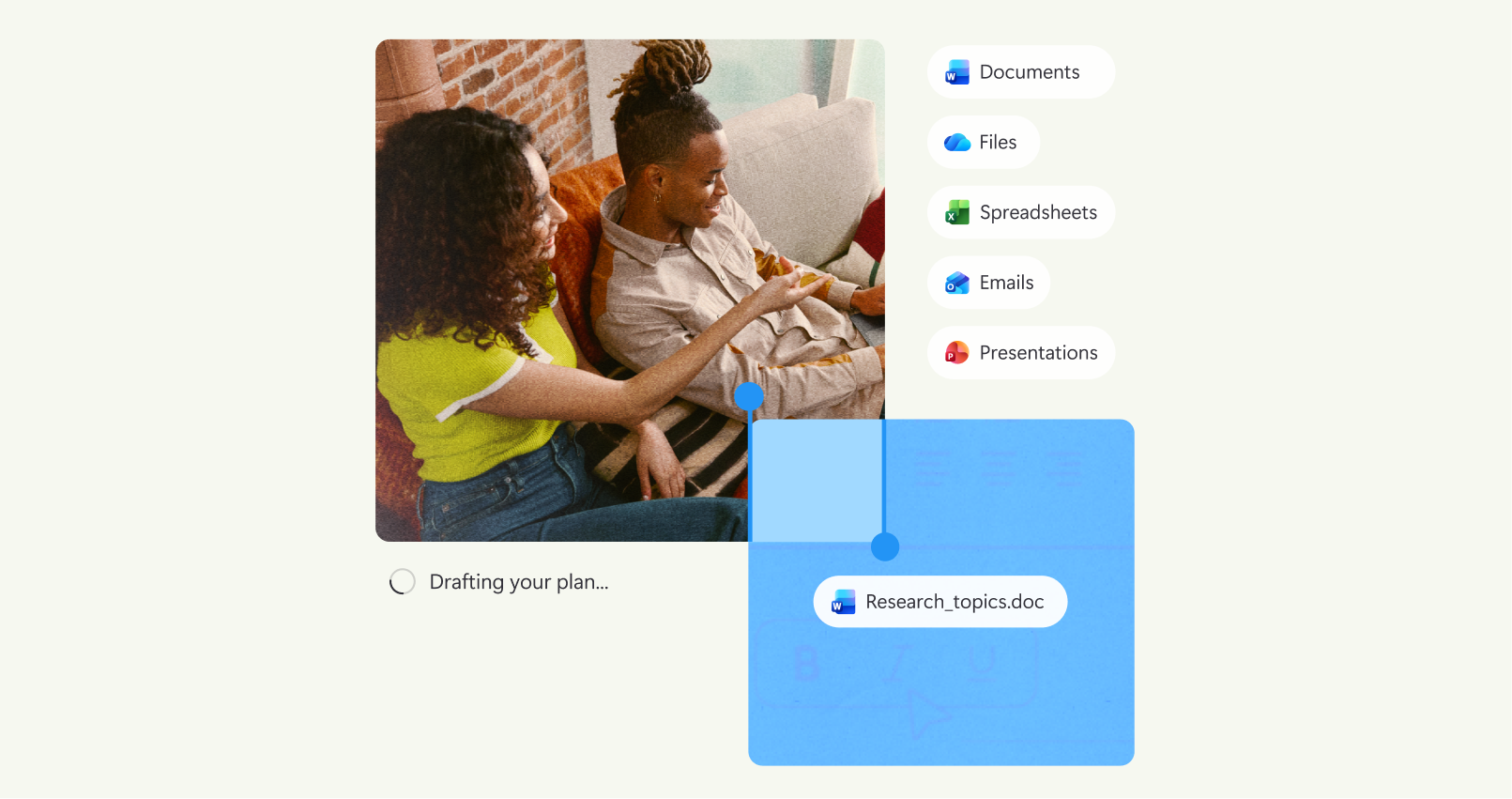
Its basic abilities are conversational Q&A and writing help based on information from the web, plus reading and summarizing the web page or document currently open, which saves reading the whole thing before pulling out the key points, without having to repeat the document contents from memory.
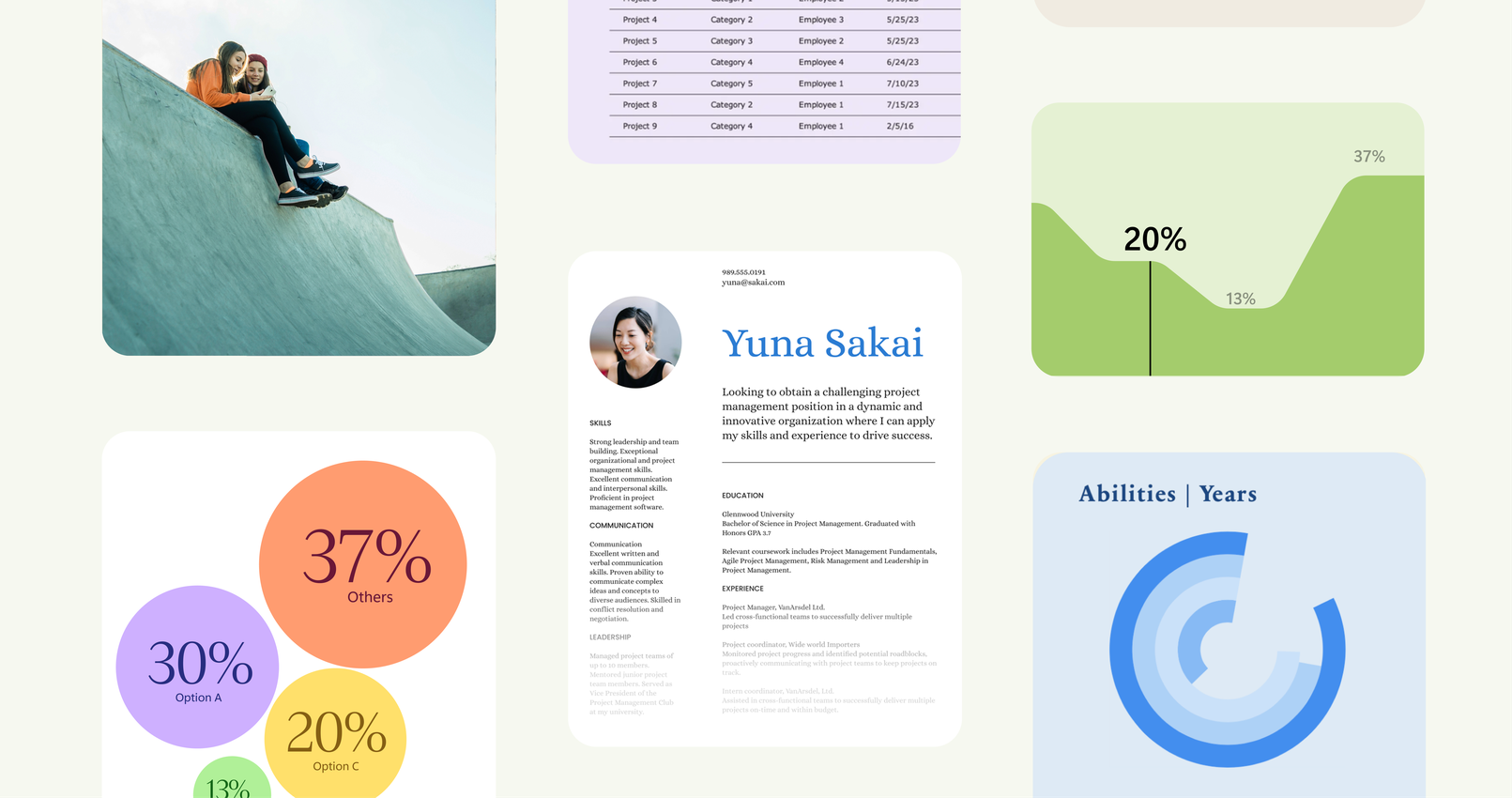
Inside the office suite, the abilities spread out by app: drafting and rewriting documents in Word, analyzing data in Excel, helping build presentations in PowerPoint (which needs the relevant Microsoft 365 subscription), and generating images from a text description. The same material can move from drafting to analysis to slides without leaving the suite.
How it compares with similar tools
Compared with standalone chat assistants, the difference is not the answers themselves but where Copilot sits: it lives directly inside the system and documents you already have open, so there is no switching between the browser and apps, and no copying document text into a chat box.
The trade-off is that what it can do follows your account and subscription: the features available differ by region and account type, and the deeper Office integration needs the relevant subscription. On a device outside the Microsoft ecosystem, that convenience is not available — so check that your device and account are covered before choosing it.
Who it suits and typical scenarios
It suits people who already use Windows and Office: administrative, finance, and sales staff can speed up everyday work — writing notices, tidying tables, preparing reports — without changing tools.
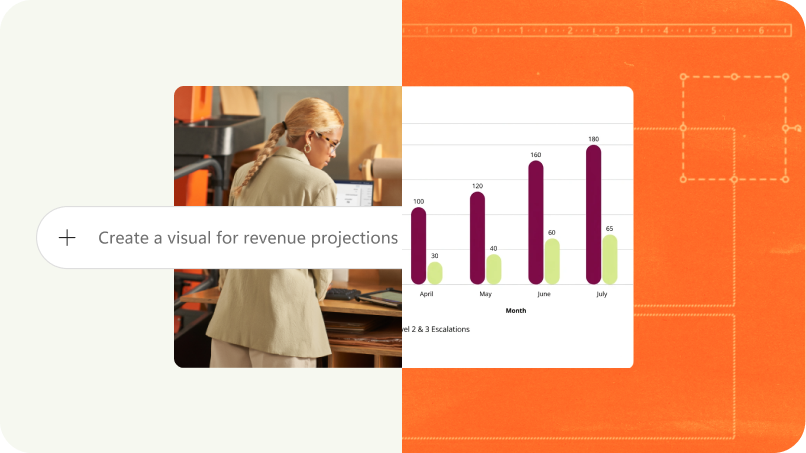
Typical uses: ask it to read a web page or document and summarize it, draft a notice or email and then revise it by hand before sending, or have it outline trends in a table before checking the numbers yourself. People who are not in the Microsoft ecosystem may find a standalone chat assistant more convenient, with no need to switch a whole set of tools for Copilot.
Access and pricing
Access should be confirmed on the official site: the features available differ by region and account type, so check the current status there before use. The features shown can also differ between the web version and the desktop apps under the same account.
Pricing follows a freemium model: basic Q&A on the web version is free to use, while the deeper Office integration comes with a Microsoft 365 subscription. Exact tiers and prices should be confirmed on the official site.
Tools mentioned
Sources
This article is compiled from the public sources above and does not reproduce the originals in full; see the official sources for details.