ChatGPT vs Gemini: Two General-Purpose Chat Assistants — Which One Should You Keep?
Makers and Positioning
ChatGPT is OpenAI's conversational AI assistant, built on the GPT family of models and available on the web, mobile apps, and desktop. It is the first entry point to general-purpose AI for many people, positioned as an assistant that can talk about anything and help with a bit of everything — breadth of coverage is its foundation.
Gemini is Google's conversational AI assistant, built on the Gemini family of models. It is positioned as a general-purpose assistant too, but it stays close to Google's model roadmap: the same models appear both in the chat entry point and in Google's model playground for developers, with multimodal understanding as a repeatedly mentioned capability.
Capability Comparison
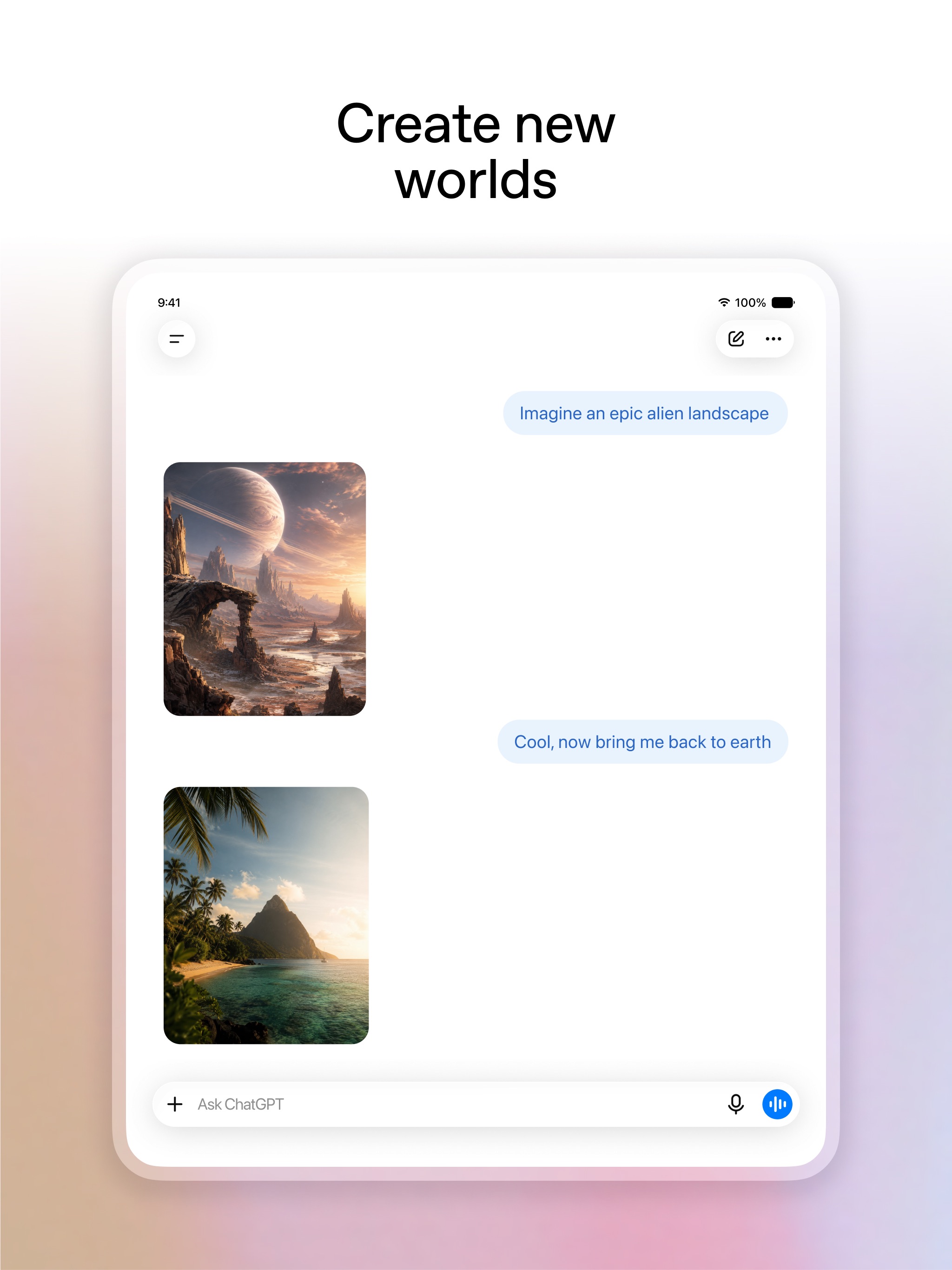
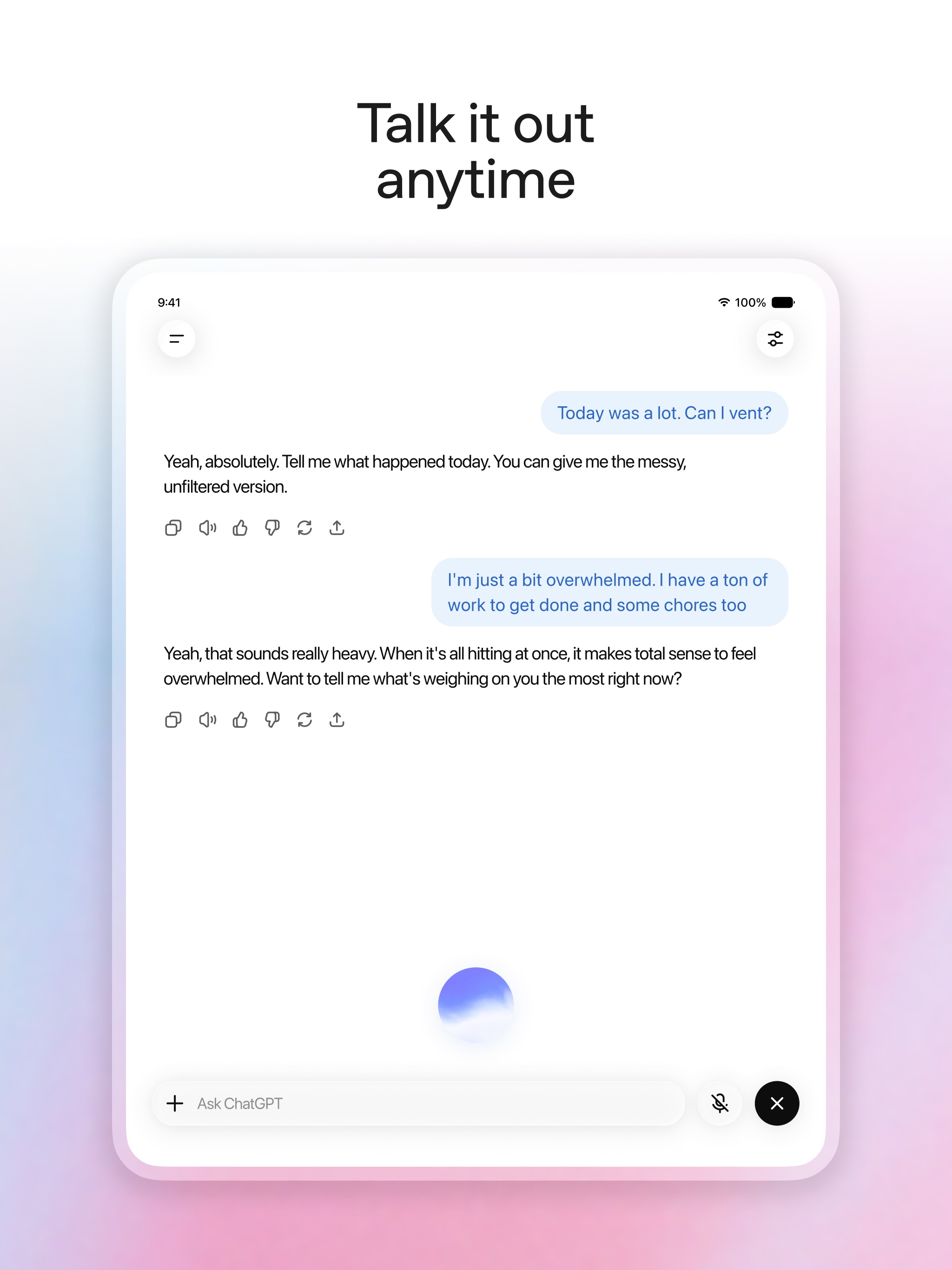
ChatGPT covers a wide range: drafting, rewriting, translation, and long-form summaries for text; writing code, explaining errors, and debugging for programming; reading image content, parsing uploaded tables and documents, and analyzing data for multimodal work, plus built-in image generation; and voice conversation plus web search, so checking new information never means leaving the chat.
Gemini's capabilities also center on conversation, covering text generation, knowledge Q&A, and coding help, with the underlying models supporting text, image, audio, and video understanding. For everyday Q&A and writing the two are close; the gap opens on specific tasks — ChatGPT's toolset is more complete when a task needs images, tables, and searching together, while Gemini connects more smoothly when work follows Google's model roadmap.

Access and Pricing Compared
For access, both are restricted from China, and Lumo's library records cnAccess as restricted for both. Whether each opens, and whether registration goes smoothly, follows each official website at the time — the experience may vary across networks, so open both and confirm before choosing.
For pricing, both use a freemium model. The free tier covers everyday Q&A and writing, while a paid subscription unlocks stronger models, higher usage limits, and more advanced features; exact tiers and benefits follow each official website. Try the free tier first to see whether it fits, then decide which one to pay for.
Who Each Fits and How to Choose
Working professionals use ChatGPT for weekly reports, emails, and proposal drafts; students and researchers use it to sort out concepts and read foreign-language material; developers treat it as a coding partner; and content creators use it to find topics and draft. Its coverage is broad, fitting anyone who wants one entry point for most everyday tasks.
Gemini fits users who follow Google's model roadmap, and anyone who wants a chat assistant whose multimodal understanding follows the same technical line. In practice, choose by existing habits: if you already use OpenAI services, keeping ChatGPT is smoother; if your development and testing already live in Google's ecosystem, Gemini costs less to connect.
Using Both: No Need to Keep Just One
The two do not have to be either-or: keep both free tiers, use ChatGPT for drafts and everyday tasks, and use Gemini as a cross-check and a second angle — asking the same question twice often reveals angles the first answer missed. The point is not betting on one company but letting the two answers check each other.
For paid use, pay for only one: run both free tiers for two to four weeks, track how each performs on your real tasks, and pay for whichever solves more problems with less rework. Keep the other on its free tier as a backup, and switch over whenever the free tier struggles with a task.
Tools mentioned

Sources
This article is compiled from the public sources above and does not reproduce the originals in full; see the official sources for details.