ChatGPT Deep Dive: The First Entry Point to General-Purpose AI for Writing and Coding
1. Positioning and Provider
ChatGPT was launched by OpenAI and is based on the GPT series of large models. It was the earliest name to turn large-model conversation into a mass-market product, and the entry point where many people first seriously used AI—learning to chat with it first, then gradually discovering the other tasks AI can handle.
It is positioned as a general-purpose assistant rather than betting on a single vertical scenario: within the same chat box, it can write text, write code, view images, and look up information. This "try anything first" versatility is why it remains a default go-to choice.
2. Core Features
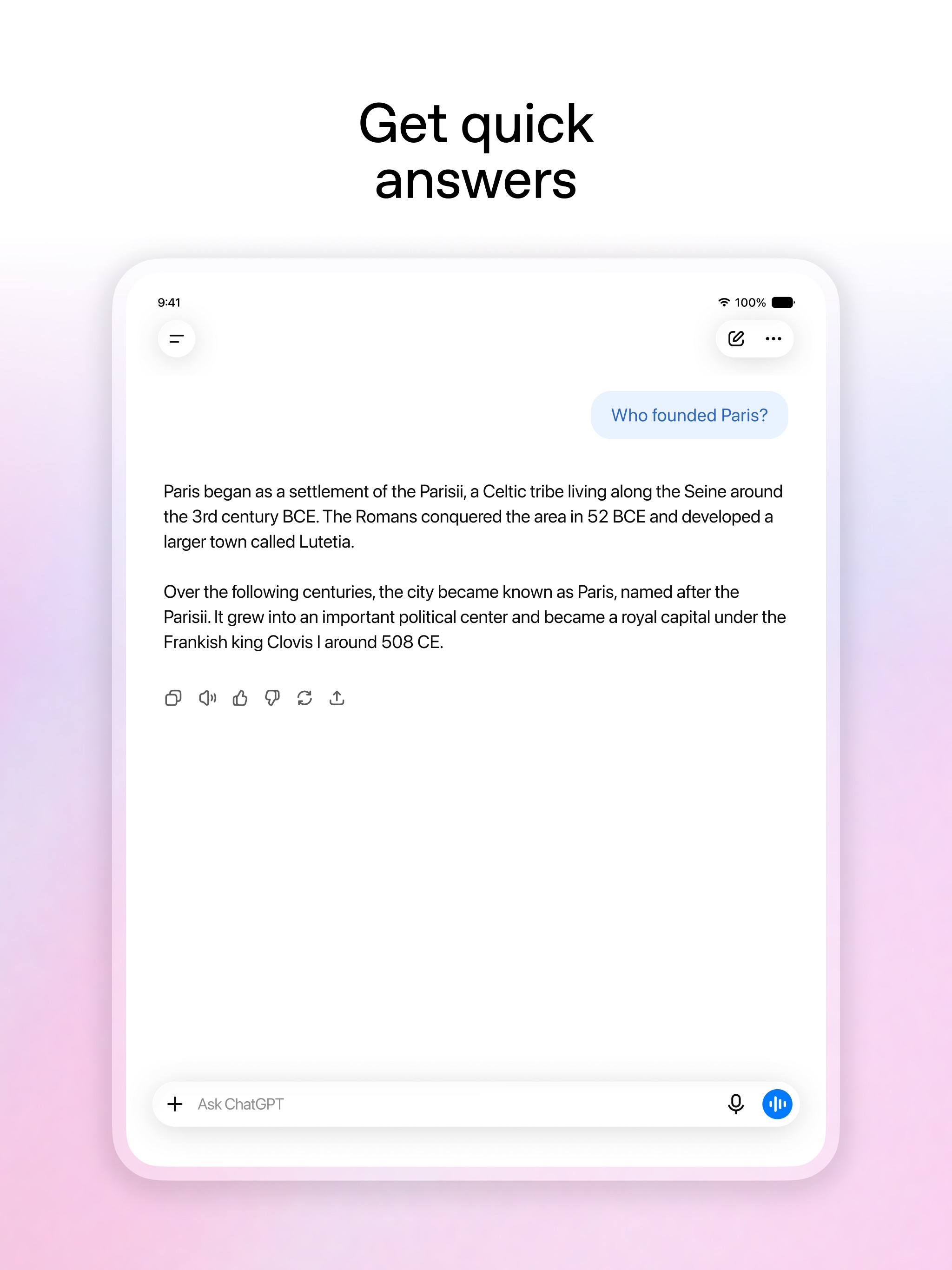
Text is its foundation: drafting articles, rewriting and polishing, translation, and long-text summarization can all be completed within the conversation. Writing weekly reports, emails, and proposal drafts, as well as students organizing concepts and assisting with reading foreign-language materials, are among the most common uses.
Coding is its second calling card: writing code, explaining errors, and assisting with debugging allow it to serve as a programming partner. When encountering an unfamiliar error message, pasting it in to ask often locates the issue faster than flipping through documentation yourself.
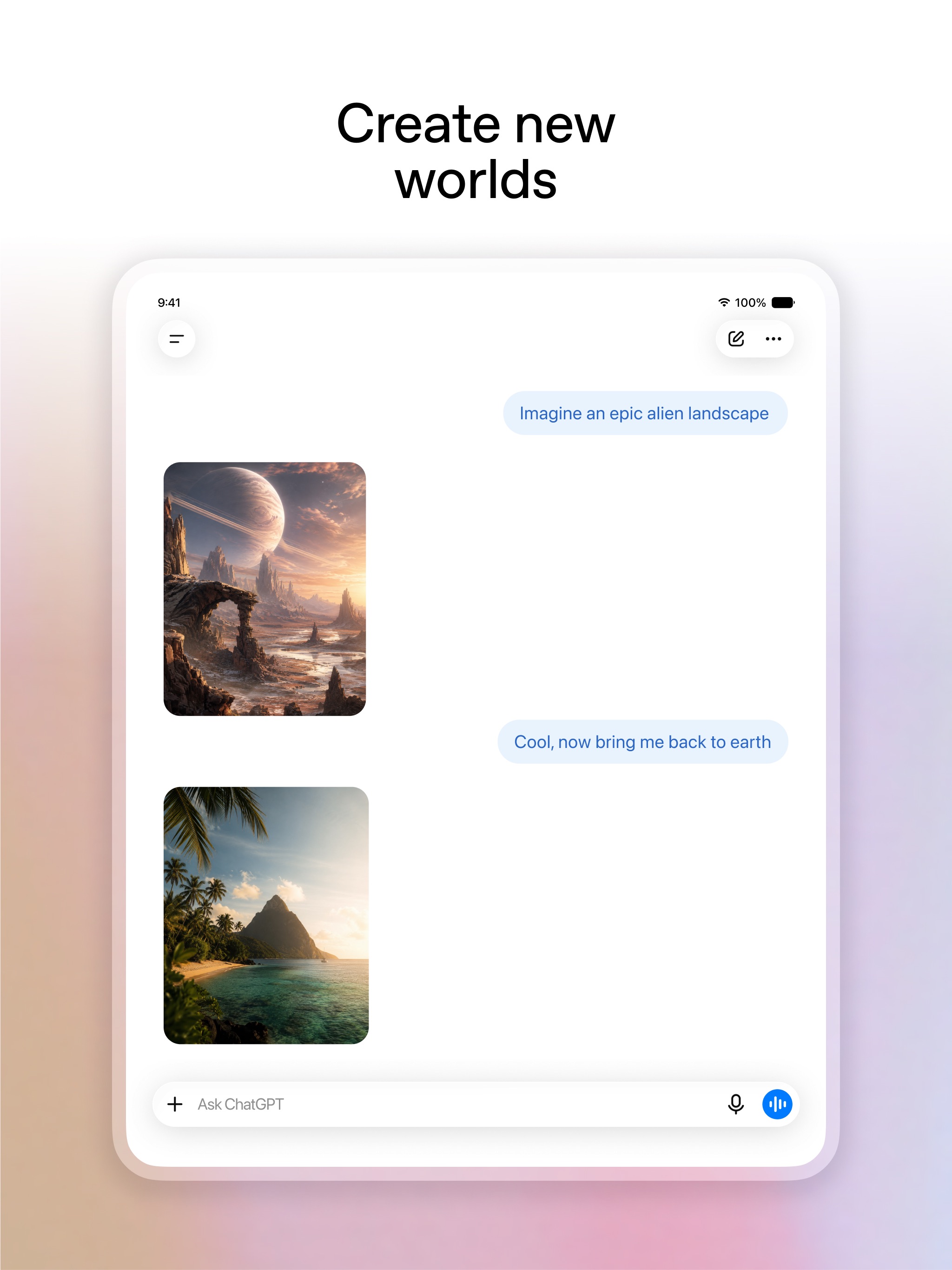
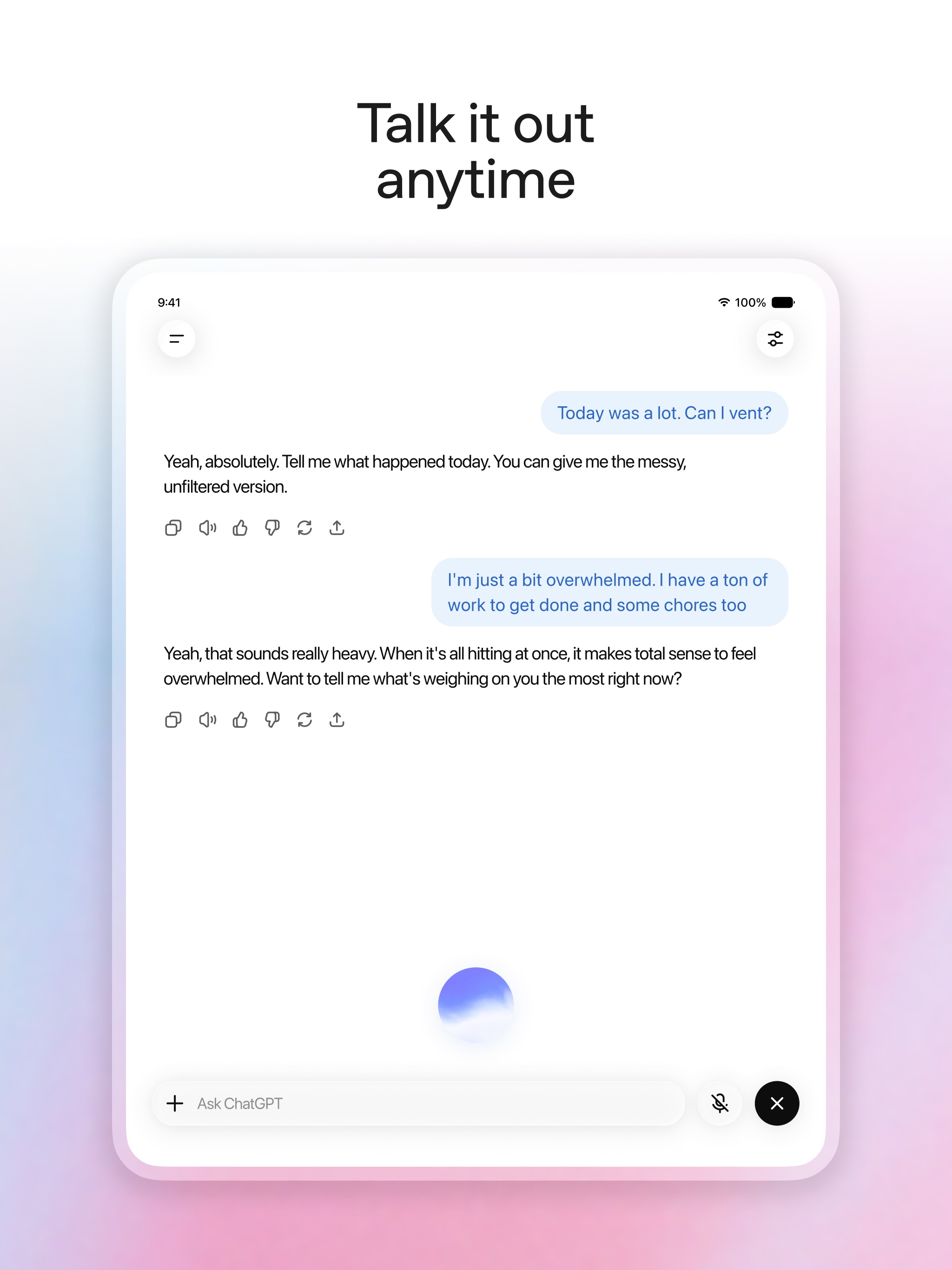
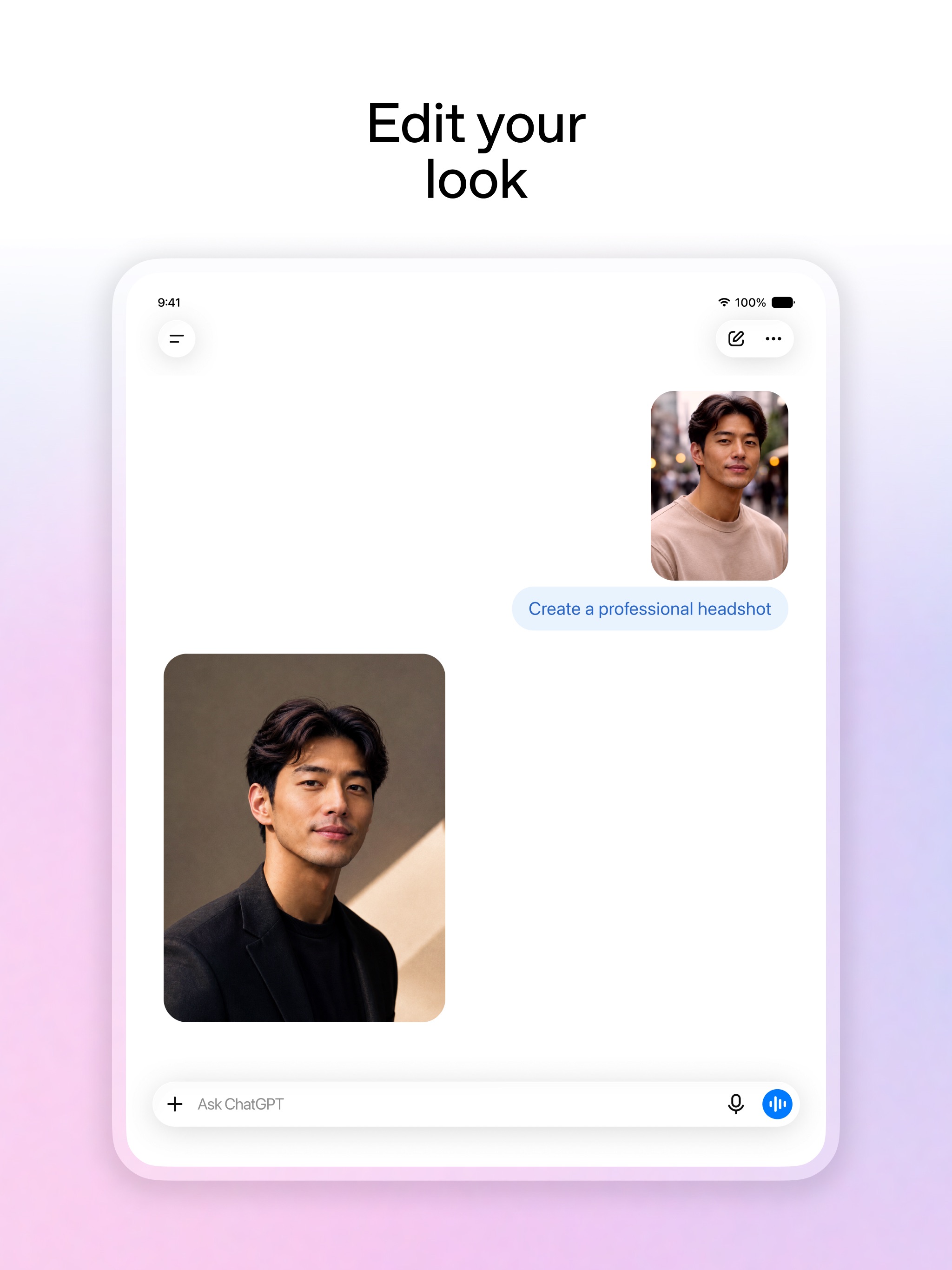
Multimodal capabilities broaden the usage scenarios even further: it can understand image content, parse uploaded spreadsheets and documents for data analysis, and includes built-in image generation; it also supports voice conversation and web search, so you do not have to leave the chat to look up recent information.
3. Characteristics Compared to Peers
Compared to competitors that focus on a single strength, ChatGPT's characteristic is balance: conversation, writing, coding, multimodality, and web search show no obvious weak spots. For new users unsure which tool to start with, it offers the lowest trial-and-error cost as a starting point.
The trade-off is that it is not necessarily the strongest in deep specialized scenarios: tackling ultra-long documents is less smooth than with Kimi, which specializes in long context, and conducting sourced research retrieval is less rigorous than with Perplexity. Its positioning as a general-purpose entry point makes it better suited for "having a usable tool first" and adding specialized tools as needed. For those already using it, the dividing line lies not in the number of features, but in workflow: treating it as the "first landing spot" for daily work—turning ideas into initial drafts and clarifying questions here first, then routing to specialized tools as needed—yields the highest efficiency. It is never too late to add a dedicated tool once a specific type of task becomes a daily routine.
4. Target Audience and Typical Scenarios
Suitable for almost anyone using AI for the first time: professionals writing weekly reports, emails, and proposal drafts; students and researchers organizing concepts and assisting with reading foreign-language materials; developers using it as a programming partner; and content creators using it to find topics and draft content.
A typical usage pattern is treating it as the "first landing spot" for daily work: turning ideas into initial drafts and clarifying questions here first, then taking the draft to specialized tools for refinement, or verifying retrieved information in a sourced search tool.
5. Access and Pricing
In terms of access, it needs special network access in mainland China.
Pricing follows a freemium model: the free tier meets daily Q&A and writing needs, while paid subscriptions unlock stronger models, higher usage quotas, and more advanced features. When evaluating options, you can start with the free tier to see if it fits your needs; please refer to the official website for specific details.
Tools mentioned

Sources
This article is compiled from the public sources above and does not reproduce the originals in full; see the official sources for details.