Canva vs Pixso: Template Design Platform or All-in-One Local Design Tool — How to Choose?
1. Makers and Positioning, Side by Side
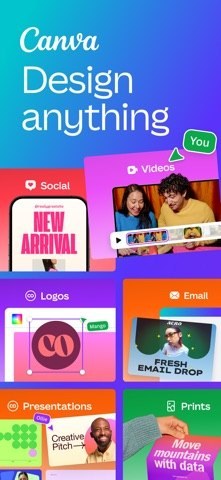
Canva is an online design platform from Australia whose positioning is not interface design but everyday visual output — posters, presentations, social media graphics. Its idea is to reduce professional design software to drag-and-drop editing, so people with no design background can finish visuals quickly.
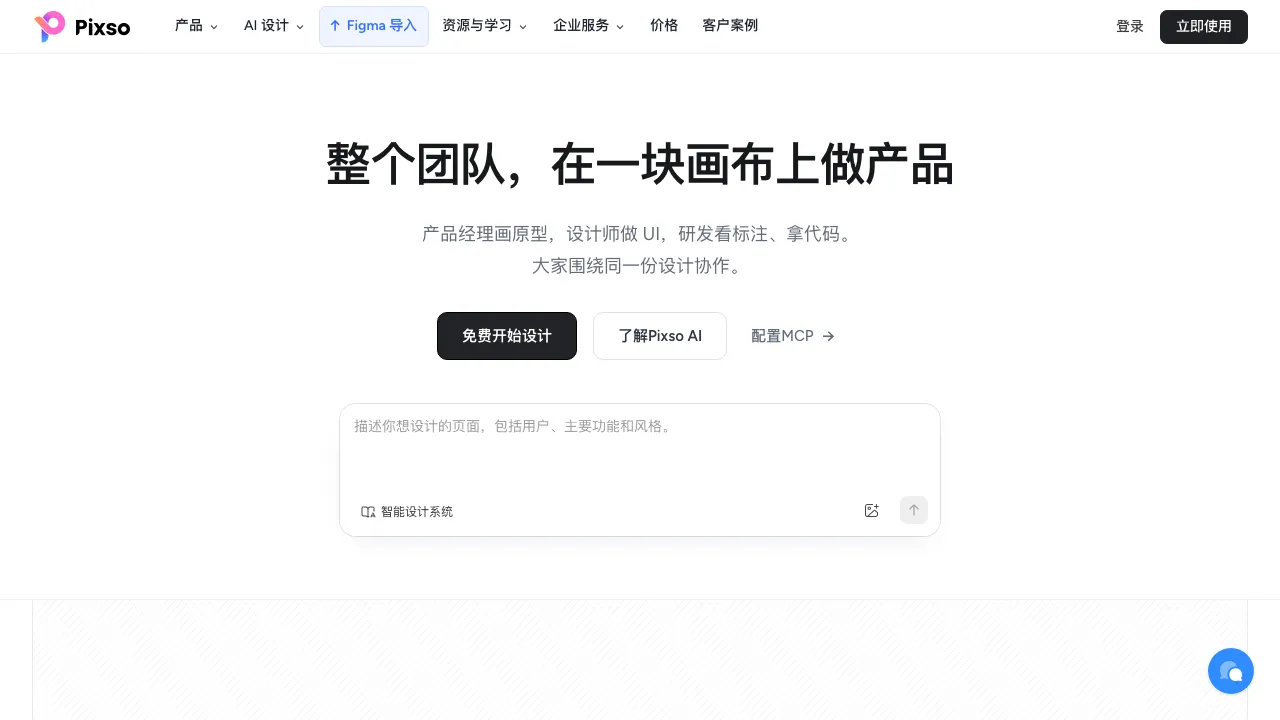
Pixso is a Chinese all-in-one online product design tool positioned as the interface workbench for product teams: discuss on the whiteboard, walk the flow in a prototype, settle details in the UI draft, hand off with annotations — product managers, designers, and developers collaborating in a single design file, from idea to engineering handoff without switching tools.
2. What Each Does Best
Canva's strength is templates and AI output: posters, presentations, social graphics, resumes, and videos all have ready-made templates, so swapping text and images by dragging is enough to finish a draft; built-in AI generates images from text, removes backgrounds, extends images, and drafts copy, and designs can be shared online, exported in several formats, or sent straight to print.
Pixso's strength is its all-in-one scope and AI design assistant: whiteboard, prototype, UI design, and handoff in one place, so a product moves from idea to developer handoff without changing tools; the AI assistant can draft on the canvas, multi-device collaboration is supported, and the official site offers Figma import for teams migrating existing designs.
3. Access and Pricing Models, Side by Side
For access, both open directly in China; the catalog cnAccess field is direct for both, confirmed unchanged on 2026-11-26. Canva also runs a China site at canva.cn, while Pixso's official site is pixso.cn — both are entry points aimed at users in China, ready to use on arrival.
For pricing, both are freemium: the free plan covers plenty of templates and basic features, while paid plans unlock premium assets, brand tools, and more AI quota, with exact tiers and prices on each official website. Before subscribing, check your output volume and team size against the tiers.
4. Who Each Suits
Canva suits non-design roles that produce visuals constantly — marketing, operations, admin — as well as small merchants, self-media creators, and teachers and students making courseware: with templates as a base, visuals come fast without learning design software, and a poster can be done in minutes.
Pixso suits product teams of managers, UI designers, and front-end developers: whiteboard discussion, interface design, and developer handoff all live in one file, and a remote review starts with sharing a link. For marketing visuals alone, Canva is the handier pick; for product interfaces, Pixso is the right one.
Tools mentioned
Sources
This article is compiled from the public sources above and does not reproduce the originals in full; see the official sources for details.