Canva vs Meitu: Two Image Tools Compared
Makers and positioning: Canva's template design vs Meitu's retouching
Canva is an online design platform with built-in AI image and copy features from Canva, at canva.com, built around template-based design. Meitu comes from Meitu, Inc. and is a widely used retouching and AI beautification tool in China, at xiuxiu.meitu.com.
As of 2026-11-25, the Lumo library lists 2,388 published tools, including 156 in design and 53 in image, and both tools are in it. One starts from design templates, the other from retouching — choose by whether you usually build an image from scratch or fix up a photo.
Strengths and differences: complete material sets vs retouching
Canva's strength is complete material sets: posters, invitations, slide decks, and social images all have templates — swap in your own words and pictures and the style stays consistent. When you need many images in one series, its template library saves the most time.
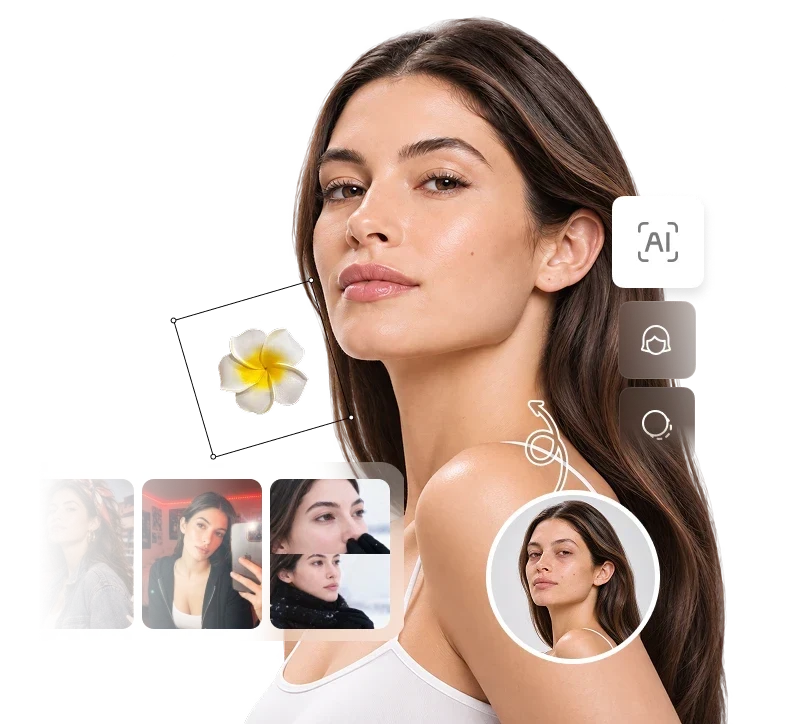
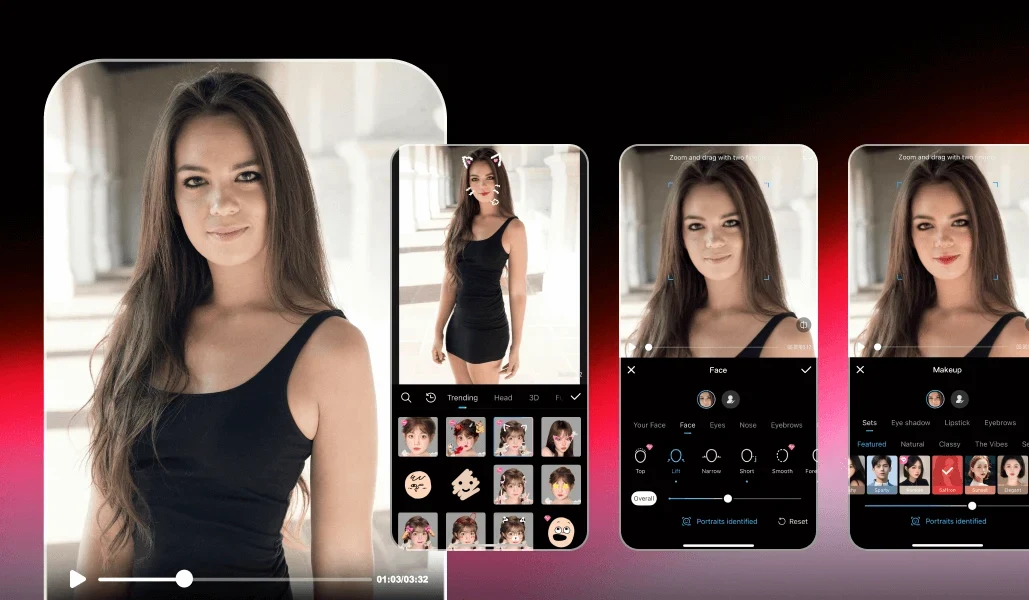
Meitu's strength is retouching and beautification: smoothing skin, brightening, swapping backgrounds, and adding text stickers take minutes on a phone. For everyday social posts and retouching product photos, it is faster than opening a design tool.

Access and pricing model: both directly accessible, both freemium
On access, both are listed in the Lumo library as directly accessible from China. On pricing, both are freemium, and the free tier covers light needs such as posters and everyday retouching; check the official site for exact tiers and limits.
One reminder: heavy use of the same templates and filters makes work look alike. After finishing an important image, check the text for typos and the images for copyright issues. Before commercial use, confirm the license scope of the templates and materials instead of sending them straight to print.
Who each suits and how to choose: pick by everyday need; the two can work together
People who often make posters, invitations, slide decks, and other material sets can try Canva first; people whose daily work is retouching photos, making avatars, and posting on social media can try Meitu first. The two do not conflict — many people lay out in Canva and retouch in Meitu, using them together.
When unsure, make the same image in both and compare: build one poster on each side and see which flow feels smoother and which result looks closer to what you wanted. A tool that feels right matters more than one with more features — the comfortable one is the answer.
Tools mentioned

Sources
This article is compiled from the public sources above and does not reproduce the originals in full; see the official sources for details.