Canva vs Figma: How to Choose Between an Online Design Platform and a Collaborative Interface Design Tool
Maker
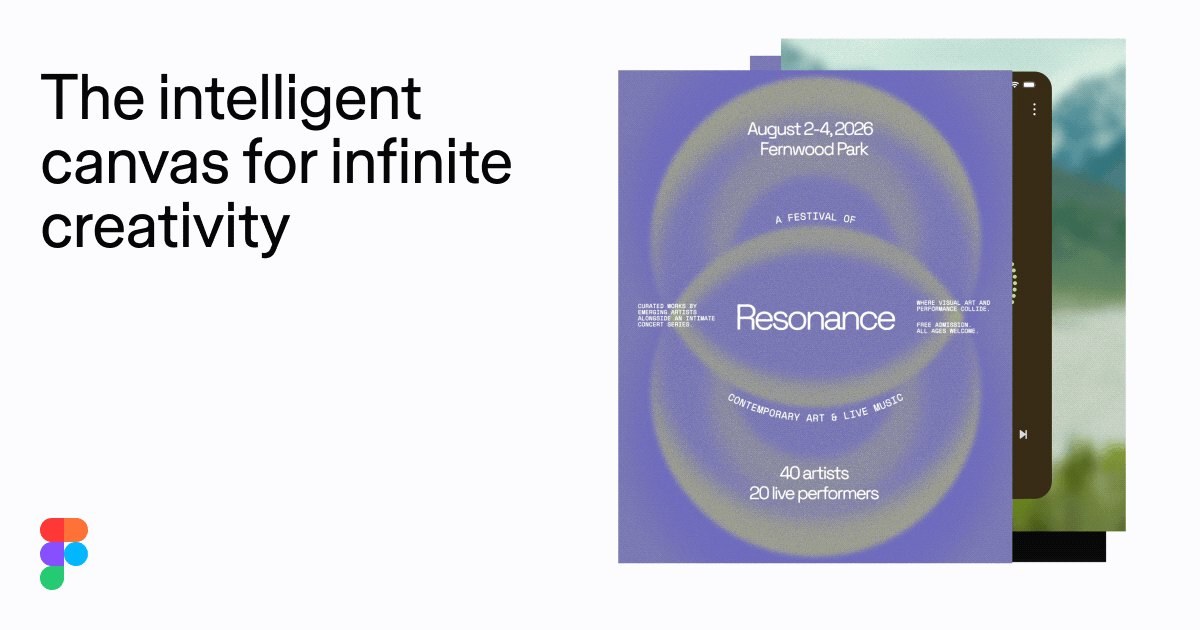
Canva is an online design platform with built-in AI image and copy features; Figma is a collaborative interface design tool with AI features. Both sit in the Lumo design category, which now lists 112 tools. Canva started from letting people without a design background produce images quickly, while Figma started from letting designers build product interfaces together on one canvas — different starting points, which decide what each does well.
Each is the namesake product of its own company, not an add-on feature of a larger firm. Before choosing, look at what you need to make: a single image, or a set of interfaces.
What each does well
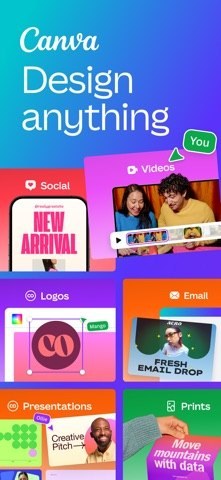
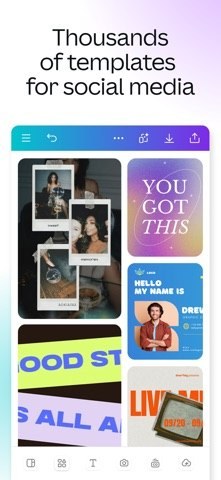
Canva does speed: templates are plentiful, and social media images, posters, presentations, and flyers can all start from a template — change the text, swap the image, and the work is done, with built-in AI image and copy features to add an illustration or rework a headline. One person making one image can go from opening the tool to exporting without a long learning curve.
Figma does collaborative interface work: several people edit the same interface in real time on one canvas, with components, styles, and prototypes linked so a change in one place updates everywhere. For app interfaces, web pages, and product prototypes, designers, product managers, and developers can align in one file instead of passing screenshots back and forth.
Access and pricing model
On access and pricing, the two entries match exactly in the library: directly accessible from China, both freemium — basic features are free, advanced features follow each site's paid plans. This article gives no specific prices; check each site's current plans before paying.
Identical fields mean the choice is not decided by access or price but by purpose: both can be tried for free, so run your usual tasks in the free version of each first, then decide whether to pay for either one.
Who each suits
Canva suits people who need images fast: marketers, creators, event planners, and office workers making posters and presentations — images that look good, come quickly, and are ready to publish. Figma suits people who build interfaces: product designers, front-end developers, and product teams refining a set of interfaces together — files that support collaboration, reusable components, and direct handoff to development.
One person doing both kinds of work is common: promotional images in Canva, product interfaces in Figma, with no conflict between them. The Lumo design category lists 112 tools, including many single-purpose ones, but these two cover the two most common needs.
How to choose
In one line: for an image ready to publish, choose Canva; for an interface ready to build, choose Figma. Confirm your main use case against the comparison above, then try each free version on the official site — check whether Canva's templates feel smooth for images and whether Figma's collaboration feels smooth for interfaces — and decide after trying.
Tools mentioned

Sources
This article is compiled from the public sources above and does not reproduce the originals in full; see the official sources for details.