AI Writing Tools for Team Collaboration: Notion, Yuque, WPS AI, and Tingwu

1. Conclusions First: Hub, Records, and Cross-Language Work
Conclusions first: pick one of three document hubs — Notion for notes, documents, and databases; Yuque for structured knowledge bases; WPS AI for office documents. Hand meeting records to Tingwu, and cross-language work to DeepL and Grammarly. All six are directly accessible in China; four are freemium and two have pricing not stated in the catalog. Choose by role first, then by habit.
The roles follow the catalog fields: Notion's tags explicitly include collaboration; Yuque's description states that it organizes documents in structured knowledge bases and integrates AI writing with cross-document Q&A; WPS AI is Kingsoft Office's AI writing and document assistant. Sort out the roles first, so the tools do not overlap.

2. Document Hubs: Notion, Yuque, and WPS AI
Notion combines notes, documents, and databases in one place, with built-in AI features, and its tags include collaboration. It is freemium and directly accessible in China. A team's documents, to-dos, and reference library can live in one place, with writing, lookup, and editing all done inside — suited to teams that want their knowledge in a single entry point.
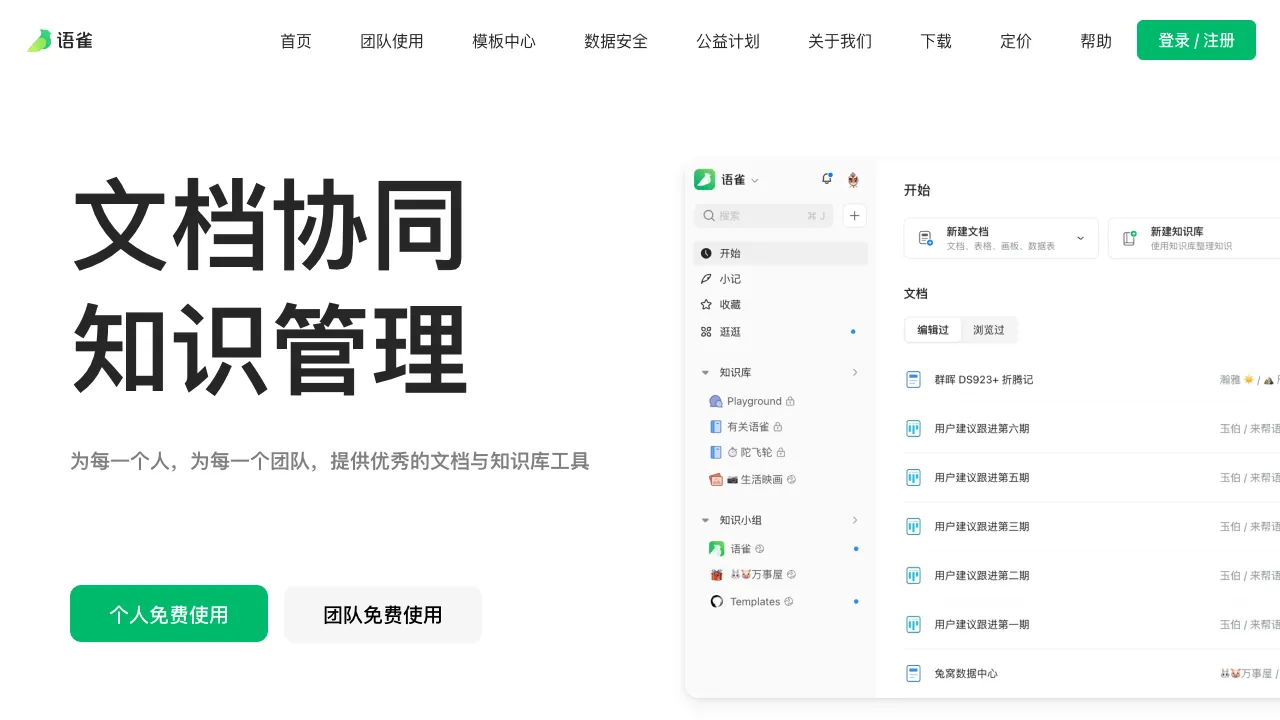
Yuque is a documentation and knowledge-base tool incubated by Ant Group, organizing documents in structured knowledge bases and integrating AI writing with cross-document Q&A. It is directly accessible in China, with pricing not stated in the catalog. Its orientation is the knowledge base: documents filed by structure, and cross-document Q&A helping the team find answers in existing material. WPS AI is Kingsoft Office's AI writing and document assistant, freemium and directly accessible in China; office documents are its home ground, and teams already using WPS can adopt it at low cost. Each hub has its own home ground — pick one by existing habit and start using it; that saves more effort than trying all three.
3. Meetings and Records: Tingwu
Tingwu is Alibaba's audio and video transcription and meeting-minutes tool, freemium and directly accessible in China. After a meeting, recordings and video become written minutes, preserved as searchable team material: who said what and what was decided are all in text, with no need to reconstruct the meeting from memory.
Its role is narrow — meeting records only. But the step matters: once minutes are preserved, the documents in the hub have sources to cite. If a team holds many meetings and its minutes are a mess, fix this link first, then decide how to build the document hub.
4. Cross-Language Work: DeepL and Grammarly
DeepL is a machine translation service known for natural-sounding translations, freemium and directly accessible in China. When a team must read foreign-language material or translate Chinese content outward, natural translations mean less revision work — the first step of cross-language collaboration is translating like a person would.
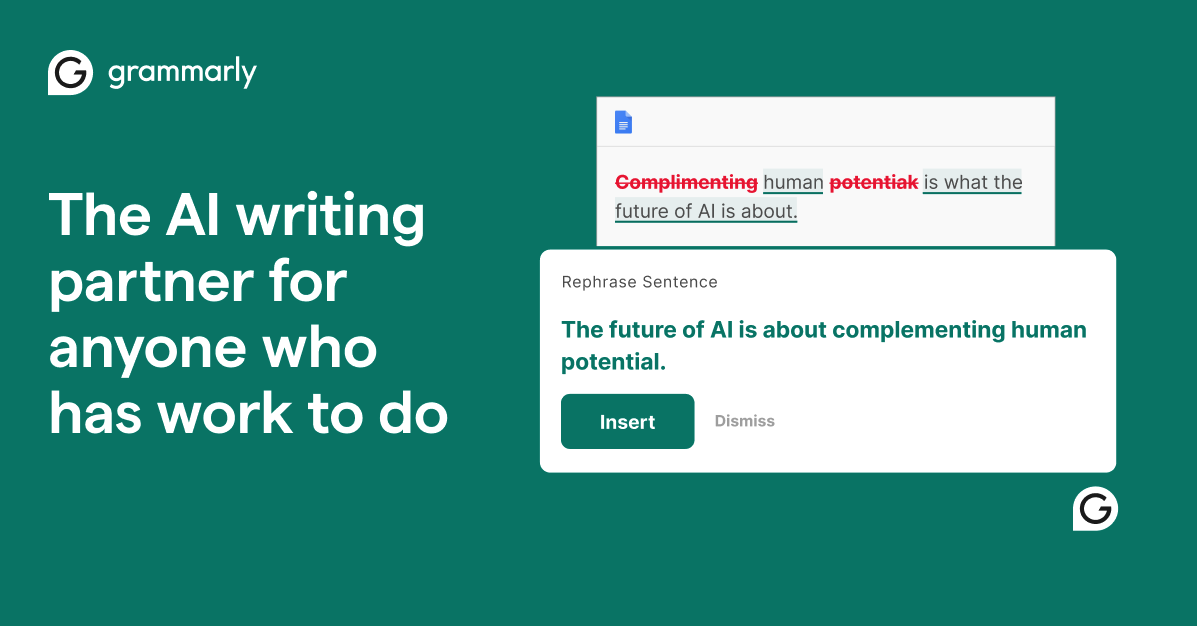
Grammarly is an English writing check and polish tool, freemium and directly accessible in China. Outgoing emails and English documents pass through a check before they are sent, catching typos and phrasing problems first. One tool translates, the other polishes English — together they form the team's cross-language finishing step. Get these two links working first, and the team's outward-facing English material has a basic quality floor.
Tools mentioned




Sources
This article is compiled from the public sources above and does not reproduce the originals in full; see the official sources for details.