How to Choose AI Writing Tools: A Side-by-Side Review of Notion, Gamma, WPS AI, and the Translation & Polishing Trio

1. The Verdict First
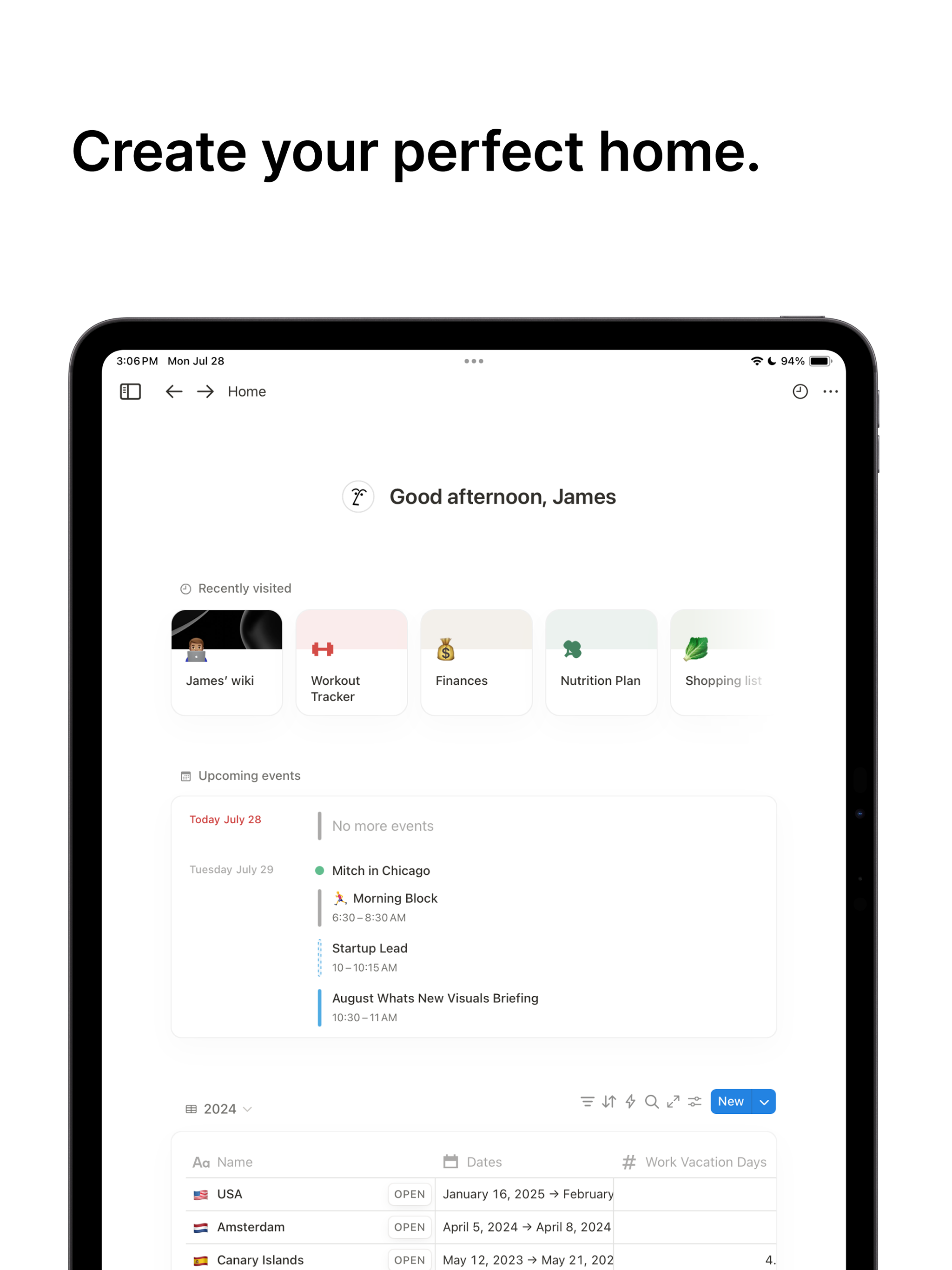
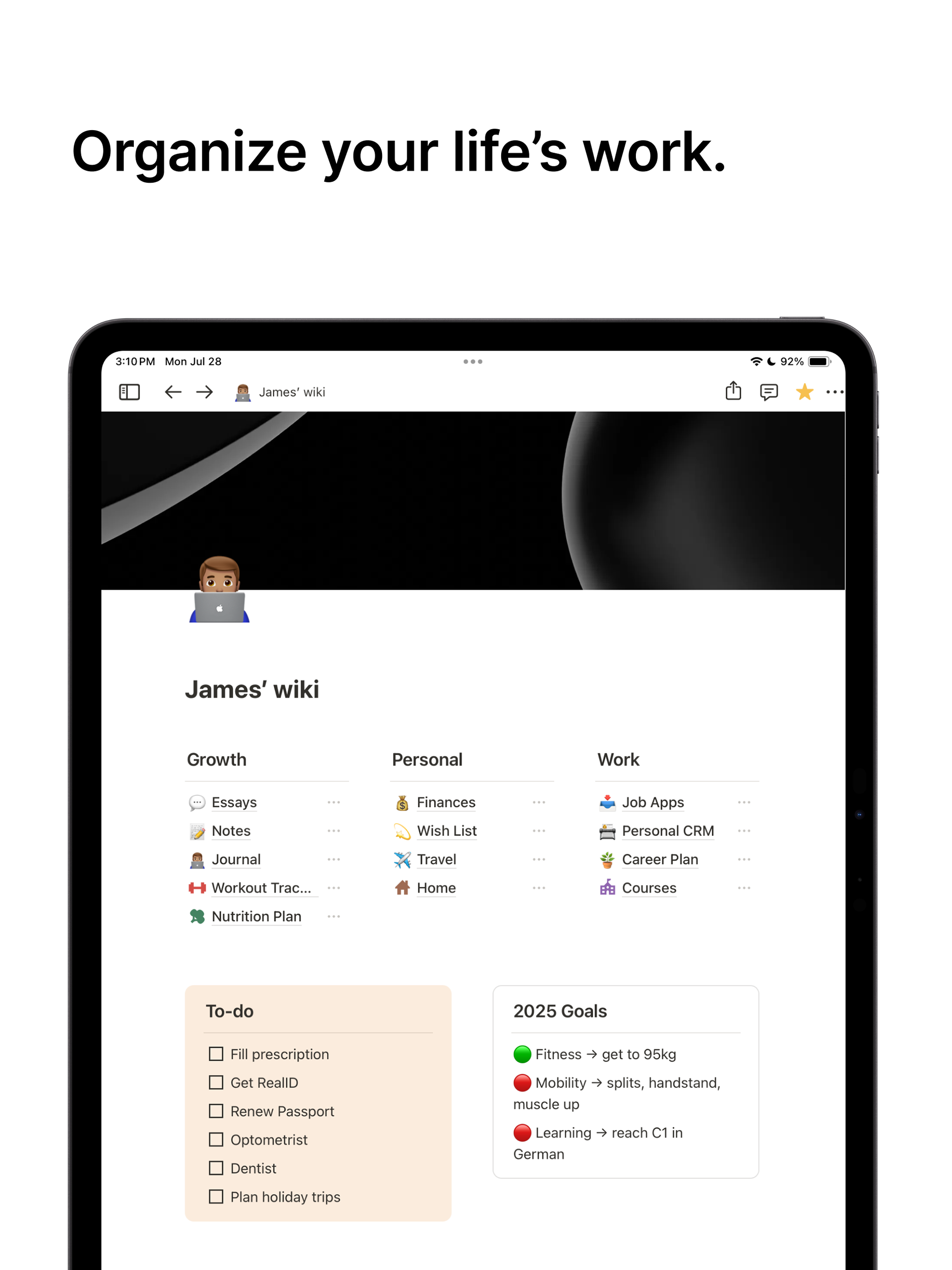
For long-term document accumulation and building a team knowledge base, prioritize Notion: it combines notes, documents, and databases in one, with built-in AI for writing polish, content summarization, and cross-page Q&A, and is directly accessible in mainland China.
For getting a presentable deck as fast as possible, prioritize Gamma: enter a topic or outline and it generates a structurally complete presentation and webpage in minutes, suited for drafting from scratch and time-pressed reports.
If you already use WPS for documents, WPS AI saves the most switching cost: Kingsoft Office's AI writing and document assistant is integrated directly into WPS, allowing you to generate and format documents, spreadsheets, and presentations without moving files across multiple apps.
For translation and English writing, there is a dedicated trio: DeepL produces natural-sounding translations suited for full-document translation; Grammarly handles English writing checks and polishing; and QuillBot handles English paraphrasing and summarization. All three are directly accessible in mainland China and operate on a freemium model.

2. A Closer Look at Each of the Six Tools
Notion: An all-in-one collaborative workspace combining notes, documents, and databases. Using "blocks" as its basic editing unit, it lets you freely combine page, table, Kanban, calendar, and other views. Notion AI offers writing polish, content summarization, property autofill, and cross-page Q&A search, backed by a rich template ecosystem—well suited for product managers maintaining requirement docs and startup teams building internal knowledge bases.
Gamma: Uses AI to rapidly generate presentations and webpages, with its strength lying in the speed from topic to finished draft. Give it a topic or outline, and it first builds the structure and then applies layouts; afterward, you can edit text slide by slide, swap layouts, and insert images, videos, and charts. Results can be shared online or exported as PPT or PDF.
WPS AI: Kingsoft Office's AI writing and document assistant, integrated inside WPS. Its advantage is not having the single strongest standalone feature, but being closest to your actual workspace: documents, spreadsheets, and presentations are all completed within the same app, so generating and formatting require no switching.
DeepL: Machine translation known for natural-sounding output. Natural phrasing and terminology consistency are its signature strengths, making it suitable for full-document translation; human proofreading is still recommended for important documents, especially legal, contractual, and medical content.
Grammarly: An English writing checker and polishing tool. When writing English emails, papers, or reports, it helps catch grammar errors and refine phrasing, serving as a standard checking layer for English writing.
QuillBot: An English paraphrasing and summarization tool. Use it when you need to rephrase a sentence or condense a long passage into key points—complementary to Grammarly's checking focus.
3. Matching Tools to Scenarios
Writing requirement docs and team knowledge bases: Prioritize Notion—store in one place, search everywhere; teams already working in WPS can use WPS AI directly to avoid migration costs.
Rushing a report or presentation: Prioritize Gamma for the fastest drafting from scratch; if you care strongly about layout design and templates, look next at Canva—it is not among the six tools in this article, but is covered in detail in our design tools comparison.
Translating full documents: Prioritize DeepL for natural translation and consistent terminology; if you want to polish the English phrasing afterward, run it through Grammarly for the smoothest workflow.
Writing English content: Grammarly handles checking and error correction while QuillBot handles paraphrasing and summarization; used together, an English draft can go from initial draft to publish-ready largely without leaving your workflow.
4. Access and Pricing Notes
Notion, WPS AI, DeepL, Grammarly, and QuillBot are all directly accessible in mainland China and use a freemium model; Gamma uses a freemium model, and its access status is subject to its official website.
Free quotas and export limits change frequently across providers. Before committing, use the free tier to write one or two real pieces of content to confirm the writing experience, export formats, and Chinese typesetting quality before deciding which one to pay for.
Tools mentioned



Sources
This article is compiled from the public sources above and does not reproduce the originals in full; see the official sources for details.