Choosing an AI Writing Tool by Scenario: 6 Options for Documents, Slides, Translation, and English Editing

1. Overview: Each of the 6 in One Sentence
Notion is a collaboration tool that combines notes, documents, and databases. It uses blocks as its basic editing unit, pages, tables, boards, and calendars can be combined freely, and its built-in Notion AI can polish text, summarize, fill in fields automatically, and answer questions across pages. Gamma is an online tool that generates slide decks and web pages with AI: enter a topic or paste text, and within minutes you get a deck with an outline, layout, images, and a theme, ready to share online or export as PPT or PDF.
WPS AI lives inside WPS Writer, Spreadsheets, Slides, and PDF: it drafts, continues, and polishes text, generates a full slide deck from a topic in one click, writes formulas and analyzes data from natural-language requests, and summarizes long documents. DeepL is a machine translation service known for natural-sounding output: it translates whole passages with tone and style in mind, translates documents while keeping the layout, fixes proper nouns through a glossary, and offers DeepL Write for polishing English.
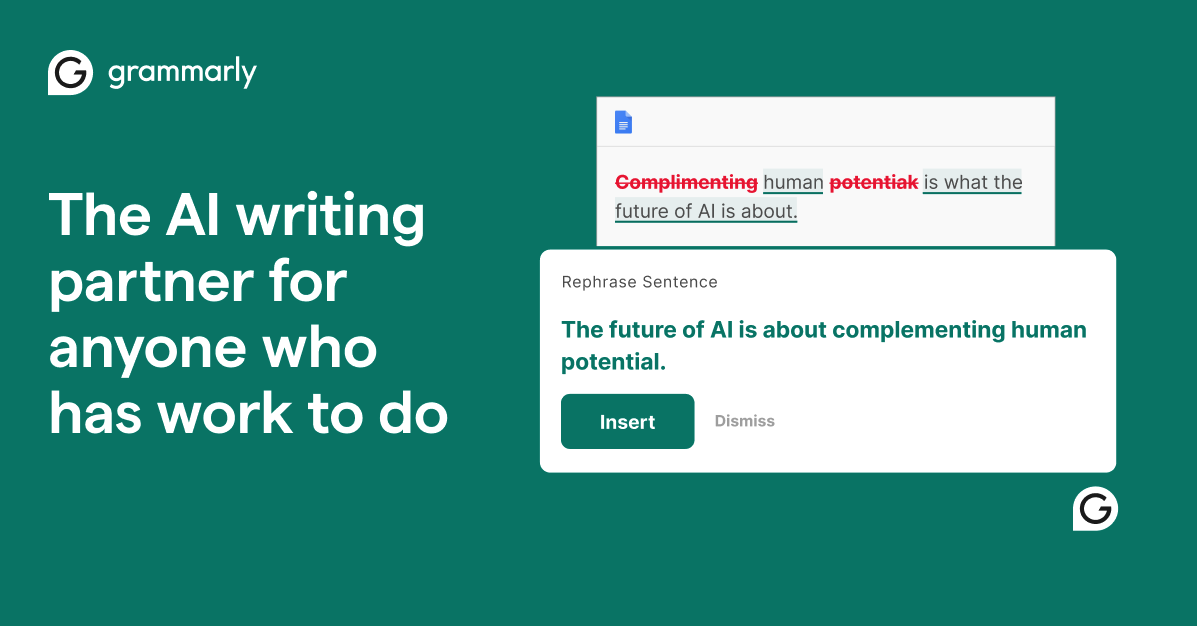
Grammarly focuses on checking English writing: it corrects spelling, grammar, and punctuation in real time, adjusts sentence structure and tone, offers rewrite suggestions, and its paid tier adds plagiarism detection. QuillBot is an English paraphrasing tool that offers fluent, formal, concise, and other rewriting styles, along with grammar checking, long-text summaries, and citation generation, suited to making English read more smoothly and follow standard conventions.

2. Matching Scenarios: Which Tool for Which Need
For documents you keep building over time and for team collaboration, choose Notion. Product managers maintaining requirement documents, startup teams building an internal knowledge base, and students organizing course notes can all keep notes and tasks in one place, and its rich template library means nobody starts from a blank page.
For slide decks and shareable pages in a hurry, choose Gamma. Product managers presenting proposals, salespeople preparing client pitches, and teachers preparing lessons can get an editable first draft from a topic and then refine it page by page. Independent developers can also use it to turn an idea into a presentable page quickly.
If daily office work cannot leave WPS, choose WPS AI: there is no workflow to migrate, and the AI is already inside the familiar software. For translation into other languages, choose DeepL, which is particularly suited to bulk document translation and teams that need consistent terminology. For English writing, run the draft through Grammarly first for spelling and grammar, then use QuillBot when a sentence needs to be said differently.
3. Access and Pricing Compared
Access, based on the Lumo library's fields: Notion, WPS AI, DeepL, Grammarly, and QuillBot can be accessed directly in China. Gamma's access in China is recorded as unknown, so the official site is the authority; check that gamma.app opens normally before relying on it.
Pricing, described by model only: all six follow a freemium model. Notion's personal basic tier is free, with team collaboration and AI features in paid tiers. Gamma's free tier generates content by credits. WPS AI comes with some free capability inside WPS. DeepL's free tier has per-translation character limits. Grammarly's basic correction is free. QuillBot's free tier limits text length and paraphrasing modes. Check each official site for exact prices.
4. How to Choose: Start from Where You Work, Then from What You Produce
Start from where you work: if you open WPS every day, use WPS AI; if you prefer writing in the browser, use Notion for keeping notes and Gamma for decks. Then look at the output: documents point to Notion, presentations to Gamma, translations to DeepL, and English drafts to Grammarly plus QuillBot.
A common combination is Notion for keeping notes plus Gamma for decks, with DeepL handling translation and Grammarly checking English. As of November 14, 2026, the Lumo hub lists 1,750 published tools, including 76 in the writing category, and the access and pricing of these six follow the library's fields. Before subscribing or paying, check the official site once more.
Tools mentioned



Sources
This article is compiled from the public sources above and does not reproduce the originals in full; see the official sources for details.