Which AI Tool for Video Editing? Matching Jianying, CapCut, and Four AI Editors to the Right Scenario
The Verdict: Triaging by Editing Scenario
A one-sentence triage: turn to Jianying and CapCut for daily editing and finished short videos, Opus Clip for cutting long videos into shorts, Descript for editing video by editing text, VEED for browser-based editing with AI subtitles, and Submagic for dynamic short-form captions. None of the six is an all-in-one solution; once the scenarios are separated, choosing comes down to workflow comfort.
The value of this comparison lies in defining your editing scenario before choosing a tool. There is no single universal answer for video editors: for the same raw footage, the right tool differs completely across daily finishing, clipping shorts, and adding subtitles. First ask yourself what you need to deliver today—one finished video, a batch of short clips, or a track of captions—before reading further.

A Closer Look at the Six Tools
Jianying is the domestic Chinese version of CapCut, featuring rich AI subtitle and editing functions with direct access in mainland China, making it well-suited for everyday editing by domestic users. CapCut is ByteDance's video editing tool with built-in AI features, also directly accessible in mainland China; the international and domestic versions each have distinct emphases, and both handle daily editing and finished short videos. Both share the same origin, with differences resting mostly on version specifics and user habits: if you are in mainland China, Jianying feels more natural.
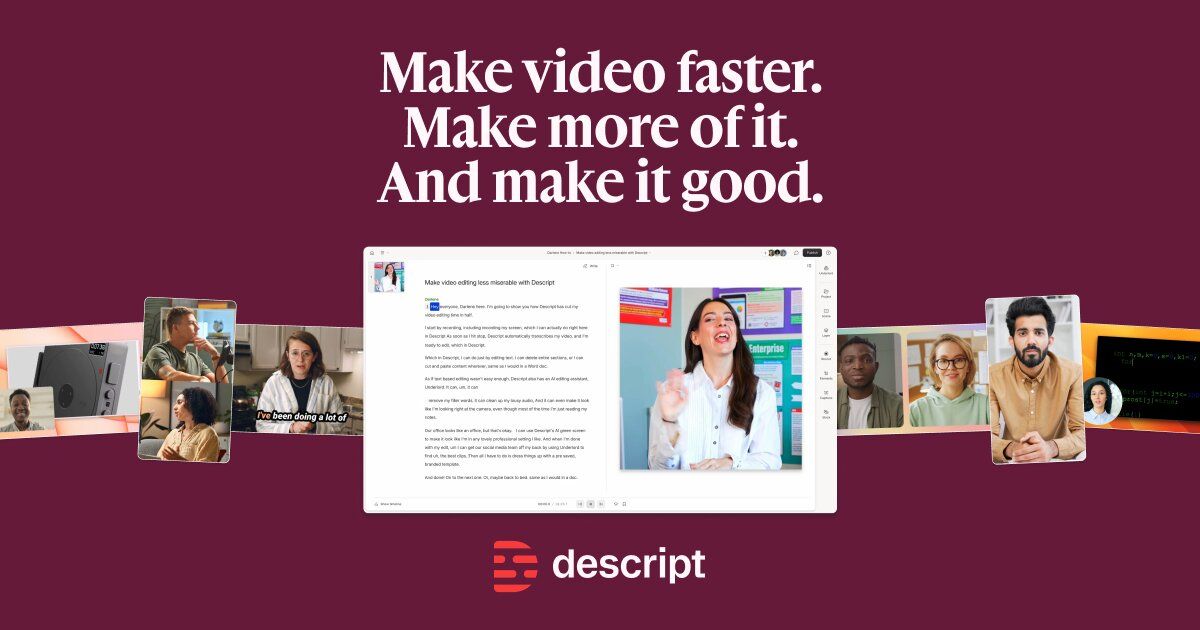
Opus Clip is an AI video editing tool that automatically cuts long videos into captioned shorts and assigns virality potential scores, making it suited for repurposing livestreams, podcasts, and long interviews into short-form clips. Descript is an AI audio-video editor built around text-based editing—after automatic transcription, editing the transcript edits the video—and includes built-in AI voiceovers, noise reduction, and an automated editing assistant, fitting podcasts and interview content. VEED is an online video editor and AI subtitle tool that lets you edit right in the browser without installing software. Submagic is an AI automatic captioning and editing tool built for short-form creators, supporting multilingual animated captions, automatic silence removal, and clipping long videos into shorts.
Matching Tools to Specific Scenarios
Scenario one, daily editing and finished short videos: Jianying and CapCut are the primary choices, keeping templates, subtitles, and music in one place across both mobile and desktop. Scenario two, cutting long videos into shorts: run the footage through Opus Clip for automatic clipping first, then manually polish the few clips with high virality potential scores—far less tedious than watching two hours of raw footage from start to finish.
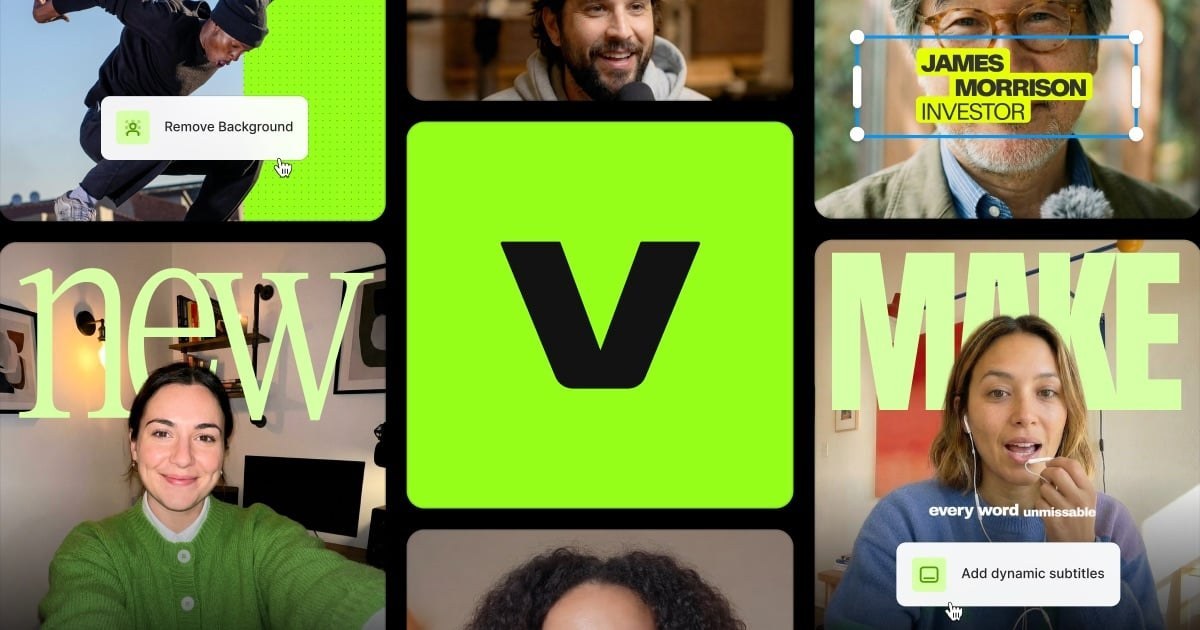
Scenario three, podcast and interview editing: Descript's edit-text-to-edit-video workflow is the smoothest option, where deleting a sentence deletes that video segment, and pairing automatic transcription with noise reduction significantly boosts interview editing efficiency. Scenario four, needing clean, eye-catching captions: Submagic specializes in animated captions and automatic silence removal, while VEED's online AI subtitles serve as a lightweight alternative. Once these four scenarios are clear, deciding among the six tools becomes straightforward.
Common Pitfalls When Choosing
There are two common pitfalls to watch out for. First is confusing editing with generation: all six tools covered here are editors, so if you need to generate video from scratch, look separately to generative tools like Kling and Hailuo; if you want generation and editing in a single workflow, look at platforms like Runway that combine both on one stage. Second is looking only at free tiers without checking export limits: free tiers on freemium tools often restrict export resolution, watermarks, or video length, so verify export terms before commercial use.
Clarify your editing scenario first during selection, then pick the tool that fits it. Daily finishing, clipping shorts, and adding captions are three distinct tracks—once the right tool is in place, the remaining work is purely aesthetics and pacing.
Tools mentioned



Sources
This article is compiled from the public sources above and does not reproduce the originals in full; see the official sources for details.