Which AI Tool Should You Use for Translation and English Writing? Matching DeepL, Grammarly, and QuillBot to Your Needs
1. The Verdict First
For translation, try DeepL first: a machine translation tool known for natural-sounding output, where translation naturalness and terminology consistency are its hallmarks, making it well-suited for full-document translation.
For proofreading and polishing English writing, use Grammarly: an English writing checker and polishing tool that helps catch grammar errors and improve phrasing when writing English emails, papers, and reports.
For rewriting sentences, use QuillBot: an English paraphrasing and summarizing tool used to rephrase a sentence or condense a long passage into key points, complementing Grammarly's checking focus.
2. A Closer Look at Each of the Three Tools
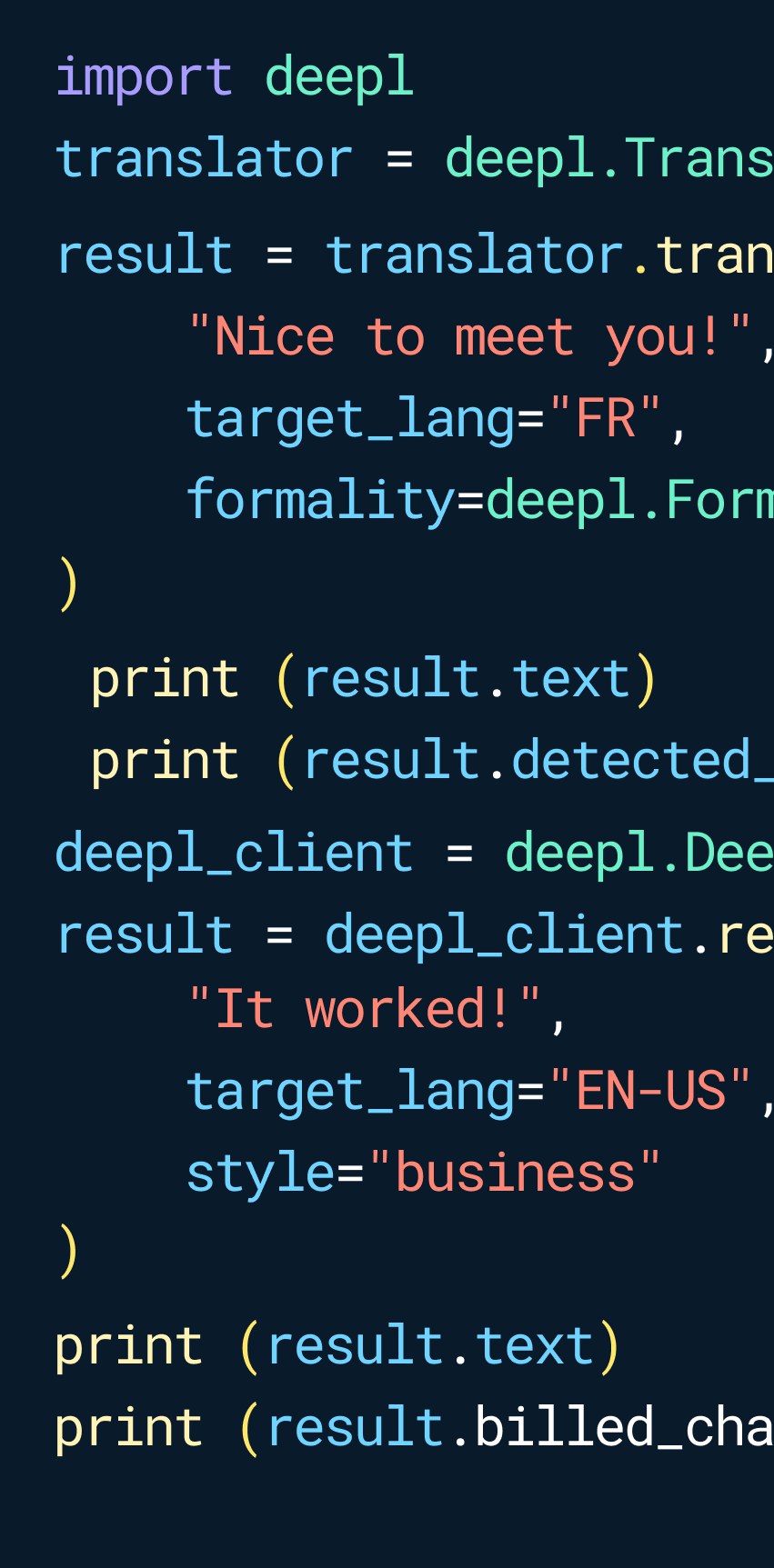
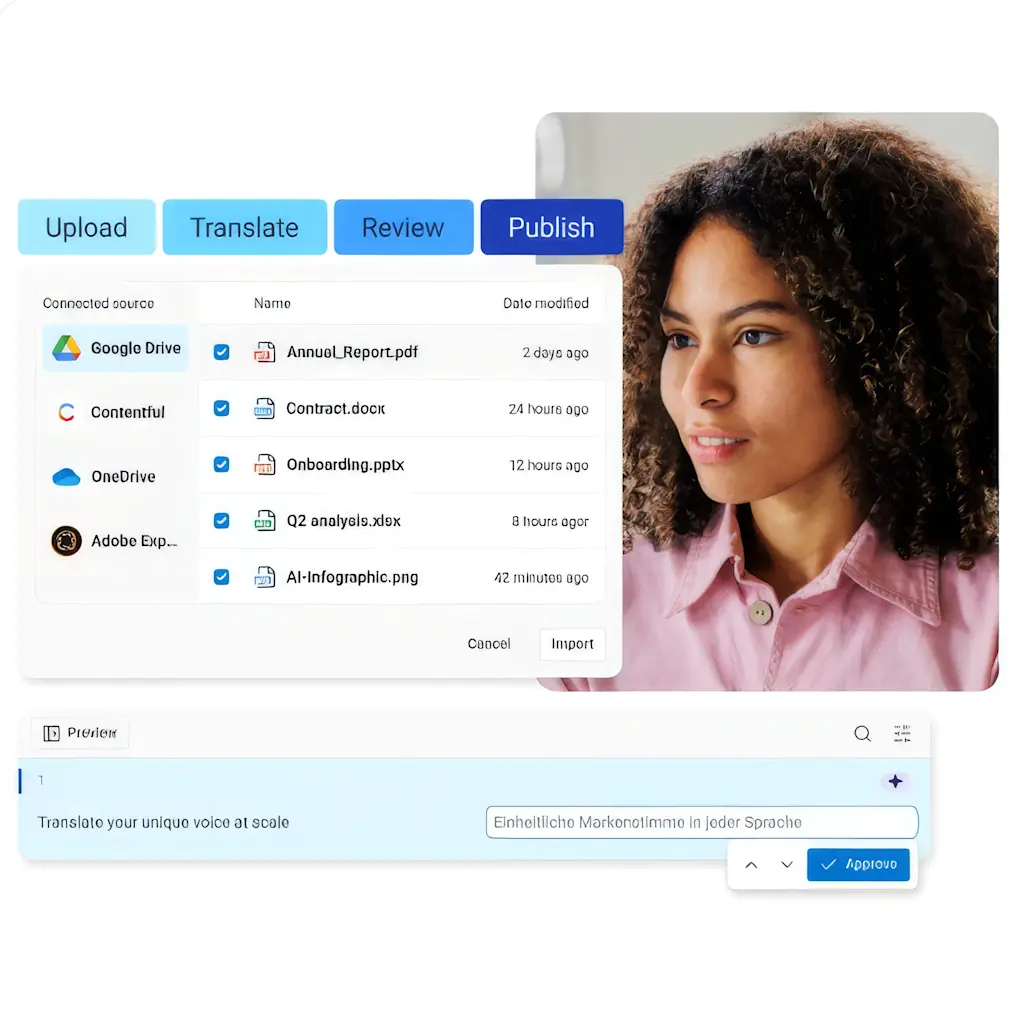
DeepL: A machine translation tool known for natural-sounding output. Well-suited for full-document translation, its translations read more like human writing and maintain solid terminology consistency. It supports full-document translation, saving you from copying and pasting paragraph by paragraph when handling long documents.
Grammarly: An English writing checker and polishing tool. When you write English emails, papers, and reports, it works in the background to catch grammar mistakes, punctuation issues, and awkward phrasing, serving as a standard checking layer for English writing.
QuillBot: An English paraphrasing and summarizing tool. Use it when you need to rephrase a sentence or condense a long text into key points. Paraphrasing and summarizing are its core strengths, complementing Grammarly's error-checking capabilities.
3. Four Criteria to Check Before Choosing
Translation naturalness and terminology consistency: DeepL's hallmark is natural-sounding output. Keeping terminology consistent within the same domain matters more than translating a single sentence accurately—check this first when translating long documents.
Support for full-document translation: Full-document translation eliminates the hassle of pasting text section by section. When handling long documents such as contracts, papers, and reports, prioritize tools that support whole-document import.
Word count limits on the free plan: All three follow a freemium model, and free-tier word and usage limits vary by provider. They are sufficient for casual daily translation, but check the boundaries of the free quota before batch-processing long documents.
Whether privacy terms suit sensitive text: Translation tools upload your text to servers for processing. When dealing with unpublished business documents, legal contracts, or personal privacy content, read the privacy policy first, and prioritize manual handling or local tools for sensitive content.
4. Frequently Asked Questions
Can machine translation be used for formal documents? Human proofreading is recommended for important documents, especially legal, contract, and medical content. Machine translation is suited for producing a first draft followed by human review, rather than direct delivery.
How should the three tools be used together? Use DeepL for full-document translation, Grammarly to check and correct errors when writing in English, and QuillBot when you need to rephrase sentences or condense key points. All three are freemium and directly accessible in China, so you can combine them without switching regions.
Tools mentioned


Sources
This article is compiled from the public sources above and does not reproduce the originals in full; see the official sources for details.