Which AI Tool Should You Use for a Content Matrix? Matching Opus Clip, Submagic, and iFlytek Huiwen to Your Workflow

1. The Four Stages of Matrix Operations
Content matrix operations can be broken down into four stages: first produce a piece of "pillar content" (a long article or a long video), then rewrite and trim it into formats suited to each platform, distribute it across multiple accounts, and finally review performance data to decide what to make next.
AI tools each play a distinct role across these four stages: cutting long videos into short clips is the job of Opus Clip, Submagic, and Vizard; text-and-image creation and multi-platform publishing are iFlytek Huiwen's home turf; and text-to-video goes to Fliki. Before choosing a tool, clarify whether your pillar content is video or text, and whether your main battleground is short video or text-and-image posts.

2. Cutting Long Videos into Short Clips: Turning One Long Video into Ten Shorts
Opus Clip is an established tool for turning long videos into short clips: upload a long video, and it automatically identifies highlight segments, adds subtitles, and crops them into vertical format. Opus Clip 4.0 also adds an AI editing assistant that lets you modify edits via text instructions. It is well suited for podcasts, livestream replays, and long-form interviews.
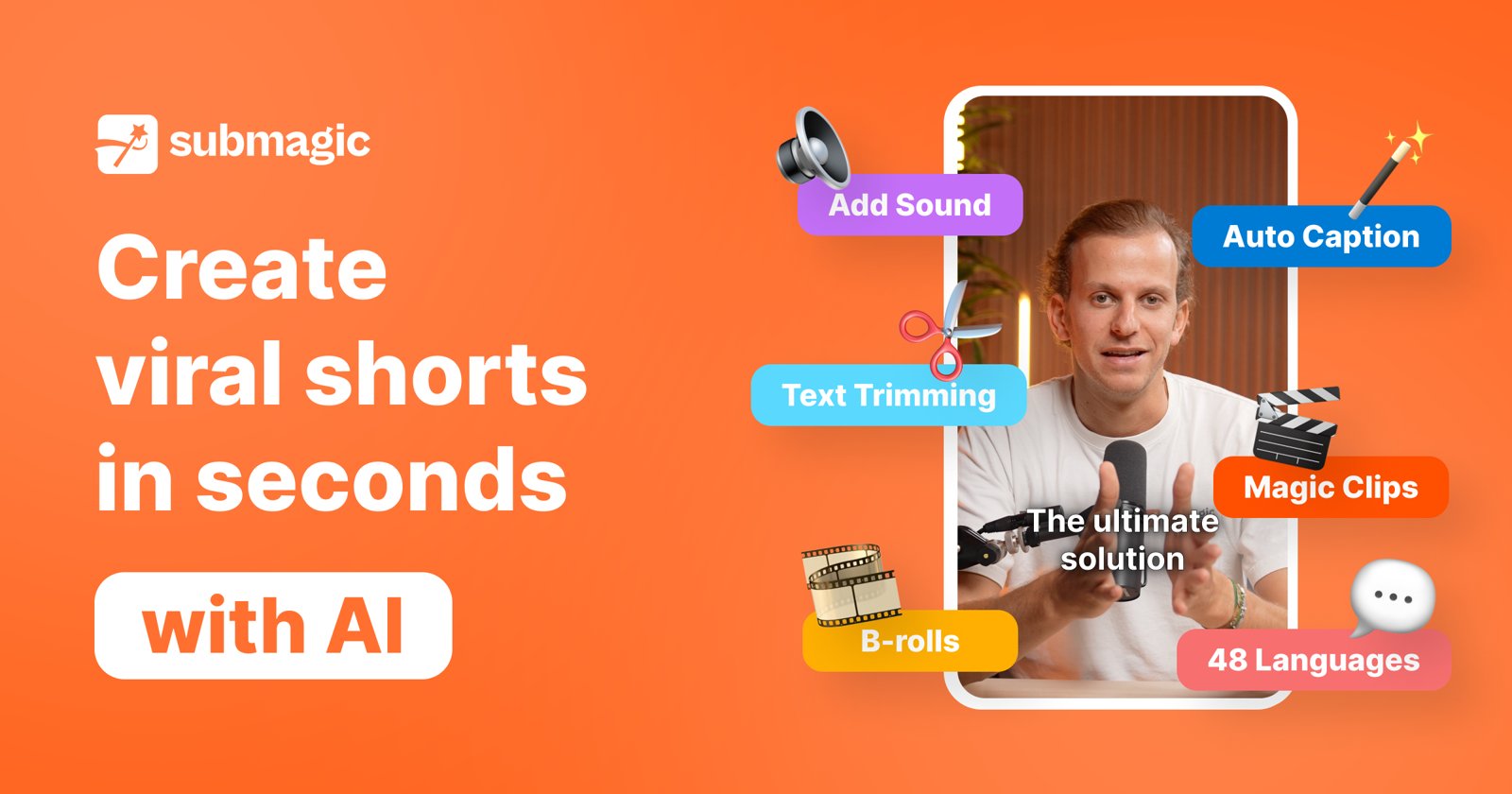
Submagic and Vizard are direct competitors: Submagic offers flashier subtitle animations and templates, suited for accounts prioritizing visual effects; Vizard splits clips quickly and supports batch processing, suited for matrix accounts that need to output many clips at once. All three require special network access in mainland China, and their free tiers come with watermarks or duration limits.
3. Text-and-Image Creation and Multi-Platform Publishing: Write Once, Publish Everywhere
iFlytek Huiwen is a text-and-image creation and multi-platform publishing tool directly accessible in mainland China: enter a topic to generate a first draft with text and images, and distribute it to multiple platforms in one click. It has strong Chinese-language support, requires no special network access, and suits matrix accounts focused on text-and-image posts.
Its positioning complements the three video tools above: Opus Clip and its peers solve "how to cut videos," while iFlytek Huiwen solves "how to write text-and-image posts and where to publish them." If your matrix focuses on text and images, start with iFlytek Huiwen; if it focuses on video, start with Opus Clip.

4. Choosing by Team Size and Budget
Solo creator with two or three accounts: start with the free tiers of Opus Clip for short video clips plus iFlytek Huiwen for text-and-image posts, and consider paying only after you get a "pillar content to multi-platform" loop running smoothly.
Small team with multiple accounts: Vizard's batch processing and Opus Clip 4.0's AI editing assistant save substantial editing time, making paid tiers cost-effective, while iFlytek Huiwen continues to cover the text-and-image side. Check official websites for exact pricing, and test the free tiers first to see if they fit your workflow.
Tools mentioned




Sources
This article is compiled from the public sources above and does not reproduce the originals in full; see the official sources for details.