Which AI Tool Should You Use for Presentations? Matching Gamma, WPS AI, and Canva to Your Needs

1. The Short Answer:
If you want to quickly generate a presentation from a single topic, try Gamma first: enter a topic or outline to generate presentations and webpages, making it suitable for starting from scratch on tight deadlines.
If you already use WPS for documents, WPS AI minimizes switching costs: Kingsoft Office's AI writing and document assistant is integrated directly into WPS, allowing you to generate and refine documents, spreadsheets, and presentations without moving files between multiple applications. If you prioritize layout design and templates, go with Canva: an online design platform with rich templates and built-in AI features, suitable for presentations and posters with high layout requirements.
2. A Closer Look at the Three Tools:
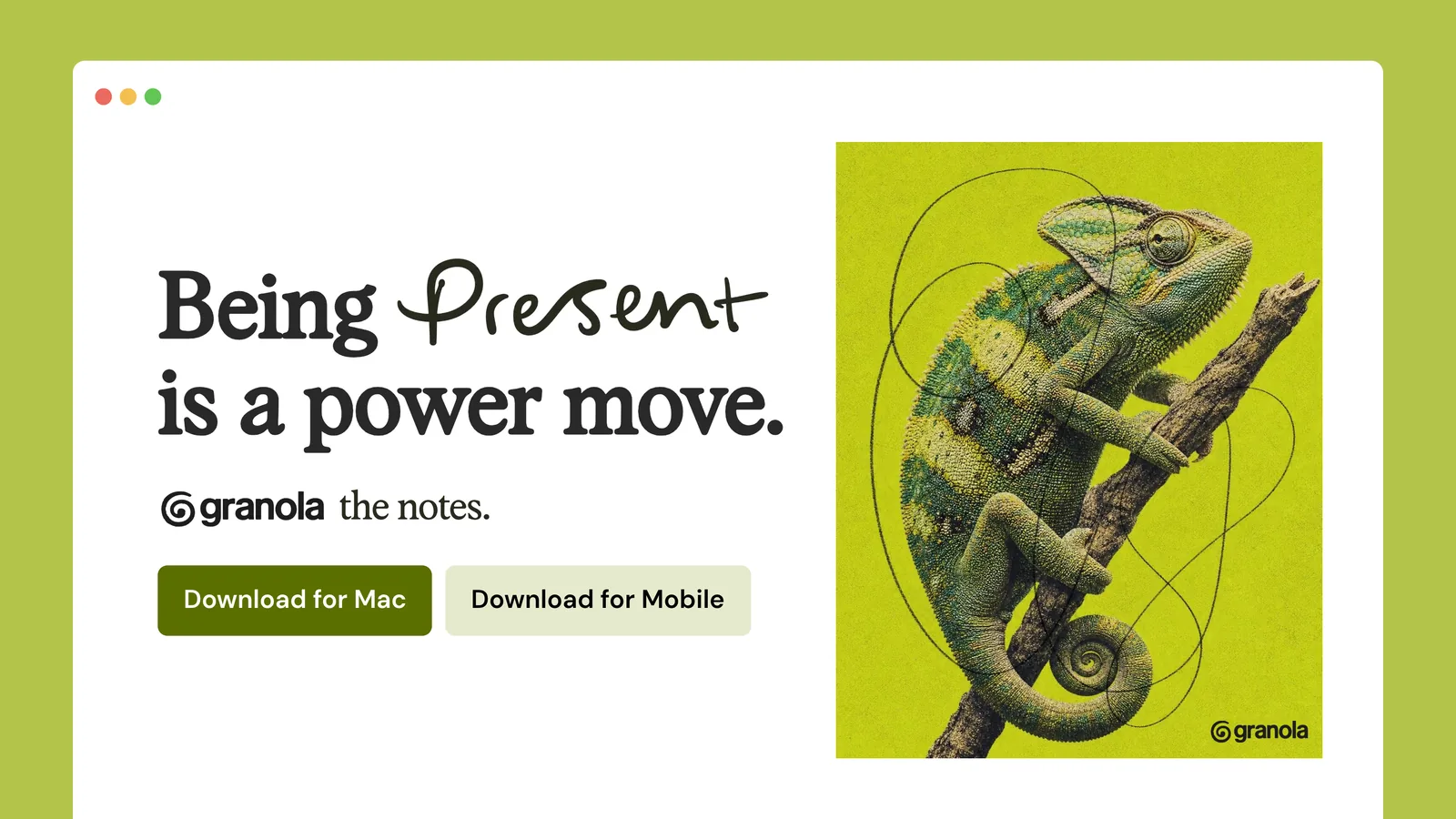
Gamma: Uses AI to quickly generate presentations and webpages, with its main strength being the speed from topic to draft. Give it a topic or outline, and it builds the structure first before applying a layout, making it well-suited for scenarios where you need a first draft quickly.
WPS AI: Kingsoft Office's AI writing and document assistant integrated directly within WPS. Its advantage lies not in having the strongest standalone feature, but in being right where you work: documents, spreadsheets, and presentations are all handled in the same app, so you do not have to switch tools to generate or polish content.
Canva: An online design platform with built-in AI image and copywriting features and a wide variety of templates. Its strength lies in layout and visual presentation: for presentations and posters where layout matters, starting with its templates and layering on AI features to edit images and text yields high efficiency.
3. Four Criteria to Check Before Choosing:
Whether it can export to PPTX and whether the layout breaks after export: This is the primary hard requirement. Most tools support exporting to PPTX or PDF, with specific formats and restrictions subject to each product's official website; always export a test file to check the layout before a formal presentation.
Chinese font and typography rendering: Chinese font rendering and line breaking are the most common failure points in AI-generated presentations. Test a draft with your actual content when evaluating tools rather than relying solely on English examples.
Whether it is directly accessible in China: WPS AI and Canva are directly accessible in China; check Gamma's official website for its accessibility and pricing details.
Whether the free tier includes watermarks or slide limits: Under freemium models, free plans often come with watermarks or slide count caps. Confirm the boundaries of the free tier before relying on a tool for formal work.

4. Frequently Asked Questions:
Can AI-generated presentations be used directly? You usually need to manually verify content accuracy and adjust the layout, especially for data and citations. AI builds structures and applies layouts quickly, but humans still need to verify whether the content is accurate.
How do you export after generating? Most tools support exporting to PPTX or PDF, with exact formats and limits depending on each product's official website. It is advisable to export the file before your presentation workflow rather than screen-sharing the web version directly.
Tools mentioned
Sources
This article is compiled from the public sources above and does not reproduce the originals in full; see the official sources for details.