Choosing an AI Development Platform by Scenario: Five Tools Matched to Finding Models, Running Inference, and Integrating APIs
1. The Verdict: Routing by Scenario
A one-sentence routing guide: go to Hugging Face to find open-source models and datasets, use Replicate to run models in the cloud on a pay-per-use basis, try Groq for low-latency inference, turn to OpenRouter to call hundreds of models through a single interface, and use Ollama to run open-source models locally on your own machine. None of the five is an all-in-one solution; once the routing is clear, choosing comes down to workflow preference.
The value of this breakdown lies in defining the scenario before choosing the platform. There is no universal answer for development platforms: for the very same model, the right platform differs completely across finding the model, running inference, and integrating it into a product. Ask yourself which step you need to solve today—finding, running, or integrating—before reading further.
2. A Closer Look at Each of the Five Platforms
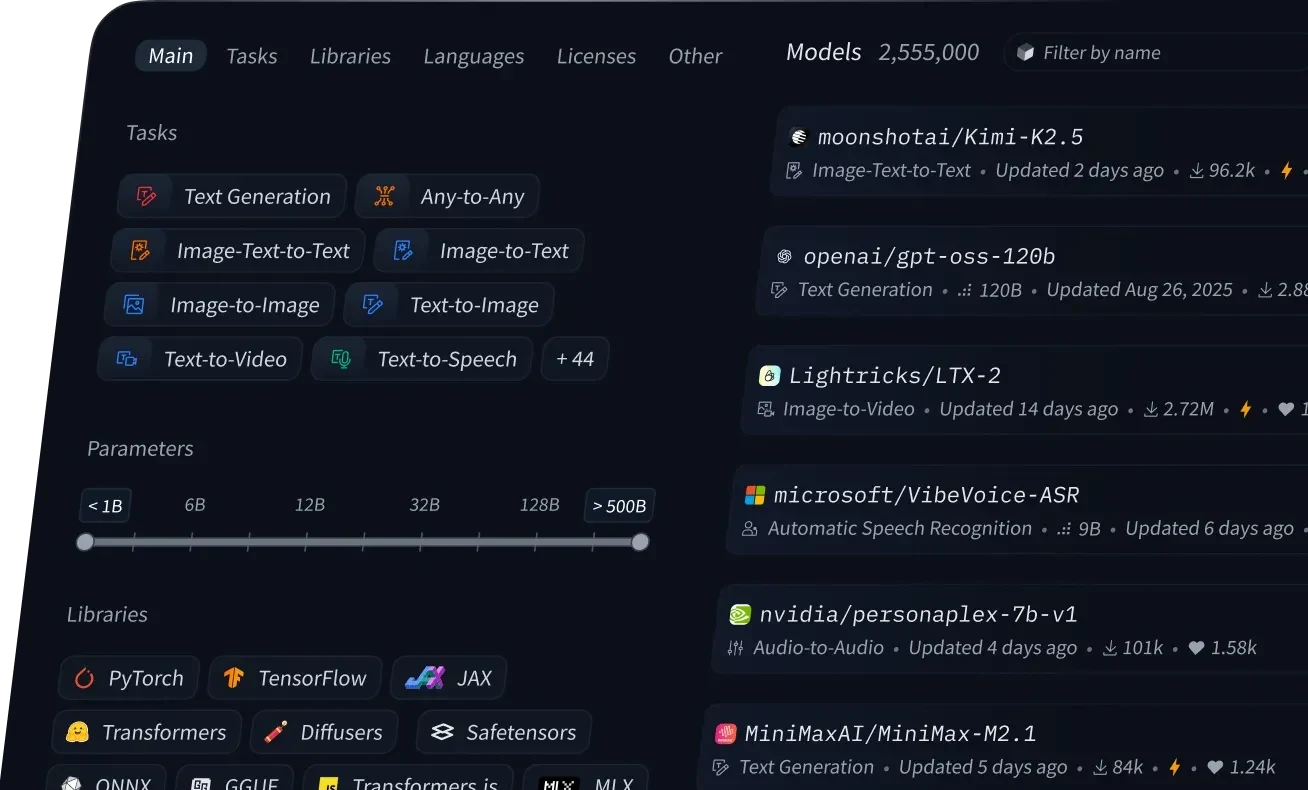
Hugging Face is a major global open-source AI model and dataset community where models, datasets, and application demos are gathered in one place, making it the natural starting point when searching for models. Replicate is a cloud AI model execution platform that lets you call a wide range of open-weight and official models via API without building your own GPU infrastructure; its pay-per-use billing suits scenarios where models are integrated directly into products.
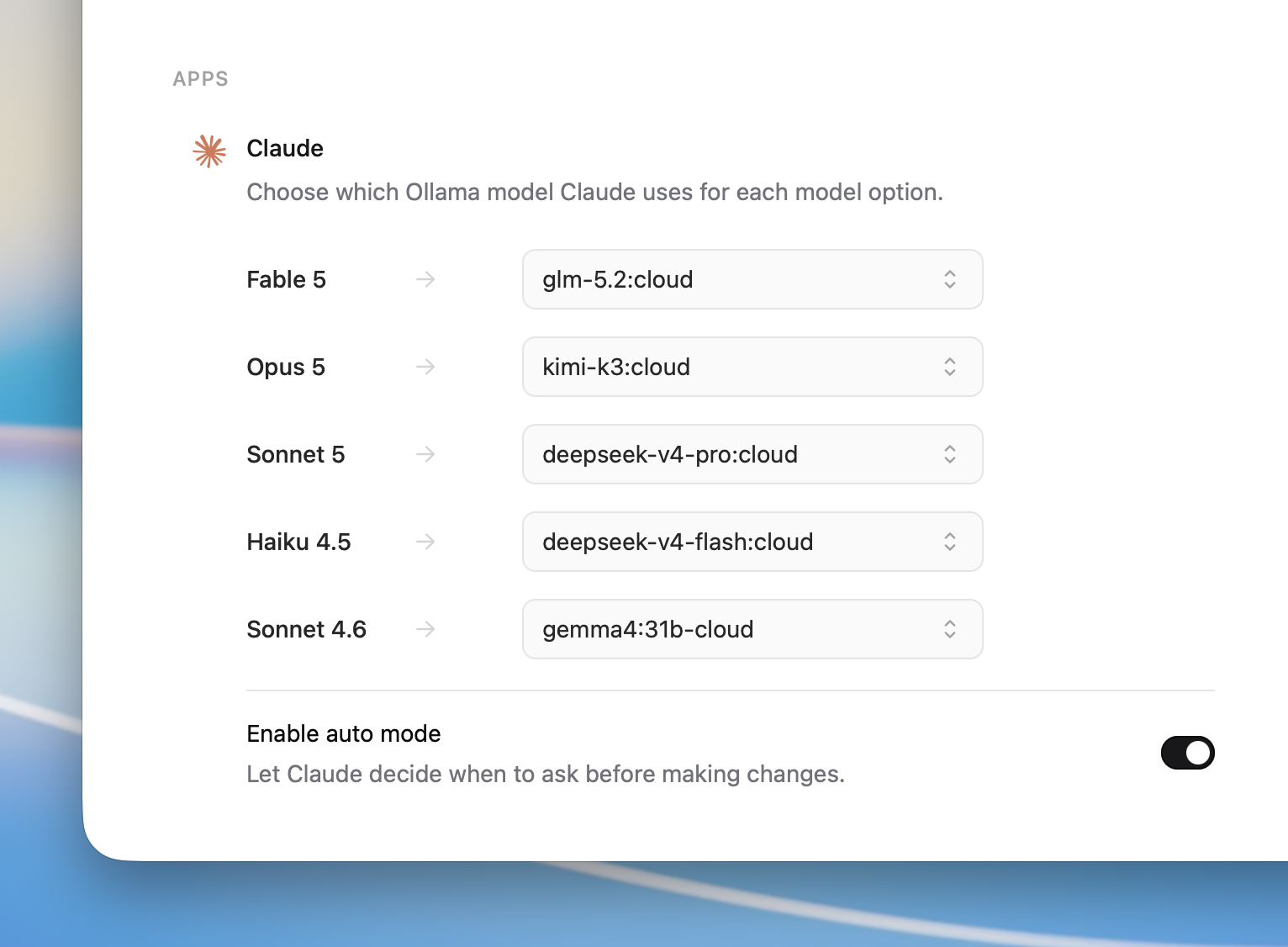
Groq is a high-speed large language model inference cloud built on proprietary chips, offering an OpenAI-compatible API focused on low latency for response-sensitive applications. OpenRouter is a unified large language model API aggregation platform that calls hundreds of models through a single interface and routes requests by usage, suiting scenarios that require connecting multiple models and routing tasks accordingly. Ollama is an open-source local large language model runner that launches open-source models and provides an API on a personal computer with a single command, suiting local experimentation and offline scenarios.
3. Matching Tools to Scenarios
Scenario 1: Finding models and conducting selection research—start with Hugging Face. Model cards, dataset documentation, and community discussions sit in one place, so checking whether an off-the-shelf model already fits your needs saves far more effort than training from scratch. Scenario 2: Integrating models into your own product—Replicate and OpenRouter represent two distinct paths, with the former simplifying pay-per-use execution for individual models and the latter calling hundreds of models through one interface for task-based routing.
Scenario 3: Latency-sensitive applications—Groq's low-latency inference is a strong candidate worth testing for chat interfaces, real-time assistants, and other scenarios requiring fast responses. Scenario 4: Local experimentation and offline use—Ollama runs open-source models with a single command while keeping data on your machine, making it suitable for evaluating a model's capabilities locally before deciding whether to move to the cloud. Once these four scenarios are separated, choosing among the five tools becomes straightforward.
4. Common Pitfalls When Selecting a Platform
There are three common pitfalls to watch out for. The first is conflating finding models with running them: Hugging Face is primarily a place to discover models, whereas running them requires connecting a separate inference service; treating it directly as an inference platform will feel awkward at every turn. The second is looking only at unit prices rather than total volume: on pay-per-use platforms, a low per-call cost does not guarantee a low monthly bill, so run a small amount of traffic for a week before committing.
The third is overlooking access and compliance: among the five platforms, Replicate, Groq, OpenRouter, and Ollama are marked in the library as directly accessible in mainland China, while Hugging Face's access status is subject to its official website. However, model licenses and data compliance must be checked separately—open-source models carry their own licenses, so verify the permitted scope before commercial use. Clarifying your scenario before picking a platform saves more effort than comparing feature lists upfront and helps avoid unnecessary missteps.
Tools mentioned




Sources
This article is compiled from the public sources above and does not reproduce the originals in full; see the official sources for details.